

TL;DR:
- Enterprise IT managers must choose collaboration platforms that uphold strict compliance, lifecycle management, and data security across all stages of content creation, sharing, and retention. Robust features such as automatic retention policies, legal holds, information barriers, AI governance, and persistent encryption are essential for meeting regulatory requirements and preventing data breaches. Conduct thorough pilot testing of edge cases and real-world scenarios to identify gaps and ensure the platform can handle complex compliance demands before deployment.
Enterprise IT and communications managers face a sharper dilemma than ever: the collaboration tools your teams demand for productivity must also satisfy legal, regulatory, and security requirements that grow stricter every year. Remote and hybrid work has expanded the attack surface significantly, while embedded AI features now touch sensitive data in ways that most platform demos conveniently gloss over. Choosing the wrong platform does not just hurt productivity — it can expose your organization to regulatory penalties, data breaches, or audit failures. This guide breaks down the non-negotiable features every secure collaboration platform must deliver before you commit.
Table of Contents
- Critical compliance and lifecycle management features
- Access segmentation and information barriers
- Centralized AI governance and oversight
- Persistent data protection and encryption
- Feature comparison summary for secure collaboration platforms
- What most teams miss when evaluating secure collaboration
- Discover enterprise-ready secure collaboration with Luxenger
- Frequently asked questions
Key Takeaways
| Point | Details |
|---|---|
| Full lifecycle compliance | The best platforms enable retention, eDiscovery, legal hold, and search for all communications. |
| Access segmentation | Information barriers and segmentation controls are crucial for regulatory compliance and internal security. |
| Centralized AI oversight | Modern solutions require admin-level management of AI/automation to prevent accidental data exposure. |
| Persistent encryption | Content-level protection safeguards sensitive data during both internal and external sharing. |
| Pilot validation | Testing with real teams and real scenarios reveals true platform strengths and compliance gaps. |
Critical compliance and lifecycle management features
With the strategic context set, let's zero in on the compliance features that build a strong foundation for secure collaboration.
Most organizations focus on encryption and role-based access control (RBAC) when evaluating platforms. Those matter, but they represent only the first layer. The real test of enterprise-grade security is whether a platform can manage data across its entire lifecycle — from creation through archiving, legal hold, and eventual deletion.
Compliance-grade collaboration requires eDiscovery and retention workflows across chats, channels, and attachments, including search, legal hold, export, and in some cases search-and-purge for data-spillage incidents. That means every message, file, and meeting recording must be subject to policy-driven controls, not just manually managed by administrators.
Here is what full lifecycle coverage looks like in practice:
- Retention policies: Automatically preserve or delete content based on regulatory or legal timelines, applied consistently across channels and private chats.
- eDiscovery: Search and collect specific conversations or files for audits, litigation, or HR investigations without disrupting active users.
- Legal hold: Freeze specific content from any automated deletion or modification, preserving it exactly as-is for legal proceedings.
- Search and export: Allow authorized reviewers to extract data in formats acceptable to regulators or courts.
- Search-and-purge: Remove sensitive or accidentally shared content from all inboxes and storage locations when a data spillage incident occurs.
"Many enterprises pass initial security reviews based on surface-level policies, only to discover during an audit or incident that their platform cannot execute a targeted content purge or apply retroactive holds to archived chats."
Pro Tip: When reviewing a vendor's compliance documentation, do not accept a feature list — request a live demonstration of retention policy enforcement and a simulated eDiscovery query across a real data set. Gaps show up quickly in practice.
Investing in lifecycle security for team chats is not optional for organizations in regulated industries like finance, healthcare, or legal services. Even organizations in less regulated sectors increasingly face contractual obligations from partners and clients that require demonstrable data governance controls.
Access segmentation and information barriers
While lifecycle controls protect data across time, robust collaboration also requires strategic separation — especially where teams must operate within defined barriers.

Information barriers are one of the most underestimated features in enterprise collaboration. They go far beyond simply restricting who can join a channel. When properly configured, they prevent specific groups of users from initiating chats, sharing files, or even seeing each other in directory searches.
Segmentation controls that restrict cross-group collaboration are an important edge-case security feature for regulated enterprises using chat and collaboration tools. Consider a financial services firm where investment banking and equity research teams are legally required to operate without sharing information. Without enforced information barriers, a single misconfigured permission could create a compliance violation worth millions in regulatory fines.
Practical effects of well-implemented information barriers include:
- Blocked direct messaging: Users in restricted segments cannot initiate or receive direct messages from users in other restricted groups.
- File sharing restrictions: Attempts to share documents across segment boundaries are blocked at the platform level, not just flagged.
- Search isolation: Users in restricted segments cannot find or view profiles of users in other restricted groups through the platform's directory.
- Meeting limitations: Adding restricted users to meetings or calls is prevented automatically by the platform.
"Segmentation is not just a configuration task — it requires ongoing validation. User roles change, org charts shift, and without regular audits, information barriers degrade silently."
When choosing secure messaging tools for a regulated environment, always include pilot testing scenarios that deliberately attempt to cross information barrier boundaries. Assign a test user to a restricted group, then attempt every collaboration action available in the platform. If any action succeeds when it should be blocked, that represents a real compliance risk, not just a theoretical one.
Edge-case risks compound quickly when organizations scale. A platform that handles information barriers correctly for 500 users may behave unpredictably at 5,000 users across multiple business units, time zones, and partner organizations. Demand scalability testing data from vendors, not just architectural diagrams.
Centralized AI governance and oversight
Beyond access controls, new threats and opportunities emerge as AI and automation run inside collaboration environments.
AI features inside collaboration platforms are no longer novelties. They now read, summarize, draft, and act on content that may be highly sensitive. An AI assistant that can summarize meeting transcripts, draft replies, or search across channels has the same data access profile as a privileged human user — and requires the same governance treatment.
Secure collaboration platforms that offer advanced AI should support admin oversight of AI and agent access through a single pane of glass for AI security and governance, rather than treating AI as a standalone feature. Fragmented AI controls, where each tool has its own permission model, create audit blind spots that compliance officers cannot tolerate.
What to look for in a platform's AI governance framework:
- Granular AI permissions: Ability to enable or disable specific AI features by user role, department, or data classification.
- Usage logs and audit trails: Full records of which AI agents accessed which content, when, and what actions they performed.
- Data residency controls: Ensuring AI processing happens within approved geographic boundaries for data sovereignty compliance.
- Agent access restrictions: Limiting third-party AI integrations to only the data scopes they genuinely need, enforced at the platform level.
- Incident response integration: AI activity should feed into the same security information and event management (SIEM) systems as other access logs.
Pro Tip: Before approving any AI feature for production use, map every data touchpoint the AI can access. Then verify that access appears in your audit logs. If an AI action is not logged, it cannot be reviewed in a compliance investigation — which creates a gap your legal team will not appreciate.
Connecting secure AI collaboration tools to your existing identity and access management (IAM) infrastructure is critical. AI features that operate independently of your IAM system are effectively unmanaged privileged accounts. Platforms that integrate AI governance with AI productivity controls through established enterprise identity systems give you far more reliable enforcement.
Persistent data protection and encryption
With governance in place, the next challenge is ensuring every piece of shared content retains its protection, regardless of user or network.
Traditional perimeter security assumes data is safe as long as it stays inside your network. That assumption collapsed with cloud collaboration, remote work, and third-party partner access. Today, files routinely leave your perimeter the moment they are shared with an external vendor, a client, or even a contractor using a personal device.
Persistent or content-level encryption for external sharing emphasizes a follow-the-data approach, where access controls and protection persist across internal and external collaboration. This means the file itself carries its encryption and access policy, so even if it is downloaded, forwarded, or copied to unauthorized storage, those controls remain active.
Concrete benefits of persistent data protection include:
- Zero Trust alignment: Every file access request is evaluated against current policy, regardless of where the file lives.
- Revocation capability: Administrators can revoke access to a shared file even after it has been downloaded to an external recipient's device.
- Access expiration: Files can be configured to become inaccessible after a set date, reducing long-term data exposure risk.
- Visibility into external access: Detailed logs show exactly who accessed a protected file, from which location, and when.
| Feature | Traditional encryption | Persistent/content-level encryption |
|---|---|---|
| Protects data in transit | Yes | Yes |
| Protects data at rest | Yes | Yes |
| Protection after download | No | Yes |
| Revocable access | No | Yes |
| Works across organizational boundaries | Limited | Yes |
| Supports access expiration | No | Yes |
Understanding enterprise messaging platforms requires recognizing that encryption is not a single setting — it is an architecture decision. Platforms that only encrypt data at rest and in transit are providing a foundation, not a complete solution. Organizations sharing sensitive data with law firms, auditors, healthcare partners, or government contractors need follow-the-data encryption as a baseline, not an optional add-on.
Feature comparison summary for secure collaboration platforms
To help clarify options, let's visualize how major secure collaboration solutions address the critical features discussed above.
| Security feature | Microsoft Teams with Purview | Google Workspace | Luxenger | Specialized secure platforms |
|---|---|---|---|---|
| eDiscovery and legal hold | Full support | Full support | Enterprise-grade | Varies by vendor |
| Information barriers | Full support | Limited | Configurable | Varies by vendor |
| AI governance controls | Centralized | Centralized | Integrated | Rare |
| Persistent file encryption | Via integrations | Via integrations | Native | Often native |
| Retention policy automation | Full support | Full support | Supported | Varies by vendor |
| SIEM/audit log integration | Full support | Full support | Supported | Varies by vendor |
Situational recommendations based on organizational priorities:
- Best for highly regulated industries (finance, healthcare, legal): Prioritize platforms with native eDiscovery, automated retention, and enforced information barriers at scale.
- Best for AI-forward enterprises: Select platforms that integrate AI governance directly into the admin control plane, with per-feature permission controls and full audit logging.
- Best for external partner collaboration: Require persistent or follow-the-data encryption, external access visibility, and revocable sharing as baseline capabilities.
- Best for globally distributed teams: Look for platforms with data residency controls, real-time translation, and identity federation with existing IAM providers.
- Best for organizations scaling fast: Choose platforms with automation-friendly policy management so compliance controls scale with headcount without manual overhead.
Explore AI tools for secure collaboration specifically designed to match these organizational profiles, so your evaluation stays grounded in concrete requirements rather than marketing positioning.
What most teams miss when evaluating secure collaboration
Most enterprise IT teams run platform evaluations the same way: gather requirements from stakeholders, issue a request for proposal, review vendor responses, schedule demos, then compare feature matrices. It is a reasonable process. It is also one that consistently fails to surface the security and compliance gaps that bite organizations six to eighteen months after deployment.
The core problem is that demos are controlled environments. Vendors show you the happy path — the scenario where every feature works exactly as documented. What they rarely show you is what happens when a user accidentally attempts to share a document across an information barrier, or when an AI agent tries to summarize a conversation that contains regulated content, or when your legal team needs to execute an eDiscovery query across three years of archived chats in under 48 hours.
Edge cases matter in regulated teams: cross-department or cross-partner restrictions and the platform behavior when users try to search or collaborate across restricted groups should be validated in pilot tests, not assumed from documentation. We have seen organizations discover that their chosen platform's information barriers allowed file sharing between restricted groups through a workaround involving external links — a gap that did not appear in any vendor documentation.
Our recommendation is to structure your pilot test as a deliberate stress test rather than a functionality review. Assign test users specifically to boundary-pushing scenarios. Have your legal and compliance team define the three to five most consequential failure modes for your industry, then attempt to trigger each one during the pilot. If the platform holds up, you have evidence-based confidence. If it does not, you have discovered a critical gap before it becomes a regulatory problem.
The other pattern we observe consistently is that AI governance gets treated as a feature rather than a security domain. IT teams evaluate whether the AI summarization feature works well, not whether it creates audit gaps or whether its data access can be scoped appropriately. By the time compliance teams review AI-driven collaboration strategies, the platform is already in production and remediation is expensive.
The best platforms prove their value under stress. Demand that vendors participate in your pilot test scenarios, not just your demo calls. That shift in evaluation methodology will surface more meaningful differentiation than any feature comparison table ever will.
Discover enterprise-ready secure collaboration with Luxenger
For organizations seeking a secure, future-ready collaboration solution, Luxenger offers next-level capabilities purpose-built for complex enterprise needs.
Every feature discussed in this guide — from eDiscovery-ready data lifecycle management to centralized AI governance and bank-grade encryption — reflects the requirements Luxenger was designed to meet. Whether your priority is enforcing strict access segmentation across business units, governing AI tools without sacrificing productivity, or protecting sensitive files shared with external partners, Luxenger brings these capabilities together in one integrated platform.
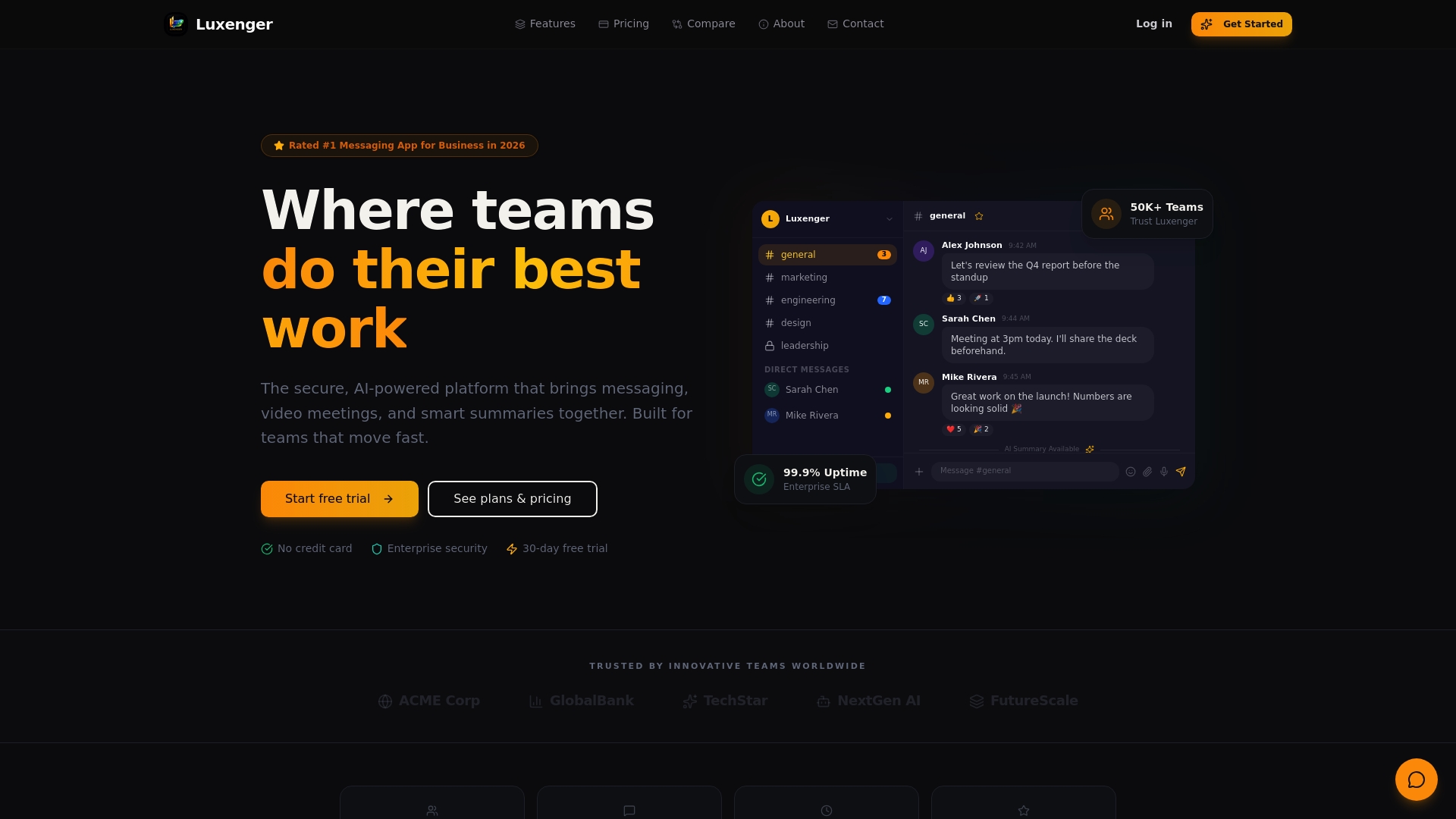
IT and communications leaders at enterprise organizations can explore how Luxenger's security architecture aligns with their compliance requirements through a tailored consultation. Visit enterprise business messaging to see capabilities matched to your industry's specific demands, or review Luxenger pricing to understand how enterprise-grade security scales with your organization. Your compliance team will thank you for choosing a platform built for the real complexity of enterprise data governance.
Frequently asked questions
What is eDiscovery and why is it important for secure collaboration?
eDiscovery enables enterprises to search, collect, and export chats, files, and attachments for audits, litigation, or compliance reviews, ensuring organizations maintain control over sensitive data throughout its lifecycle. Without eDiscovery and retention workflows, organizations cannot respond reliably to legal requests or regulatory investigations.
How do information barriers work in collaboration platforms?
Information barriers prevent specific groups from communicating or sharing files, blocking risky or unauthorized cross-team collaboration at the platform level rather than relying on user discretion. Segmentation controls enforce these restrictions automatically, including blocking directory searches and meeting invitations between restricted groups.
Why is AI oversight necessary in collaboration tools?
AI oversight ensures administrators can control which AI agents access sensitive information, monitor usage patterns, and audit activity to prevent compliance breaches before they become regulatory incidents. Platforms that offer admin oversight of AI access through centralized governance controls give compliance teams the visibility they need.
What is persistent or "follow-the-data" encryption?
Persistent encryption keeps files encrypted and access-controlled wherever they travel, so protection does not end when a file leaves your network perimeter. This content-level encryption reduces data loss risk significantly when collaborating with external partners or sharing files through cloud storage.
How can enterprises test collaboration platforms for real security?
Run pilot tests that push edge-case scenarios — including cross-department restriction attempts and regulated data handling — to verify the platform enforces all stated controls under real conditions. Edge cases in regulated teams often reveal gaps that vendor documentation and standard demos never surface.