

TL;DR:
- AI-powered tools actively process data to automate tasks and improve collaboration efficiency.
- Enterprises report up to 41% productivity gains using AI features like summaries and automations.
- Successful adoption relies on clean data, change management, and balancing automation with human oversight.
Enterprises running five or more communication platforms lose hours each week to context-switching, duplicated updates, and missed messages. AI-powered collaboration tools are changing that equation fast. A Forrester TEI study found that Microsoft 365 Copilot delivers 41% improved productivity and 39% higher employee satisfaction across enterprise deployments. Those are not marketing projections. They are measured outcomes from real organizations. This guide walks IT and communications managers through what these tools actually do, which platforms lead the market, what risks to watch for, and how to build a secure, measurable rollout strategy that sticks.
Table of Contents
- What are AI-powered collaboration tools?
- Key features and enterprise benefits
- How top tools compare: Leaders and their strengths
- Pitfalls and best practices for secure, effective adoption
- Our take: What most guides miss about AI collaboration tools
- Next step: Accelerate your team collaboration securely
- Frequently asked questions
Key Takeaways
| Point | Details |
|---|---|
| AI unlocks productivity | AI-powered collaboration tools can boost enterprise productivity by over 40% through intelligent automation and workflow enhancements. |
| Platform security is critical | Choose tools with proven enterprise security and compliance features to ensure safe, effective internal communication. |
| Human oversight matters | Successful adoption requires strong data quality, continuous oversight, and a balanced approach between automation and collaboration. |
| Market leaders stand out | Leading vendors like Wrike, Asana, monday.com, and Microsoft Copilot offer top-rated AI capabilities for complex enterprise needs. |
| Avoid common pitfalls | Mitigate over-reliance and outdated data by piloting tools and emphasizing secure, strategic rollout and training. |
What are AI-powered collaboration tools?
AI-powered collaboration tools are enterprise platforms that combine traditional messaging, task management, and file sharing with machine learning capabilities layered on top. The difference is not just cosmetic. Where a traditional tool stores and displays information, an AI-powered tool actively processes it, surfaces what matters, and automates what is repetitive.
Think about what that means in practice. A 90-minute all-hands meeting generates a transcript, an AI summary, action items with assignees, and deadline suggestions, all without anyone taking a single note. A project manager gets a risk flag when task dependencies go off track. A new hire receives a personalized onboarding checklist generated from team patterns rather than a static PDF.
The core capabilities that separate these platforms include:
- Automated summaries: Distill long threads, meetings, and documents into actionable bullet points
- Agentic automations: AI agents execute multi-step workflows triggered by events, not just keywords
- Smart search: Semantic search that understands intent, not just exact phrases
- Intelligent task assignment: Suggests owners based on workload, skills, and past performance
- Real-time translation: Enables multilingual teams to collaborate without language barriers
- Security and access controls: Granular permissions, audit logs, and encryption that meet enterprise compliance standards
For distributed or hybrid teams, these capabilities are not a luxury. They are the connective tissue that keeps work coherent across time zones and departments.
"The shift from passive collaboration software to active AI teammates is the defining change in enterprise productivity technology right now. Tools that merely store information are being replaced by tools that understand it."
The 2025 Gartner Magic Quadrant for Collaborative Work Management named Wrike, Asana, and monday.com as Leaders specifically for their AI-enabled capabilities, signaling that the market has moved well past early experimentation. Understanding why AI tools boost collaboration at the structural level helps you evaluate platforms more critically than a feature checklist alone will allow. You can also explore a deeper breakdown of secure team communication practices to frame your evaluation within your organization's compliance requirements.
Key features and enterprise benefits
Features only matter when they translate into measurable outcomes. Here is what enterprise deployments are actually reporting.
The Microsoft 365 Copilot TEI study documented $18.8M in three-year benefits for a composite enterprise, alongside a 20 to 44% reduction in onboarding and meeting time. These numbers reflect how AI features eliminate friction across the full communication lifecycle.
| Benefit area | Reported impact | Key AI feature driving it |
|---|---|---|
| Individual productivity | Up to 41% improvement | Automated summaries, smart drafting |
| Employee satisfaction | 39% increase | Reduced meeting load, cleaner workflows |
| Onboarding speed | 20 to 44% faster | Personalized task flows, knowledge retrieval |
| Meeting efficiency | Significant time savings | Transcription, action item extraction |
| Compliance overhead | Lower risk exposure | Audit logs, access controls, data classification |
The top features driving these outcomes in enterprise settings, ranked by adoption impact:
- Agentic automations that trigger cross-platform workflows without manual handoffs
- Instant message and meeting summaries that reduce FOMO and after-hours catch-up
- AI-powered search that surfaces the right document or conversation in seconds
- Intelligent task routing that prevents bottlenecks before they form
- Bank-grade encryption and role-based access that satisfy legal and IT security requirements
Integration with existing systems is where many pilots stall. The best platforms connect with your ERP, HRIS, CRM, and ticketing tools through native connectors or open APIs. That reduces the risk of creating yet another data silo. Reviewing AI features for secure messaging alongside your current stack will help you identify gaps before you commit to a vendor.
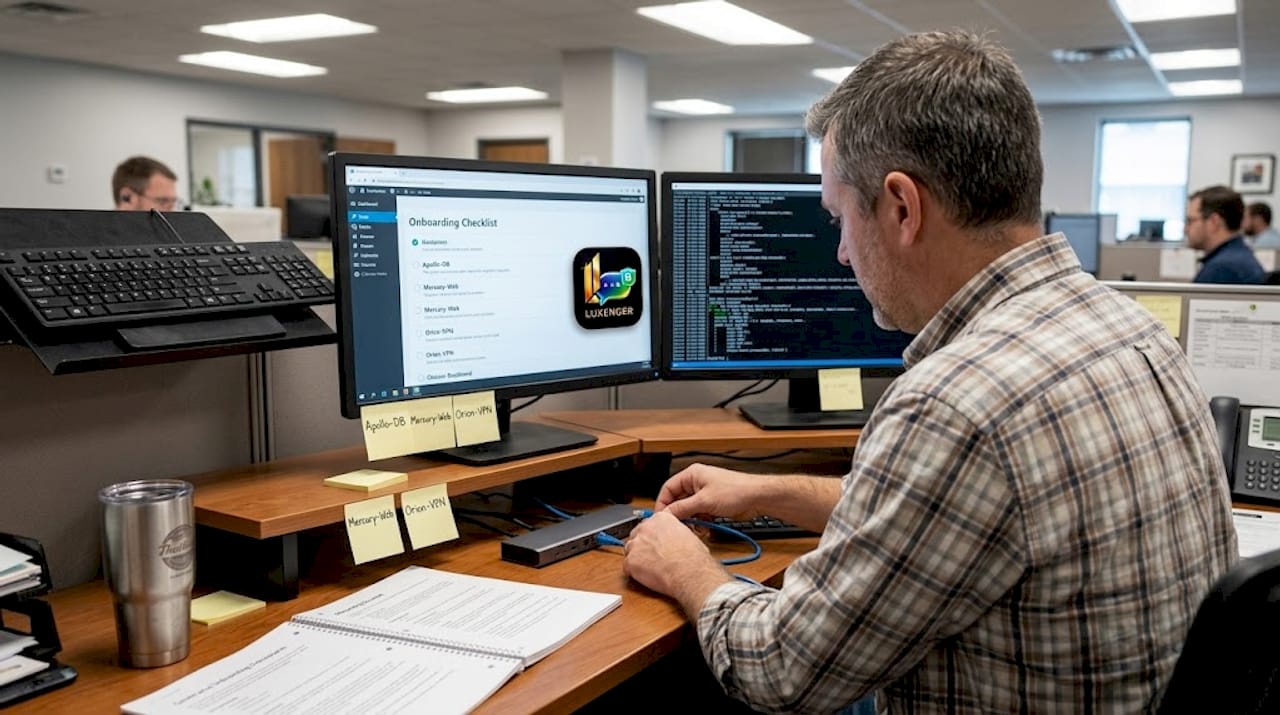
Pro Tip: Before your pilot, map out the five workflows your team repeats most often each week. Platforms that automate at least three of those five will deliver ROI within the first quarter. Those that cannot should be removed from your shortlist regardless of their feature catalog.
For a practical framework on rolling these features out incrementally, the efficient messaging steps guide covers sequencing that avoids overwhelming end users during adoption.
How top tools compare: Leaders and their strengths
Choosing a platform without comparing verified user ratings against your specific use case is a common and costly mistake. Here is how the leading platforms stack up based on current market data.
Gartner Peer Insights shows Lark leading with a 4.9 out of 5 rating, followed by Asana at 4.6, with monday.com, Smartsheet, Wrike, and Atlassian all clustered in the strong performer range. These scores reflect real enterprise user experiences, not analyst projections.
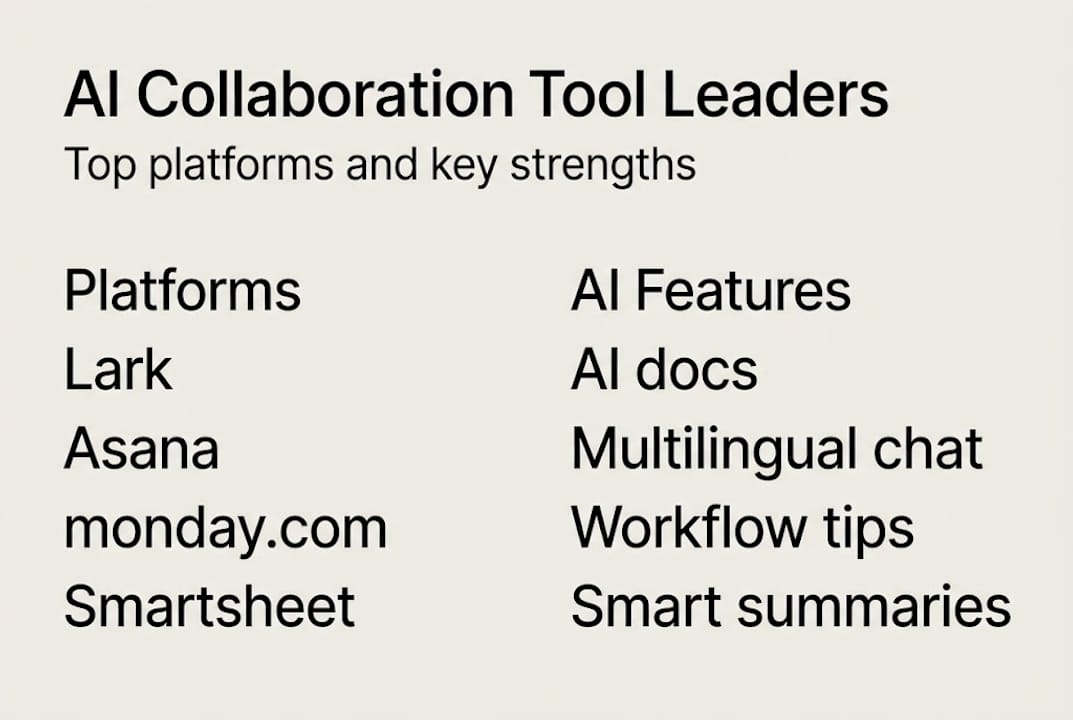
| Platform | Core AI features | Best-fit scenario | Peer rating |
|---|---|---|---|
| Lark | AI docs, multilingual chat, video, task automation | Global teams needing an all-in-one suite | 4.9/5 |
| Asana | Smart summaries, AI workflows, goal tracking | PMO and cross-functional project management | 4.6/5 |
| monday.com | AI task creation, automations, dashboard insights | Operations and sales teams | Strong |
| Wrike | AI risk prediction, request intake, proofing | Marketing and creative project management | Strong |
| Microsoft Copilot | Deep M365 integration, meeting intelligence | Enterprises already on Microsoft infrastructure | High |
| Smartsheet | AI formulas, resource management, reporting | Spreadsheet-native teams scaling workflows | Strong |
| Atlassian | AI search, code integration, incident management | Engineering and DevOps organizations | Strong |
The Forrester Wave for Collaborative Work Management Tools confirms that the market is fragmenting by use case, which means no single platform wins every scenario. Your shortlist should reflect your actual team structure.
When narrowing your choices, check these factors:
- Security certifications: SOC 2 Type II, ISO 27001, GDPR readiness
- Deployment model: Cloud, hybrid, or on-premise options available
- API depth: Can it connect to your existing identity provider and data systems?
- Scalability: Licensing and performance at 500, 5,000, and 50,000 users
- Vendor support model: Dedicated enterprise success team or shared support queue
For a broader view of how these platforms perform in real enterprise deployments, the top AI collaboration tools breakdown gives you a side-by-side look at adoption outcomes. The AI revolution in communication piece adds useful context on where the market is heading through 2026 and beyond.
Pitfalls and best practices for secure, effective adoption
A strong feature set does not guarantee a successful rollout. The most common failures in enterprise AI collaboration deployments are not technical. They are organizational.
"AI tools amplify whatever is already happening in your organization. If your data is messy, your processes are unclear, or your culture resists change, AI will make all of that more visible and more problematic, not less."
The Forrester Wave analysis flags three risks that managers consistently underestimate: AI systems propagating outdated information when source data is stale, teams developing blind trust in AI outputs without verification, and an unexpected impact on work engagement when AI replaces too much human interaction.
The pitfalls to watch:
- Stale data loops: AI summaries and smart search are only as good as the underlying data. If your knowledge base has not been audited recently, outdated content gets amplified, not filtered.
- Blind trust: Teams that accept AI-generated summaries or task assignments without review can miss errors that a human would catch immediately.
- Engagement erosion: Over-automating communication can reduce the peer interaction that drives team cohesion and creative problem solving.
- Security gaps at integration points: Third-party connectors and open APIs introduce attack surfaces. Every integration needs the same security scrutiny as the core platform.
- Adoption theater: Purchasing a license and calling it a deployment. Without change management, usage stagnates within 60 days.
Pro Tip: Run a 30-day structured pilot with one team before any org-wide rollout. Define three specific success metrics upfront, such as meeting time saved, task completion rate, or support ticket volume. If the pilot does not move those numbers, do not scale.
Best practices for a secure, measurable rollout:
- Audit and clean your source data before enabling AI features
- Establish a human review step for all AI-generated outputs in the first 90 days
- Set data retention and access policies before onboarding any users
- Train team leads first so they can model correct usage and catch misuse early
- Schedule quarterly reviews of AI accuracy, engagement metrics, and security logs
The cloud-based AI messaging guide covers the security architecture considerations in more detail. For a longer view on where human-AI collaboration is heading, the future of AI in team collaboration piece is worth adding to your reading list.
Our take: What most guides miss about AI collaboration tools
Most vendor comparisons and analyst reports focus on features and scores. That framing is useful but incomplete. The organizations that get the most from AI collaboration tools are not the ones that picked the highest-rated platform. They are the ones that defined what human judgment they wanted to protect before they started automating.
There is a real tension here. AI can genuinely reduce cognitive load and surface insights that humans miss. But as Gartner notes on generative AI, the same tools that augment productivity can also create shallower interactions and a subtle sense of alienation when they replace rather than support human connection.
The enterprises winning with these tools in 2026 treat AI as a junior team member, useful, fast, and occasionally wrong. They build oversight into the workflow rather than bolting it on after something goes wrong. They pilot deliberately, measure honestly, and resist the pressure to automate everything just because they can. That mindset, not the platform choice, is what determines long-term success. Explore the AI transformation insights shaping enterprise communication strategy for a closer look at what that balance looks like in practice.
Next step: Accelerate your team collaboration securely
Secure, AI-powered collaboration is no longer a competitive advantage. It is the baseline expectation for enterprise teams in 2026.

Luxenger is built for organizations that cannot afford to compromise on security or productivity. With bank-grade encryption, AI-powered message summaries, real-time multilingual translation, and voice huddles that cut meeting overhead, it brings everything your distributed teams need into one secure platform. Whether you are evaluating your first enterprise messaging upgrade or replacing a fragmented stack, secure enterprise messaging with Luxenger gives you a proven foundation. Review enterprise pricing options and start your structured pilot today with full IT and compliance visibility from day one.
Frequently asked questions
What distinguishes AI-powered collaboration tools from traditional tools?
AI-powered tools automate repetitive tasks, generate smart summaries, and deliver predictive insights that traditional platforms simply cannot. Platforms like Wrike, Asana, and monday.com are specifically recognized for agentic automations and instant summaries that replace manual coordination.
Which companies lead the AI collaboration tools market for enterprises?
Wrike, Asana, monday.com, Microsoft Copilot, and Lark consistently rank at the top for enterprise AI collaboration. Gartner Peer Insights places Lark at 4.9 out of 5 and Asana at 4.6, with Microsoft and monday.com also recognized as leaders.
How much time and productivity can these tools save?
Empirical data shows up to 41% productivity improvement and a 20 to 44% reduction in onboarding and meeting time in documented enterprise deployments. Results scale with how thoroughly AI features are integrated into daily workflows.
What are the risks of using AI in team collaboration?
The primary risks include poor source data quality, propagation of outdated information, and reduced peer engagement when AI over-replaces human interaction. The Forrester Wave analysis identifies these as the most common failure points in enterprise AI collaboration rollouts.