

Organizations adopting AI tools for team communication report up to 40% fewer follow-up messages and 25% faster project completion. Yet many IT managers hesitate, assuming AI adds complexity rather than clarity. The reality contradicts this assumption. Modern AI collaboration platforms streamline workflows, accelerate decision-making, and strengthen security without disrupting established team dynamics. This article examines the practical benefits driving enterprise adoption of AI communication tools in 2026, from automating routine coordination to enabling secure, multilingual collaboration at scale.
Table of Contents
- How AI tools enhance efficiency and reduce coordination friction
- AI-driven acceleration of decision-making processes
- Secure collaboration: why AI-powered messaging matters in 2026
- Choosing the right AI tools for your enterprise communication needs
- Explore Luxenger's AI-powered secure messaging solutions
- Frequently asked questions about AI tools in enterprise communication
Key takeaways
| Point | Details |
|---|---|
| Efficiency gains | AI automates routine tasks like meeting summaries and action tracking, reducing coordination time by 15-25%. |
| Faster decisions | AI aggregates key information from diverse communications, accelerating consensus and project milestones. |
| Enhanced security | AI-powered platforms detect anomalies in real time and enforce compliance standards critical for enterprise data protection. |
| Seamless integration | Modern AI tools integrate with existing enterprise software without disrupting workflows or requiring extensive retraining. |
How AI tools enhance efficiency and reduce coordination friction
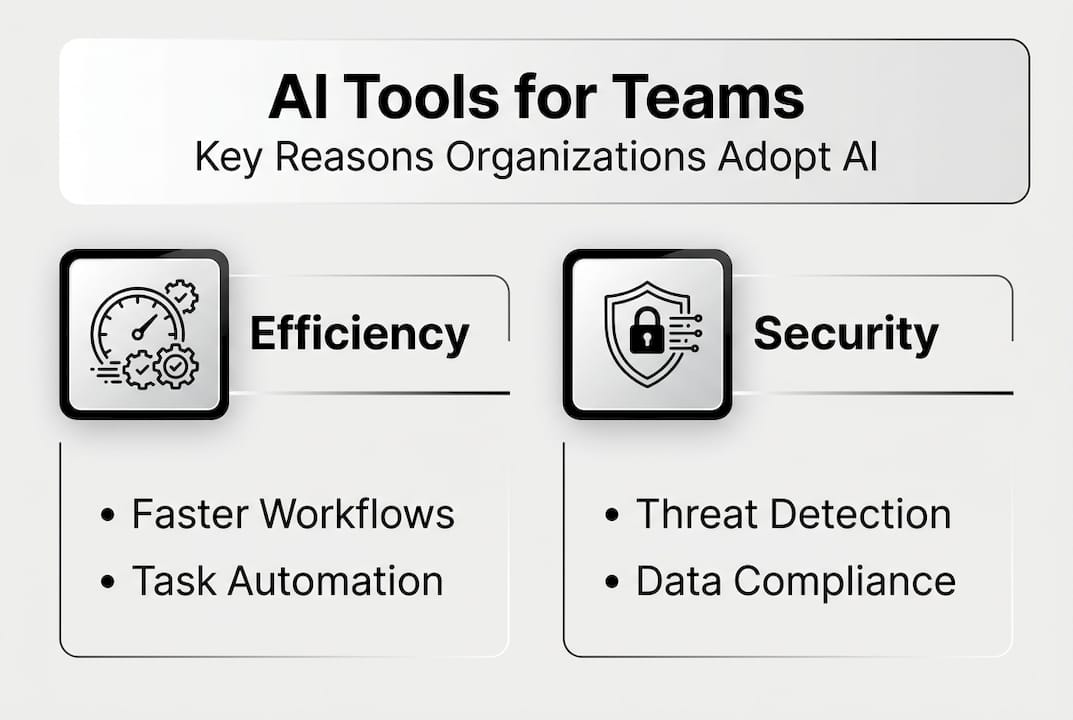
AI transforms team communication by eliminating repetitive administrative tasks that consume hours each week. Meeting summaries, action item extraction, and schedule coordination happen automatically, freeing your team to focus on strategic work. Organizations report 20-40% reduction in post-meeting follow-ups and 15-25% drop in coordination time due to AI tools. This efficiency translates directly to faster project delivery and reduced operational friction.
Consider document collaboration. Traditional workflows require multiple rounds of manual review, version tracking, and status updates. AI-assisted platforms analyze document changes, highlight critical edits, and route approvals automatically. Teams complete projects up to 30% faster because they spend less time managing the process and more time contributing substance. The cognitive load decreases significantly when AI handles the mechanical aspects of collaboration.
Integrating AI-powered collaboration steps into your existing workflows requires minimal disruption. Most platforms learn from your team's communication patterns and adapt recommendations accordingly. You gain efficiency without forcing artificial changes to how people naturally interact.
Pro Tip: Integrating AI meeting assistants can virtually eliminate fatigue caused by manual note-taking and follow-up, allowing participants to engage fully during discussions.
Common routine tasks AI automates:
- Meeting note summarization with key decision extraction
- Action item identification and assignment tracking
- Schedule coordination across time zones and calendars
- Priority tagging based on message content and urgency
- Status update compilation from multiple project threads
| Task Type | Time Saved Weekly | Accuracy Improvement |
|---|---|---|
| Meeting summaries | 3-5 hours | 85% reduction in missed items |
| Action tracking | 2-4 hours | 90% completion rate increase |
| Schedule coordination | 1-3 hours | 95% conflict reduction |
AI-driven acceleration of decision-making processes
Decision velocity determines competitive advantage in 2026. Teams drowning in message threads, email chains, and document versions struggle to identify what matters. AI solves this by aggregating information from diverse sources and surfacing the insights decision-makers actually need. Instead of reading 50 messages to find three critical points, you see those points highlighted with context intact.

This capability reduces cognitive overload dramatically. When team members can quickly grasp the current state of a project, discussion, or decision point, they contribute more effectively. Making better decisions faster becomes possible because AI eliminates the information gathering phase that traditionally delays consensus. You move directly to evaluation and choice.
Sentiment analysis adds another dimension. AI detects when discussions become contentious or when team members express concerns that might otherwise go unnoticed in text. This awareness allows managers to address issues proactively rather than discovering problems after they escalate. The result is smoother collaboration and fewer project derailments.
AI-driven decision support features:
- Meeting highlights with speaker attribution and timestamps
- Sentiment analysis identifying team concerns or enthusiasm
- Priority tagging based on urgency signals and deadlines
- Consensus tracking showing agreement levels on proposals
- Related context linking from previous discussions or documents
"Organizations adopting AI report accelerated project milestones due to faster consensus-building. The technology doesn't replace human judgment but amplifies the speed at which teams can exercise that judgment effectively."
The practical impact shows in project timelines. When decisions that previously required three meetings and two weeks of back-and-forth happen in one focused session, your entire delivery schedule compresses. This acceleration compounds across multiple decisions throughout a project lifecycle, creating substantial time savings without sacrificing quality or thoroughness.
Secure collaboration: why AI-powered messaging matters in 2026
Security concerns dominate IT decision-making for communication platforms. AI enhances protection in ways traditional tools cannot match. Real-time anomaly detection identifies unusual access patterns, suspicious message content, or potential data leakage before damage occurs. Secure AI collaboration tools reduce risk and improve compliance in enterprise communications by continuously monitoring for threats that human administrators might miss.
Compliance requirements grow more complex annually. AI platforms automatically enforce data retention policies, flag messages requiring legal hold, and generate audit trails without manual intervention. This automation ensures consistent policy application across thousands of daily interactions. Your compliance team gains visibility and control that manual processes cannot provide at enterprise scale.
Encryption standards have evolved significantly. Modern AI messaging platforms implement end-to-end encryption by default while maintaining the ability to apply AI analysis to message metadata without exposing content. This balance preserves both security and functionality. You get intelligent features without compromising data protection standards your organization requires.
| Feature | Traditional Messaging | AI-Powered Secure Messaging |
|---|---|---|
| Threat detection | Manual review, reactive | Real-time AI monitoring, proactive |
| Compliance enforcement | Rule-based, periodic audits | Continuous AI policy application |
| Encryption | Standard SSL/TLS | End-to-end with intelligent metadata analysis |
| Access control | Static permissions | Dynamic AI-adjusted based on context |
| Audit capabilities | Manual log review | Automated AI-generated compliance reports |
Pro Tip: Prioritize AI tools offering integrated security dashboards to monitor risks proactively, allowing your IT team to address potential issues before they become incidents.
The security best practices for IT admins in 2026 emphasize layered protection. AI serves as an additional security layer that adapts to emerging threats faster than static rule sets. When new attack patterns emerge, AI models update to recognize and block them, providing protection that evolves with the threat landscape.
Choosing the right AI tools for your enterprise communication needs
Selecting an AI collaboration platform requires systematic evaluation aligned with your organization's specific requirements. Start by mapping your current communication workflows and identifying friction points where AI could add immediate value. This assessment reveals which features matter most for your team versus which are merely attractive but unnecessary.
Integration capability determines adoption success. The platform must connect seamlessly with your existing enterprise software stack: project management tools, CRM systems, document repositories, and authentication services. Poor integration creates information silos that negate the efficiency benefits AI promises. Evaluate integration depth, not just whether connections exist.
User experience drives actual usage rates. Even powerful AI features fail if the interface frustrates users or requires extensive training. Request pilot access for a representative team segment. Monitor adoption patterns and gather feedback on what works versus what creates confusion. This real-world testing reveals usability issues that specifications cannot capture.
AI tool evaluation process:
- Conduct needs assessment identifying specific workflow pain points and efficiency goals
- Define security and compliance requirements based on your industry and data sensitivity
- Evaluate integration capabilities with your existing enterprise software ecosystem
- Assess user interface design and learning curve through hands-on demos
- Review vendor security certifications and data handling practices
- Calculate total cost of ownership including licensing, implementation, and training
- Run pilot program with 20-50 users representing diverse roles and use cases
- Measure pilot results against defined success metrics before full deployment
- Plan phased rollout with ongoing training and support resources
- Establish feedback loops for continuous improvement and feature optimization
Scalability considerations matter for growing organizations. Your chosen platform should handle increasing user counts and message volumes without performance degradation. Examine vendor track records with enterprise customers at your current size and projected future scale. This due diligence prevents costly platform migrations as your organization expands.
Explore how the future of AI in team communication shapes platform capabilities. Vendors investing in emerging AI technologies position your organization to benefit from innovations without platform changes. Review enterprise messaging features that support both current needs and anticipated requirements as AI capabilities advance.
Explore Luxenger's AI-powered secure messaging solutions
Luxenger delivers enterprise-grade communication designed specifically for organizations prioritizing both AI efficiency and data security. Our platform automates routine coordination tasks while maintaining bank-grade encryption standards that protect your confidential information. AI-powered summaries distill lengthy conversations into actionable insights, voice huddles enable quick audio collaboration, and real-time translation supports truly global teams.

IT and communications managers choose Luxenger enterprise messaging because it integrates seamlessly with existing workflows while providing the advanced capabilities teams need in 2026. Explore our comprehensive messaging features and review our security dashboard to see how Luxenger transforms team collaboration without compromising protection. Contact our team to discuss your specific requirements and schedule a customized demonstration.
Frequently asked questions about AI tools in enterprise communication
What types of AI tools are most effective for secure team communication?
AI-powered messaging platforms with integrated summarization, real-time translation, and anomaly detection provide the strongest combination of efficiency and security. Look for tools offering end-to-end encryption alongside intelligent features that analyze metadata without exposing message content.
How do AI tools impact meeting productivity and fatigue?
AI meeting assistants eliminate manual note-taking and automate action item tracking, allowing participants to engage fully during discussions. Organizations report significant reductions in meeting fatigue because team members no longer split attention between participating and documenting. Review our AI meeting assistants guide for implementation strategies.
Can AI collaboration tools integrate with existing enterprise software?
Modern AI platforms offer robust integration capabilities with project management systems, CRM tools, document repositories, and authentication services. Evaluate specific integration depth during vendor selection, as superficial connections create information silos that reduce AI effectiveness.
What security standards should I expect in 2026 from AI messaging platforms?
Enterprise AI messaging platforms should provide end-to-end encryption, real-time threat detection, automated compliance enforcement, and comprehensive audit trails. Bank-grade security standards with SOC 2 Type II certification represent the baseline for handling confidential enterprise data.
Do AI collaboration tools require extensive employee training?
Well-designed AI platforms learn from existing communication patterns and provide intuitive interfaces requiring minimal training. Most organizations achieve productive adoption within days rather than weeks when selecting user-friendly tools with strong onboarding support.
How do AI tools handle multilingual team collaboration?
Advanced AI messaging platforms offer real-time translation that preserves context and tone across languages. This capability enables seamless collaboration for globally distributed teams without requiring common language fluency or external translation services.