

TL;DR:
- Fragmented messaging hinders enterprise productivity by increasing time spent switching apps and risking missed communication. Centralizing communication channels improves response speed, compliance, security, and AI integration, enabling teams to work more efficiently. Choosing a robust, compliant, and scalable platform like Luxenger ensures secure, unified messaging aligned with organizational and regulatory needs.
Fragmented messaging is a silent productivity killer. When your teams split their attention across separate apps for chat, email, project updates, and file sharing, nothing explodes, but everything slows down. Switching between multiple apps can consume nearly 50 minutes of an employee's day, while consolidating those channels into a unified inbox trims that to roughly 20 minutes, recovering 30 minutes per person, per day. The benefits of centralized messaging go well beyond time savings, touching compliance, security, AI readiness, and the kind of operational clarity that lets large enterprises actually function at speed.
Table of Contents
- How centralized messaging streamlines team communication
- Ensuring compliance and reducing legal risks with centralized archives
- Artificial intelligence integration: powering smarter messaging workflows
- Security and operational control through centralized AI message routing
- Choosing the right centralized messaging platform for your enterprise needs
- Why centralized messaging is no longer optional for enterprise communications
- Discover secure and integrated centralized messaging with Luxenger
- Frequently asked questions
Key Takeaways
| Point | Details |
|---|---|
| Time savings | Centralized messaging reduces time spent checking multiple apps from nearly 50 minutes to about 20 minutes daily. |
| Regulatory compliance | Immutable unified archives enable enterprises to meet stringent regulations and avoid costly fines. |
| AI integration | Embedding AI Assist within messaging hubs streamlines communication with conversation summaries and smart replies. |
| Security and control | Centralized AI gateways prevent security gaps and improve operational reliability for enterprise messaging. |
| Informed platform choice | IT managers should evaluate messaging platforms for integration, compliance, security, and AI capabilities. |
How centralized messaging streamlines team communication
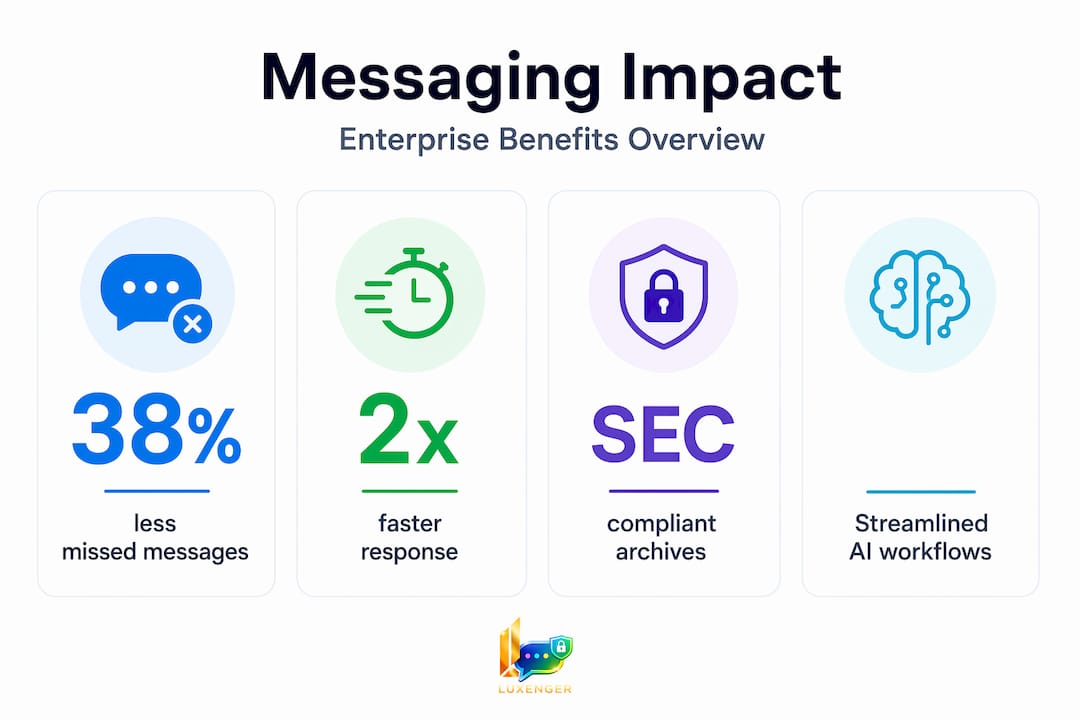
The most immediate benefit your teams will notice is fewer missed messages. When communications live in five separate apps, critical updates get buried. When they live in one place, they don't.
Managing everything from one place instead of toggling between applications reduces nearly 50 minutes of daily checking time to around 20 minutes. Multiply that across a 500-person organization and you're looking at thousands of productive hours recovered every month. That math makes the business case before you even get to security or compliance.
Here is what centralized messaging systems actually change at the workflow level:
- Unified inbox view: Emails, team chats, and task notifications appear in a single timeline, so no one has to remember which app holds which conversation.
- Full conversation history: Team members joining mid-project see the entire thread, not just what was forwarded to them.
- Shared visibility: Everyone with access sees the same conversation state, which eliminates duplicate replies and the classic "I thought you handled that" problem.
- Faster response times: When routing and ownership are clear, messages get answered in minutes rather than sitting unread in a secondary app nobody checks after 2 p.m.
Understanding what a messaging platform actually does at the architecture level will help you set realistic expectations for what centralized communication can replace versus what it complements.
Pro Tip: Before rolling out a centralized messaging system, audit how many apps your teams currently use for internal communication. The number is almost always higher than IT thinks, and the audit itself builds the internal case for consolidation.
Ensuring compliance and reducing legal risks with centralized archives
Beyond teamwork efficiency, centralized messaging plays a vital role in enterprise regulatory compliance and risk management. This is where the stakes get very high, very fast.

Regulators treat emails, instant messages, and chats as official business records, requiring unified archival in immutable form for compliance and eDiscovery. That means a Slack message from a sales rep discussing deal terms carries the same legal weight as a formal email. If your organization cannot produce it on demand, you have a problem.
The compliance requirements break down into four critical capabilities:
- Real-time capture: Every message across every sanctioned channel must be archived as it is sent, not batched daily.
- Immutable storage: Archives must be tamper-proof. If a record can be deleted or altered, it does not satisfy regulatory scrutiny.
- Metadata preservation: Timestamps, sender identities, and attachment chains must survive the archiving process intact for full context during investigations.
- eDiscovery readiness: When legal holds are placed, your team needs to produce specific records quickly. A centralized archive with search and filter capabilities is the only practical way to do that.
The cost of getting this wrong is staggering. Standard enterprise messaging retention does not satisfy SEC or FINRA requirements without immutable storage configuration, and failures in this area have led to billions in regulatory fines.
Reviewing a thorough messaging security checklist before you finalize your archiving architecture is a step most IT teams skip and later regret.
Pro Tip: Immutable archiving is not the same as cloud backup. Confirm explicitly with your vendor that your archive meets SEC Rule 17a-4 or FINRA Rule 4511 standards, depending on your industry. "We back up everything" is not the same answer.
Artificial intelligence integration: powering smarter messaging workflows
Having covered compliance, let's examine how AI integrated within centralized messaging hubs boosts team productivity even further. The critical insight here is that AI is only as useful as the context it has access to.
"For AI-enhanced messaging, centralizing workflow context inside the messaging hub is critical to success, as AI depends on conversation history to generate relevant, accurate responses." — Oracle Cloud Redwood Experience
When conversation history is scattered across platforms, AI tools produce generic, context-free suggestions. When everything lives in one hub, AI can actually read the thread and generate something useful. Here is how that plays out in practice:
- Conversation summaries: An AI reading a 47-message thread can surface the decision made, the open action items, and the key blockers in three sentences. That is the difference between a new team member spending 20 minutes catching up or 90 seconds.
- Assisted replies: AI drafts a response based on the full thread context, which the user reviews and edits rather than composing from scratch. Response time drops significantly.
- Workflow grounding: When the AI has access to the complete conversation record inside a centralized hub, it understands project state, not just the last message. That produces relevant suggestions rather than generic ones.
- Reduced cognitive load: Team members stop holding mental models of five parallel conversations in five apps. The AI handles thread-level memory so people can focus on judgment-level decisions.
Oracle Cloud Redwood Experience's Message Center integrates AI Assist for composing and replying with generated conversation summaries, demonstrating that enterprise-grade AI integration is already a reality in centralized platforms, not a future roadmap item.
Explore how AI-enhanced messaging platforms are changing the way enterprise teams approach communication at scale.
Pro Tip: When evaluating AI messaging features, ask vendors specifically where the AI context window begins and ends. A tool that only reads the last 10 messages will give you worse summaries than one that processes the full thread history. That difference alone separates useful from useless.
Security and operational control through centralized AI message routing
Complementing AI-enhanced messaging features, the foundational infrastructure for secure, reliable AI routing is essential for enterprise-grade messaging. This is where many organizations have a dangerous blind spot.
Most enterprises that adopt AI messaging tools do so incrementally, adding integrations team by team, app by app. The result is a fragmented patchwork where different departments authenticate differently, log differently, and apply different security policies. That is not a minor inconvenience. A lack of a central AI gateway leads to security gaps, inconsistent experiences, and excessive costs, while a single policy-enforced entry point normalizes and logs all messages uniformly.
Here is what the two scenarios look like side by side:
| Capability | Fragmented AI integrations | Centralized AI gateway |
|---|---|---|
| Authentication | Varies per tool | Single policy applied universally |
| Message logging | Incomplete, siloed | Full audit trail in one place |
| Rate limiting | Per-tool, inconsistent | Enforced centrally to prevent cost spikes |
| Security incident response | Multi-system investigation | Single source of truth |
| Compliance readiness | Patchwork coverage | Unified and auditable |
| Vendor management | Multiple contracts and contacts | Single point of accountability |
The operational benefits here extend beyond security. Rate limiting at the gateway level prevents a single poorly configured AI workflow from generating thousands of API calls and triggering unexpected costs. Load balancing ensures service continuity when traffic spikes. These are not theoretical concerns; they are documented failure modes in organizations that scaled AI messaging tools without centralized routing infrastructure.
When you are choosing a messaging platform with AI capabilities, the routing architecture is one of the first technical questions to ask. How does the platform handle authentication, logging, and rate control across AI features?
Choosing the right centralized messaging platform for your enterprise needs
After understanding the benefits and underlying technology, the practical question is how to evaluate and select the right solution. Not all centralized messaging platforms are built equally, and the gaps show up in the places that matter most to IT and compliance teams.
Here are the five areas to assess before committing:
- Integration compatibility: The platform must connect to your existing email infrastructure, project management tools, CRM, and any regulated communication channels your industry requires.
- Compliance support: Verify explicitly which regulations the vendor's archiving satisfies. Ask for documentation, not assurances.
- Security architecture: Look for end-to-end encryption, role-based access controls, data residency options, and single sign-on support.
- AI readiness: Confirm that AI features operate within the centralized hub rather than as external plugins. Context access is everything.
- Scalability and support: A platform that works for 200 users needs to work identically for 2,000. Ask for reference customers at your scale.
A structured evaluation process matters as much as the feature checklist. Follow this sequence:
- Define your compliance requirements first. These are non-negotiable and will immediately eliminate non-compliant platforms.
- Map your current communication tools and identify every integration the new platform must support.
- Run a security review against your internal standards and any relevant frameworks.
- Pilot the AI features with a real team on real work. Demos are not sufficient evidence of usefulness.
- Evaluate vendor support responsiveness during the pilot. How they behave before signing tells you how they behave after.
Understanding the full landscape of types of workplace messaging apps helps you compare categories before narrowing to specific platforms. Pairing that with a review of security best practices for messaging will sharpen your vendor questions considerably.
Pro Tip: Request a vendor's security and compliance documentation package before the first sales call. How quickly they produce it, and how complete it is, tells you more about their enterprise readiness than any product demo.
Why centralized messaging is no longer optional for enterprise communications
Here is the uncomfortable reality most IT conversations dance around: the organizations still tolerating fragmented messaging are not making a neutral technology choice. They are actively accumulating risk.
The regulatory picture alone makes the case. Between 2022 and 2025, the SEC and FINRA fined over 26 financial institutions more than $3.7 billion for unsanctioned messaging that was not captured. These were not small shops with limited resources. They were large, well-resourced organizations that underestimated how seriously regulators treat communication records.
The conventional IT wisdom has been to let departments choose their own tools and integrate later. That approach made sense when messaging was informal and peripheral. It no longer applies. Business communication is evidence. It is part of the operational record. Managing it as a collection of independent apps is the equivalent of running your financial records across seven unconnected spreadsheets and hoping nothing important gets lost.
The AI argument is equally strong, and less discussed. Organizations that invest heavily in AI productivity tools but keep their messaging fragmented are paying for AI that cannot do its job. AI depends on context. Context lives in conversation history. Conversation history scattered across five platforms is not accessible to any AI system in a meaningful way. You end up with AI features that impress in demos and disappoint in practice, not because the technology is bad, but because it is starved of the data it needs.
Choosing professional messaging platforms with centralized architecture from the start is not a premium add-on decision. It is the baseline requirement for enterprises that take security, compliance, and AI seriously. The cost of building that foundation now is a fraction of the cost of regulatory penalties, security incidents, or AI investments that never deliver.
Discover secure and integrated centralized messaging with Luxenger
If the case for centralized messaging is clear but the path to implementation still feels uncertain, Luxenger is built to close that gap.
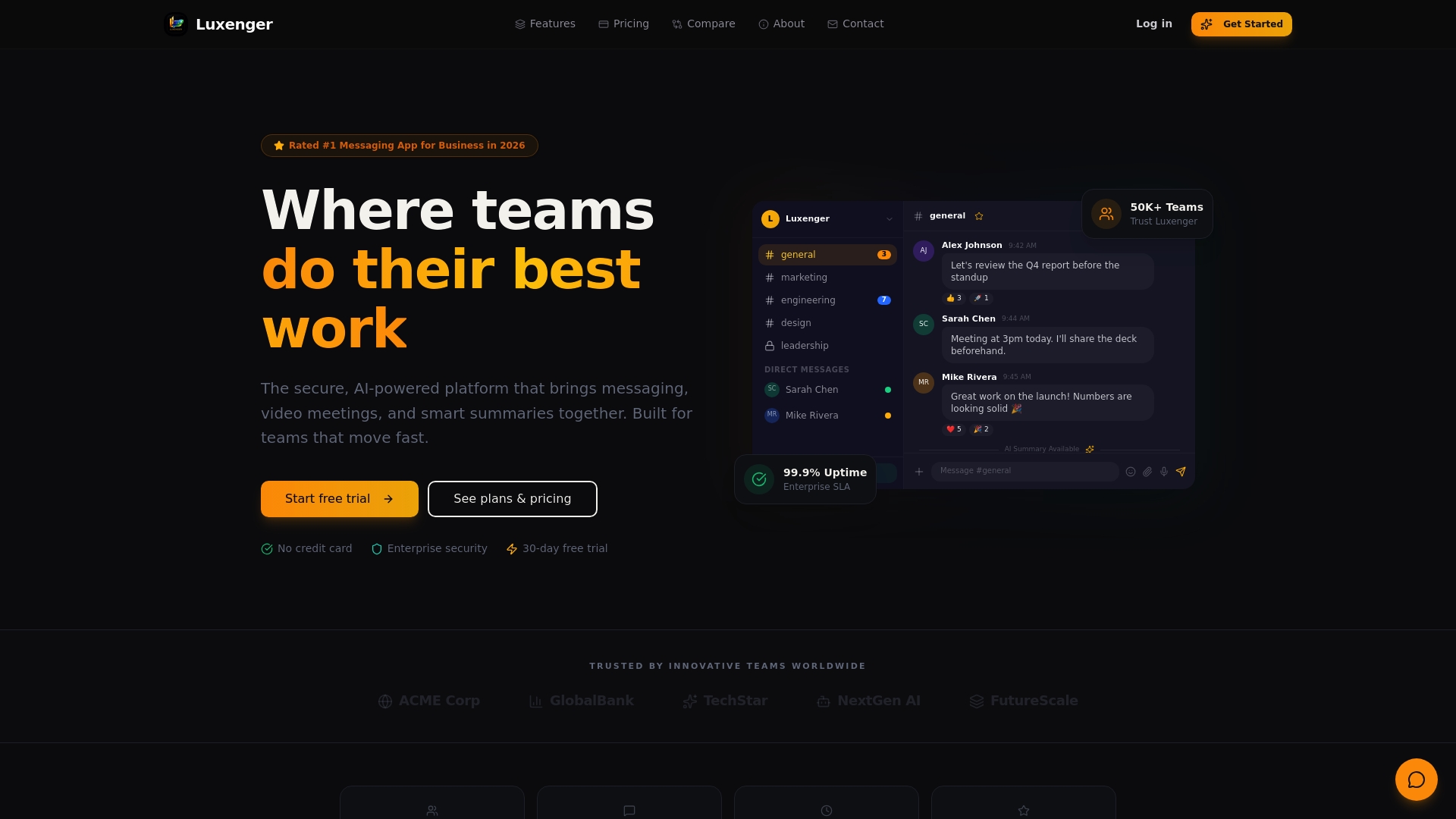
Luxenger brings all enterprise communication channels into a single secure hub, with bank-grade security standards protecting your data at rest and in transit. The platform's built-in AI Assist features generate conversation summaries and support message drafting directly within the centralized interface, so your teams get the full productivity benefit without external plugins or fragmented context. For regulated industries, Luxenger supports immutable archiving and audit-ready record keeping aligned with enterprise compliance requirements. Explore Luxenger's enterprise capabilities to see how the platform fits your organization's scale, and review Luxenger's pricing options to find the deployment model that works for your team.
Frequently asked questions
What is centralized messaging and why is it important for enterprises?
Centralized messaging consolidates emails, chats, and texts into a single platform, and managing everything from one place removes the context-switching overhead that fragments attention and slows response times across large teams. For enterprises, it also creates the unified communication record required for compliance and security oversight.
How does centralized messaging help with regulatory compliance?
Regulators treat emails and chats as official business records requiring immutable archival, and centralized platforms capture every channel in real time to support eDiscovery and legal holds. Without this, standard retention settings do not satisfy SEC or FINRA requirements.
What role does AI play in centralized messaging hubs?
AI in a centralized hub can read full conversation history to generate accurate summaries and draft contextual replies, and Oracle's Message Center with AI Assist demonstrates that this capability is already production-ready in enterprise platforms. AI tools deployed outside a centralized system lack the context access needed to produce useful results.
How does a centralized AI gateway improve messaging security?
A single policy-enforced AI gateway normalizes all messages, authenticates users consistently, and logs every request in one place, eliminating the security gaps and auditing blind spots that fragmented AI integrations create. It also provides rate limiting and load balancing to prevent cost overruns and service disruptions.
What should IT managers look for when choosing a centralized messaging platform?
Prioritize compliance documentation, end-to-end encryption, role-based access controls, native AI integration within the hub rather than as an add-on, and proven scalability at your organization's user count. Vendor responsiveness during the evaluation process is itself a strong signal of long-term support quality.