

TL;DR:
- Real-time communication tools go beyond chat and video calls, involving protocols and platforms that exchange information instantly with minimal latency. They operate on signaling and media transport planes, with WebRTC enabling browser-native communication and WebSockets supporting messaging; security and scalability are critical for enterprise deployment. Deploying integrated, secure, and AI-enhanced tools improves decision-making, workflow automation, and remote engagement, making modern RTC platforms vital for competitive organizational advantages.
Most professionals assume real-time communication tools means a chat app and a video call button. That assumption is costing teams hours of productivity every week. Real-time comms require near-simultaneous exchange with negligible latency, which means email, shared documents, and comment threads don't qualify. What are real-time communication tools, really? They are a layered stack of protocols, platforms, and integrations that move information between people and systems the moment it's generated. Understanding how they actually work changes how you select, deploy, and get value from them.
Table of Contents
- Key Takeaways
- What are real-time communication tools: the technical foundation
- Types of real-time communication tools and their business uses
- Business benefits and measurable impacts
- Choosing and deploying the right tools for your organization
- My take on where real-time communication is actually heading
- Why Luxenger belongs in your RTC evaluation
- FAQ
Key Takeaways
| Point | Details |
|---|---|
| RTC is more than chat | Real-time communication tools include VoIP, video, messaging, and live automation workflows. |
| Two technical planes matter | Signaling controls sessions while media transport carries actual audio, video, and data. |
| WebRTC removed the plugin barrier | Browser-native real-time communication accelerates adoption across distributed teams. |
| Security and compliance come first | Enterprise deployments require end-to-end encryption, compliance controls, and delivery guarantees. |
| AI is reshaping RTC value | Live conversation intelligence now triggers automated business actions, not just records exchanges. |
What are real-time communication tools: the technical foundation
The phrase "real-time communication" gets used loosely. To build a clear mental model, you need to understand what separates a true real-time tool from a fast asynchronous one.
Every real-time communication tool operates across two distinct technical planes. The first is the signaling and control plane, which manages how sessions start, change, and end. The second is the media transport plane, which carries the actual audio, video, or data during the session. Distinguishing signaling from media transport is critical for troubleshooting and session management in enterprise systems. When a video call drops or a firewall blocks audio, the problem almost always lives in one of these two planes, and knowing which one saves hours of diagnostic time.
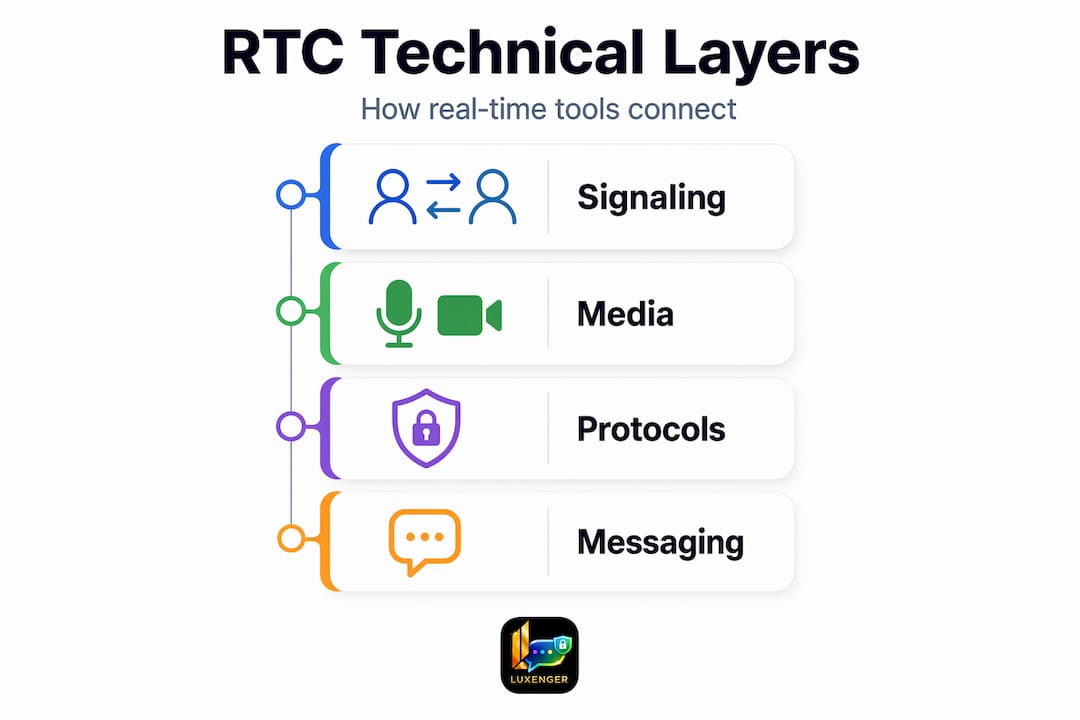
The dominant signaling protocol in enterprise telephony and conferencing is SIP. SIP is the application-layer protocol for creating, modifying, and terminating sessions, enabling session setup and routing across transport protocols. In practical terms, SIP is the handshake that tells two endpoints: "We're starting a call, here are the parameters, connect now."
On the browser side, WebRTC changed everything. WebRTC enables real-time audio, video, and data communication directly in web browsers without plugins, making it the backbone of most modern collaboration platforms. No software installation, no compatibility headaches. Users click a link and they're in a live session.
For messaging specifically, the enabling technology is WebSockets. Most real-time messaging systems use persistent connections such as WebSockets, enabling bidirectional communication and instant message delivery. This is why a message you send on a modern platform appears on the recipient's screen in milliseconds rather than requiring them to refresh a page.
Pro Tip: When evaluating a vendor's messaging architecture, ask specifically whether they use WebSockets or long polling. Long polling can mimic real-time behavior but introduces latency spikes under load that hurt large-scale deployments.
One technical nuance that rarely comes up in vendor sales calls: exactly-once message delivery is difficult at scale. Most production systems use at-least-once delivery with deduplication logic on the receiving end. This matters for compliance and audit logging, especially in regulated industries where every message must be accounted for exactly once.
You should also understand the difference between half duplex and full duplex communication. Half duplex systems, like push-to-talk radio, allow only one party to transmit at a time. Full duplex systems, like a phone call, allow simultaneous two-way transmission. Every enterprise audio and video tool you deploy should be full duplex.
Types of real-time communication tools and their business uses
Real-time communication tools for business fall into several categories, and most enterprises use a combination rather than a single platform.
- Instant messaging platforms deliver text, files, and media through persistent connections. These range from consumer apps to enterprise-grade systems with compliance logging, threading, and AI-assisted summaries.
- VoIP and telephony systems replace traditional phone lines with internet-based calling. SIP-based VoIP can integrate directly with CRM platforms to log calls, pull customer records, and trigger workflows automatically.
- Video conferencing covers everything from one-on-one calls to large-scale virtual events. Modern tools run on WebRTC's browser-native capabilities, which means no client installation and faster adoption across distributed teams.
- Unified Communications as a Service (UCaaS) bundles messaging, voice, video, and sometimes contact center capabilities into a single platform, reducing the integration complexity that plagues multi-vendor environments.
- Collaboration hubs go beyond messaging by integrating with project management, ticketing systems, and document workflows so that communication and work happen in the same context.
How traditional VoIP compares to WebRTC-based tools
Traditional VoIP deployments rely on SIP endpoints, IP-PBX servers, and often dedicated network configurations to manage quality of service. They offer mature enterprise telephony features and deep PBX integrations. WebRTC-based tools sacrifice some of that telephony depth but win on deployment speed and browser ubiquity. For most knowledge worker communication, WebRTC is the right call. For contact centers or environments with strict telephony compliance requirements, SIP-based infrastructure still holds advantages.

Pro Tip: For hybrid environments, look for platforms that support both SIP trunking and WebRTC simultaneously. This lets you modernize browser-based collaboration without ripping out your existing telephony infrastructure.
Security and reliability are non-negotiable for enterprise deployments. Look specifically for end-to-end encryption on both signaling and media planes, compliance certifications relevant to your industry, and high availability guarantees backed by SLAs. Checking enterprise security best practices before you finalize any vendor shortlist will save you from expensive post-deployment retrofits.
Business benefits and measurable impacts
Understanding the advantages of real-time communication goes beyond "teams talk faster." The operational impact reaches into sales cycles, customer satisfaction, and the speed at which data moves through your organization.
Here are the most significant business outcomes organizations consistently report after deploying well-integrated real-time communication tools:
- Faster decision making. When decision-makers can reach each other instantly, approval chains that took days collapse to hours. This matters most in customer-facing scenarios where delay means lost revenue.
- Reduced meeting overhead. Real-time messaging and voice huddles resolve questions that previously required scheduling a meeting. Teams that use persistent messaging channels report fewer formal meetings while maintaining higher information density.
- Stronger engagement for remote and hybrid workers. Distributed teams lose cohesion when communication defaults to email. Real-time tools replicate the ambient awareness of a shared office, giving remote employees the context they need without requiring synchronous meetings.
- Live workflow automation. This is the capability most organizations underuse. Live interactions can trigger automated workflows and next-best actions instantly, meaning a sales call can simultaneously update a CRM record, alert a manager, and queue a follow-up task. The communication event and the business action happen together, not sequentially.
- Customer support responsiveness. Real-time communication tools integrated into support workflows cut average response times and allow agents to escalate from chat to voice without interrupting the customer session.
The fourth point deserves more attention. Most organizations still treat communication and workflow as separate systems. A customer calls in, the agent handles the call, then manually logs the outcome. RTC is evolving into a layer of automation that triggers intelligent business actions live. Platforms that connect your messaging and voice layer directly to your business systems are the ones that deliver compounding value over time.
For teams considering the broader case for real-time messaging platforms in 2026, the data consistently supports investment in tools that combine communication speed with workflow integration.
Choosing and deploying the right tools for your organization
Selecting the best real-time communication tools is not primarily a features exercise. It is an architecture decision that will affect your security posture, your developer workload, and your users' daily experience for years.
The key evaluation criteria to work through before you commit to any platform:
- Security architecture. Verify encryption standards for both data in transit and at rest. Confirm whether the vendor holds relevant compliance certifications for your industry (SOC 2, HIPAA, ISO 27001). Bank-grade security is a meaningful differentiator, not a marketing phrase.
- Integration depth. A real-time communication tool that cannot connect to your CRM, HRIS, or ticketing system forces users to context-switch constantly. Prioritize platforms with documented APIs and pre-built connectors.
- Scalability under load. Ask vendors for benchmarks under concurrent usage conditions that match your peak scenarios. A platform that performs well at 100 users may degrade noticeably at 5,000.
- User experience across devices. Adoption rates track closely with friction. Tools that require installation, configuration, or training before first use see slower adoption, especially among non-technical staff.
- Build vs. buy decision. Most enterprises should buy a platform rather than building on raw APIs unless they have specific requirements that no commercial platform addresses. Building real-time communication infrastructure in-house means owning the WebRTC implementation, the signaling server, the delivery guarantees, and the compliance layer simultaneously.
Pro Tip: Run a structured pilot with at least two departments before committing to an enterprise-wide rollout. Usage patterns and integration requirements vary significantly between, say, a sales team and a technical operations team. What works for one often doesn't fit the other.
For a structured approach to vendor evaluation, choosing the right messaging platform requires working through security, integration, and scalability criteria systematically before you ever start a trial.
My take on where real-time communication is actually heading
I've watched this space evolve from SIP-heavy on-premise PBX systems to browser-native, AI-augmented platforms, and the pace of change has accelerated significantly in the last three years. What surprises me most is not the technology itself but how many organizations still deploy real-time tools as communication infrastructure while missing the automation layer entirely.
In my experience, the teams that extract the most value from real-time communication tools are not the ones with the most features activated. They're the ones that have mapped their highest-friction workflows and asked: "Where does a delay in communication cost us money or quality?" That question produces better deployment decisions than any vendor feature comparison.
The integration of AI into real-time tools is not hype at this point. AI-powered conversation summaries, live translation, and workflow triggers are already in production at scale in organizations I've observed. The gap between organizations using these capabilities and those that aren't is becoming a genuine competitive issue, not just an efficiency nicety.
My advice to IT managers evaluating platforms right now: weight AI integration and security architecture far more heavily than the feature count on a pricing page. The tools that will still be serving you well in five years are the ones designed around governance, compliance, and intelligent automation, not just fast chat. The best real-time communication tools today are the ones that make your business systems smarter every time someone has a conversation.
— Matthew
Why Luxenger belongs in your RTC evaluation
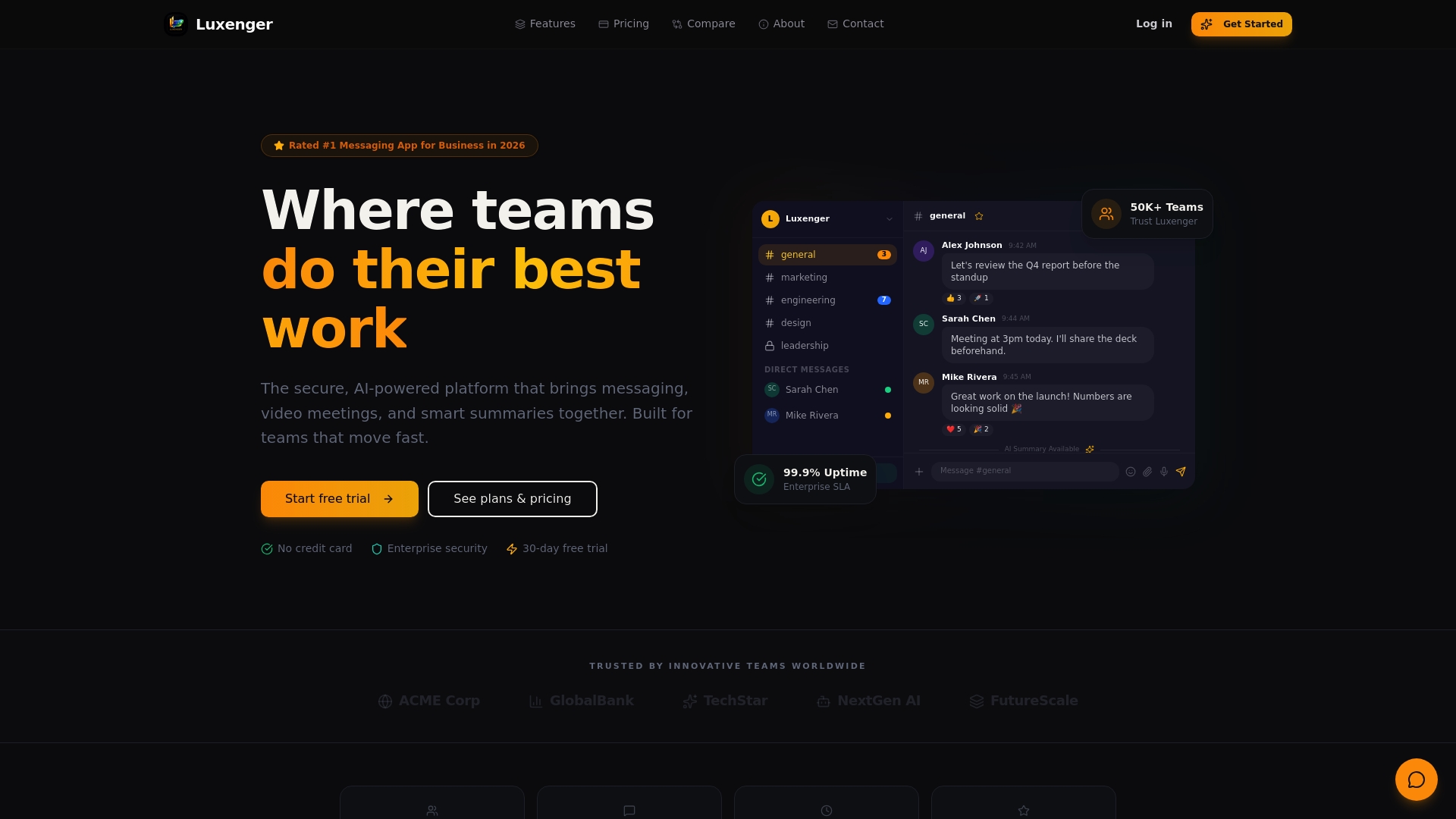
Luxenger was built for the exact gap most enterprise communication tools leave open: the space between secure messaging and intelligent business operations. Luxenger delivers enterprise-grade secure messaging with bank-grade encryption, AI-powered conversation summaries, voice huddles, and real-time translation for multilingual teams. Every feature is designed to reduce communication friction while maintaining the security standards large organizations require. If you're evaluating platforms that go beyond basic chat and connect your communication layer to your workflows, Luxenger is worth a serious look.
FAQ
What is real-time communication in business?
Real-time communication in business refers to the exchange of information between participants with negligible delay, covering tools like instant messaging, VoIP calls, and video conferencing. Unlike email, real-time communication excludes delayed exchanges where messages are stored before delivery.
How do real-time communication tools work technically?
Real-time communication tools operate across two planes: a signaling layer that sets up and manages sessions, and a media transport layer that carries audio, video, or data. Most browser-based tools use WebRTC for media and WebSockets for messaging to achieve low-latency delivery.
What are the best real-time communication tools for enterprise use?
The best real-time communication tools for enterprise use combine end-to-end encryption, workflow integration, and scalable architecture. Platforms that also offer AI-powered features like live summaries and automated workflow triggers deliver compounding operational value over time.
What are examples of real-time communication tools?
Examples of real-time communication tools include enterprise instant messaging platforms, VoIP and UCaaS systems, video conferencing applications, and voice huddle features. The defining characteristic is that all exchange information with near-zero latency rather than storing messages for later retrieval.
Why does WebRTC matter for business communication tools?
WebRTC matters because it enables audio, video, and data communication directly in web browsers without plugins, removing the installation barrier that historically slowed enterprise adoption. This makes deploying browser-based real-time collaboration significantly faster and more accessible for distributed teams.