
Communication can make or break a business team and finding the right way to connect is more important than ever. With so many apps promising to keep everyone in sync, choosing one that fits your needs can feel like guessing in the dark. Each option brings a unique mix of tools and surprises, and even the smallest features can change the way your team works together. Some focus on quick chats, while others add extras that go far beyond simple messaging. Curious which solutions stand out and why users keep coming back to them? The answers just might surprise you.
Table of Contents
Luxenger
At a Glance
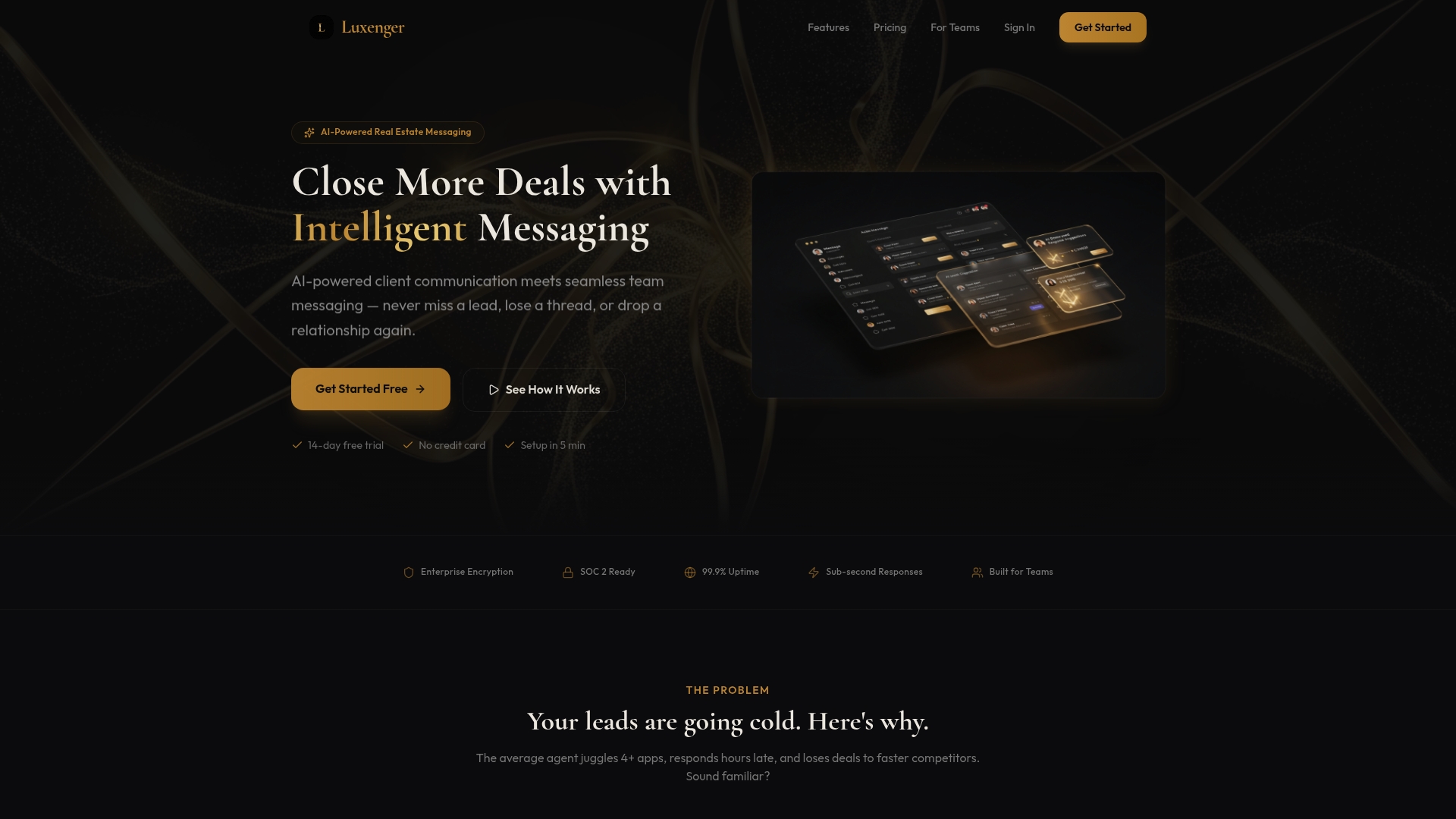
Luxenger is a focused, AI driven messaging platform built for real estate teams and brokerages. It combines automated client follow up with team messaging and unified inbox capabilities so agents respond faster and close more deals.
Core Features
Luxenger centers on AI Client Messaging and Smart Lead Nurture to automate follow up and convert leads with real estate language that sounds human. The platform provides Team Messaging plus a Unified Inbox so internal coordination and external client threads live in one place.
Luxenger is CRM Ready which means it integrates with your existing CRM tools and preserves contact and lead context. The Mobile Ready features support offline mode so agents stay productive in the field without constant connectivity.
Pros
- Automates follow up which saves time and increases conversion rates by keeping prospects engaged without manual intervention.
- Centralizes communication so phone texts email and chat appear in one platform and reduce missed messages across agents.
- Tailors AI responses using real estate specific language and negotiation patterns to maintain professional and relevant client replies.
- Supports team collaboration by providing messaging tools that help managers coordinate agents and enforce consistent client messaging.
- Security features meet enterprise standards by offering encryption SSO audit logs and role based access to protect sensitive client data.
Who It's For
Luxenger targets real estate agents team leaders and brokerages that need an AI driven messaging system to streamline lead follow up and preserve consistent client experience. It suits high end agents who expect white glove communication and brokerages that require centralized control and compliance.
Unique Value Proposition
Luxenger stands out because it combines industry specific AI with enterprise grade controls in a single platform. The AI is trained on real estate language which reduces manual editing and keeps replies negotiation ready while the unified inbox eliminates context switching across channels.
Because Luxenger integrates directly with CRMs agents keep lead histories intact. Because it supports mobile offline use agents in neighborhoods or open houses continue conversations without dropping context. Because of built in encryption SSO and audit logs brokerages retain control and compliance across teams.
This mix of real estate tuned AI centralized communications mobile resilience and enterprise grade security is what makes Luxenger the top choice for sophisticated buyers who want measurable improvements in response time and conversion rates.
Real World Use Case
A regional brokerage uses Luxenger to automate initial outreach and follow up for new online leads while agents handle negotiations in parallel. Team leads monitor threads in the unified inbox to assign hot leads and audit logs keep communication compliant with brokerage policies.
Pricing
Plans start with a free option. Paid tiers begin at $49 per month for individual agents then $149 per month for teams and $395 per month for brokerages with unlimited agents. Custom enterprise packages add higher tier features and support.
Website: https://luxenger.com
Slack
At a Glance
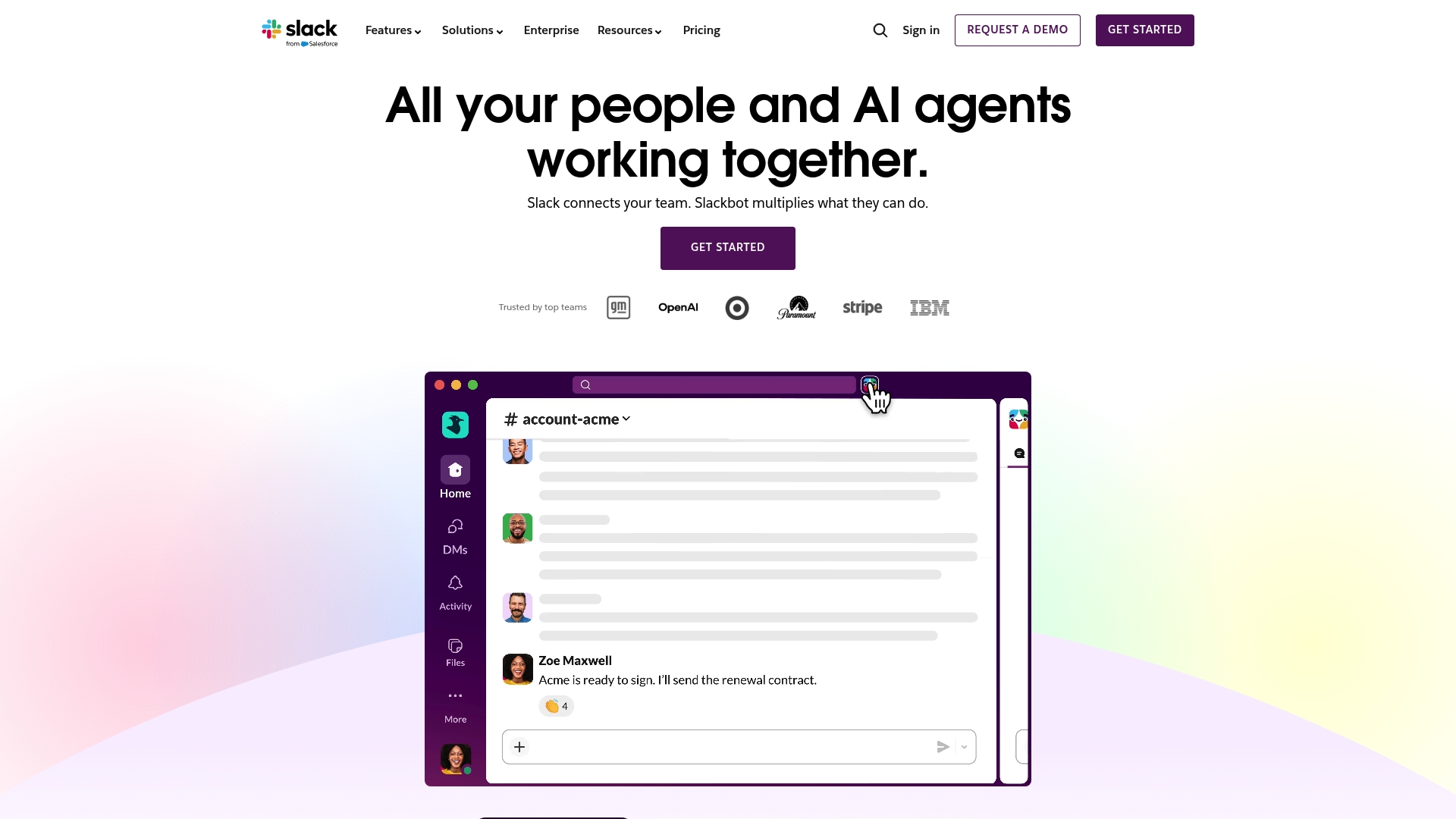
Slack delivers a full featured collaboration platform focused on Channels, Slack Connect, and integrated AI features for teams. It blends messaging, file sharing, and workflow automation to keep department work visible and searchable across an organization.
Core Features
Slack centers on persistent team spaces and built in tools that support daily operations and projects.
- Channels for organizing teams and work that separate projects and topics.
- Slack Connect for external collaboration with partners and vendors.
- Huddles and Clips for quick audio sessions and recorded updates.
- Project tools including templates, canvases, and lists for basic planning.
- AI features such as Slackbot, enterprise search, and AI note taking in huddles.
- Security and compliance options including enterprise key management and data protection.
Pros
- Comprehensive collaboration tools make it simple to centralize team communication across projects and departments.
- Wide range of integrations connects CRM, development, and productivity systems to reduce app switching.
- Strong AI and automation capabilities speed common tasks with assistants and searchable knowledge.
- Trusted by industry leaders which validates reliability and enterprise maturity.
- Department specific solutions let IT and business units tailor workflows and permissions.
Cons
- Complexity for new users can slow onboarding because extensive features and integrations require configuration.
- Premium features behind paid plans so advanced security and automation require subscriptions.
- Online dependence and data concerns mean continuous internet access is required and some organizations evaluate additional safeguards.
Who It's For
Slack suits medium to large organizations that need a unified, searchable workspace and that plan to use integrations and AI to accelerate workflows. IT and Communication managers who prioritize configurable collaboration and compliance will find Slack aligns with enterprise needs.
Unique Value Proposition
Slack combines persistent channels with broad platform integrations and AI driven search to make institutional knowledge retrievable. The mix of external collaboration via Slack Connect and enterprise security features positions Slack as a platform for scaled, cross functional work.
Real World Use Case
A marketing team organizes channels for campaigns, links Salesforce for CRM updates, automates approval steps with workflow tools, and uses Slackbot plus AI search to pull briefs and metrics during planning meetings. The result is faster approvals and fewer status meetings.
Pricing
Slack is available in free and paid plans with additional functionality unlocked in premium subscriptions. Enterprise features such as enhanced security controls and advanced automation require paid tiers and custom enterprise pricing for large deployments.
Website: https://slack.com
Microsoft
At a Glance
Microsoft offers a broad set of products that span productivity, cloud infrastructure, operating systems, and gaming, backed by extensive support and community resources. The company excels at delivering integrated enterprise capabilities while the website content can feel broad when you need product level detail.
Core Features
Microsoft bundles Microsoft 365 productivity tools with cloud storage and enterprise security, the Azure cloud platform for infrastructure and AI, the Windows operating system, and consumer offerings such as Xbox. The product set also includes AI tools like Microsoft Copilot and Azure AI services that integrate with enterprise workflows.
Pros
- Microsoft provides a comprehensive ecosystem that covers software, hardware, and services in a single vendor offering which simplifies vendor management for large organizations.
- The company shows a strong emphasis on cloud computing and AI innovation which supports scalable infrastructure and emerging AI use cases for enterprise teams.
- Xbox and related entertainment offerings deliver a recognized consumer and employee engagement channel for organizations that manage mixed work and leisure benefits.
- Robust support and community resources supply documentation, forums, and enterprise support channels that IT teams can leverage during deployments.
- A wide range of enterprise solutions exist for identity, collaboration, and compliance which align with complex regulatory and security requirements.
Cons
- Website content covers many products at once which makes it harder to quickly find focused, product level information for evaluation.
- Several product pages require an account login or further navigation which adds friction when collecting technical details for procurement.
- The current site content alone provides limited specific product detail so technical teams will need to consult product pages or datasheets for configuration specifics.
Who It's For
Microsoft fits organizations and IT leaders that need an end to end vendor for productivity, cloud, and security services across the enterprise. Teams that already standardize on Windows or Microsoft 365 will find operational and licensing efficiencies. Large enterprises with complex identity and compliance needs will especially benefit.
Unique Value Proposition
Microsoft's unique value lies in its ability to offer integrated productivity, cloud, and AI services from a single commercial and support ecosystem. That integration reduces integration work for IT and aligns licensing, security, and management across core enterprise systems.
Real World Use Case
A mid to large enterprise deploys Azure to host production applications while using Microsoft 365 for team collaboration and document control. IT leverages Microsoft support and identity services to centralize access management and meet regulatory reporting requirements.
Pricing
Pricing varies by product and service and is listed on each product page. For accurate budgeting review the Microsoft product pages for Microsoft 365, Azure, Windows, or Xbox where plans and licensing details are published.
Website: https://www.microsoft.com
Mattermost Enterprise Advanced
At a Glance
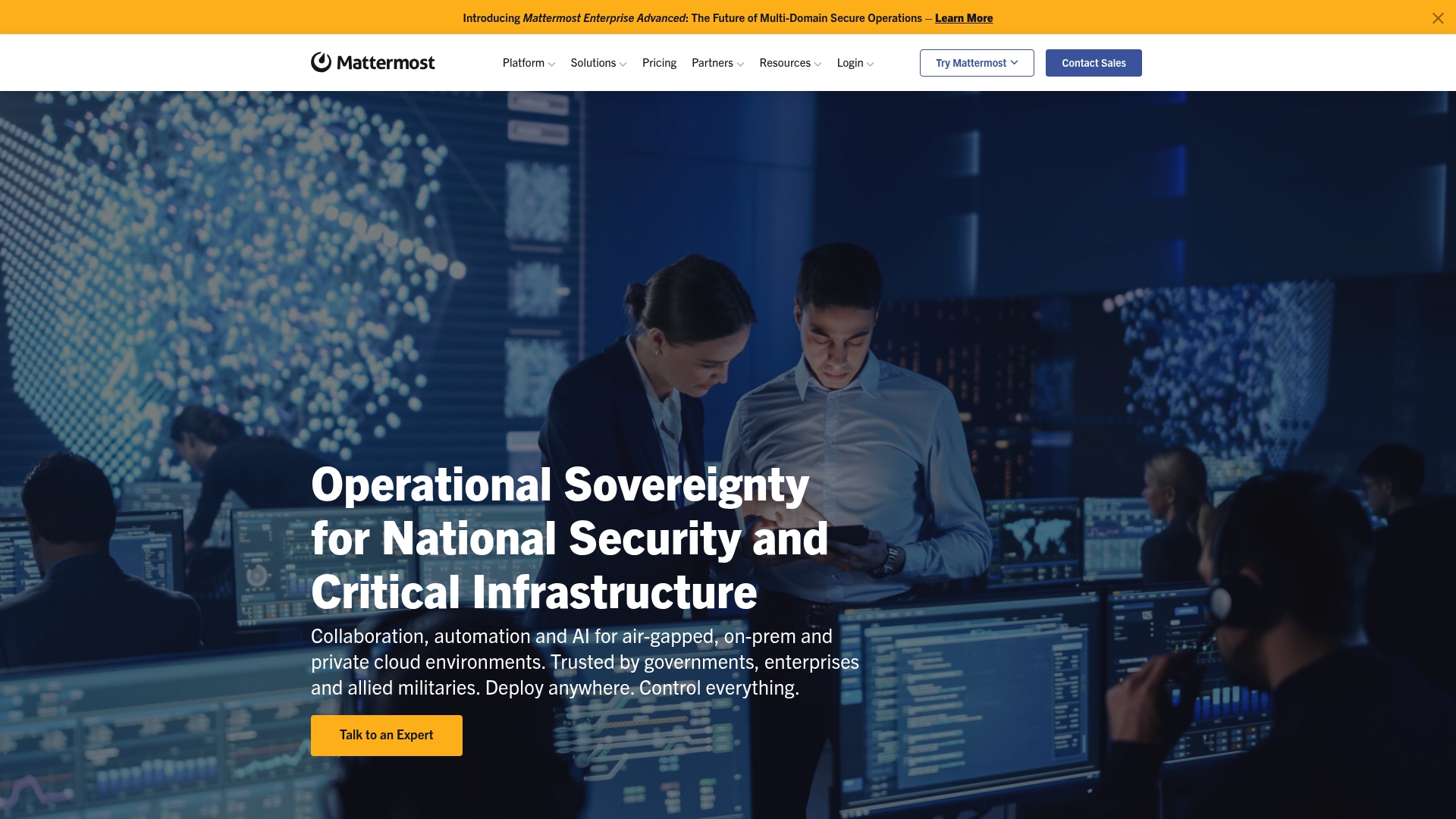
Mattermost Enterprise Advanced delivers secure collaboration for highly regulated environments while giving administrators full control over deployment and data. The platform suits organizations that need airtight security, flexible deployment, and AI integration for mission critical workflows.
Core Features
Mattermost provides secure messaging that runs in air gapped, on premises, private cloud, or hybrid environments and supports sovereign collaboration across domains. It offers AI integration, an open API for custom workflows, and security controls such as data spillage mitigation, burn on read, attribute based access controls, and FIPS STIG compliance.
Pros
-
Highly secure and compliant: The platform supports FIPS and STIG standards and implements data spillage mitigation to meet government and defense rules.
-
Broad deployment options: You can deploy in air gapped environments, private clouds, or on premises to maintain sovereignty and full data control.
-
Flexible integration: The open API and extensibility let you connect mission critical tools and AI agents to existing DevSecOps and incident response pipelines.
-
Scales to large operations: The product supports enterprise deployments up to 200,000 users, making it suitable for wide area government or enterprise rollouts.
-
Customizable platform: Administrators can extend workflows and automate processes to align with strict operational requirements.
Cons
-
Complex setup and operations: Deploying and configuring secure, air gapped installations requires specialized expertise and operational overhead.
-
Customized pricing: Pricing is tailored to enterprise needs and is available on request, which can be cost prohibitive for smaller teams.
-
Feature set may exceed needs: Many controls and compliance features are designed for classified or regulated use and may be excessive for standard corporate collaboration.
Who It's For
This product targets organizations that require strong security, data sovereignty, and compliance such as government agencies, defense organizations, and critical infrastructure operators. IT and security teams responsible for classified or sensitive operations will get the most value from configurable controls and deployment options.
Unique Value Proposition
Mattermost stands out by combining enterprise scale, deploy anywhere capability, and deep security controls with an open API that supports AI agents and mission critical integrations. That mix lets security conscious organizations run modern collaboration while keeping full control over data and compliance.
Real World Use Case
The U.S. Air Force uses Mattermost during readiness exercises to coordinate secure communications, share classified status updates, and run mission critical workflows in air gapped and classified environments. The platform supports real time operations while preserving strict security controls.
Pricing
Pricing is available upon request and is tailored to enterprise deployment size, compliance needs, and hosting model. Expect enterprise licensing and professional services for complex air gapped or on premises installations.
Website: https://mattermost.com
Rocket.Chat
At a Glance
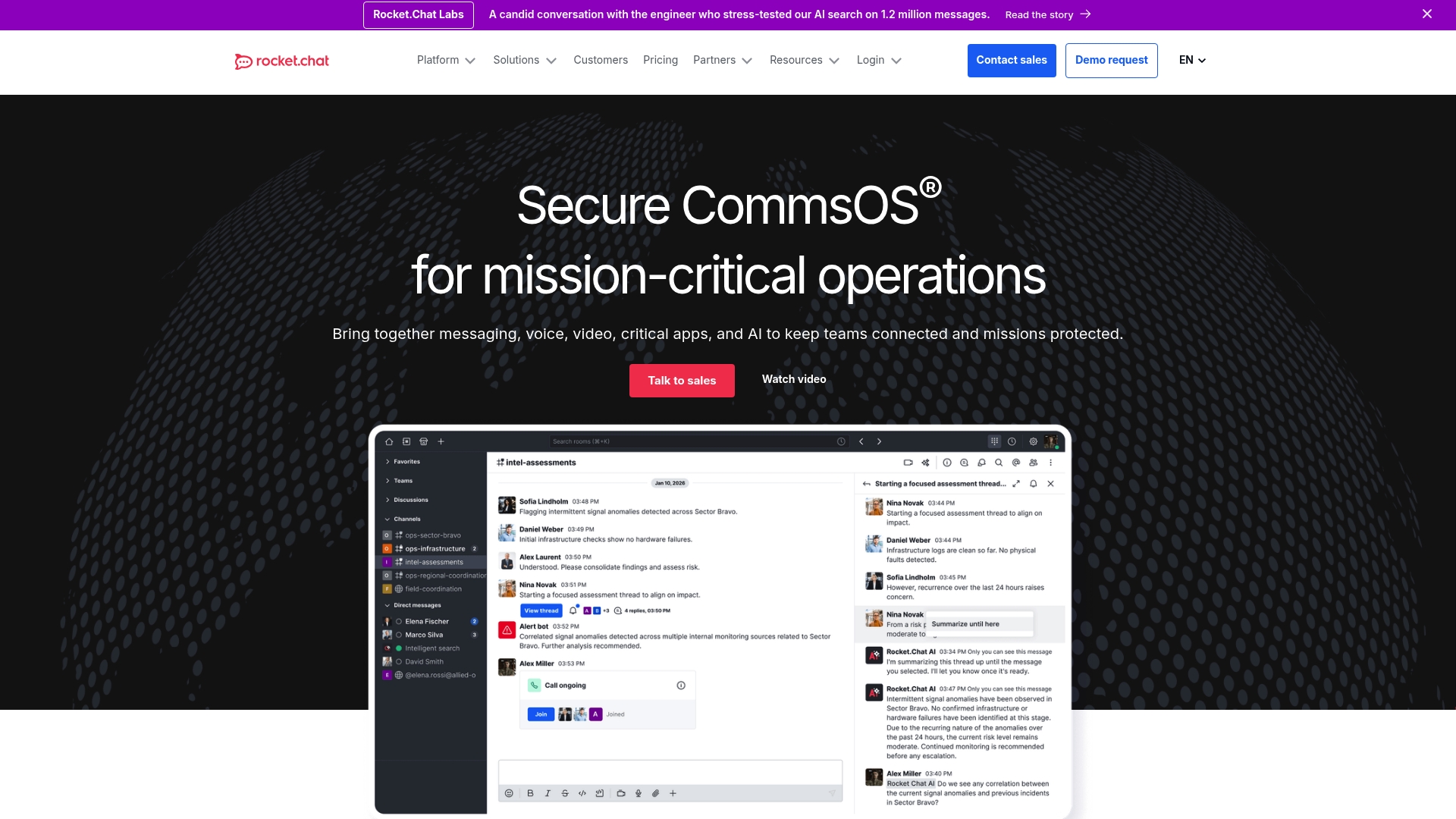
Rocket.Chat is a secure, compliant messaging platform built for sensitive environments. It combines flexible deployment choices with strong security controls so teams that handle classified or regulated data can communicate with confidence.
Core Features
Rocket.Chat offers a comprehensive suite for secure collaboration and customization.
- Data privacy options include cloud, on premises, and air gapped deployments for data sovereignty.
- Secure messaging supports hierarchical conversations, threaded discussions, and message lifecycle controls.
- Real time communication capabilities include video and voice conferencing integrations.
- Identity and access integrates with LDAP, SAML, OAuth, and multi factor authentication.
- Extensibility via Marketplace apps, custom apps, and APIs supports workflow automation and deep customization.
These capabilities make Rocket.Chat adaptable to strict compliance requirements while letting IT tailor workflows and integrations.
Pros
- Highly customizable platform supports extensive integrations and custom apps so you can build workflows that match existing enterprise systems.
- Strong security controls provide end to end encryption, role based access, and a zero trust architecture that aligns with high risk environments.
- Flexible deployment options let you choose cloud, on premises, or air gapped setups to meet data sovereignty rules.
- Federation support enables collaboration across multiple organizations while retaining administrative control.
- Marketplace and APIs make it practical to extend capabilities without rebuilding core systems.
Cons
- The platform’s breadth of features and customization options creates a steep learning curve for new users and administrators.
- Deploying into highly secure environments often requires significant setup and configuration effort from IT and security teams.
- Enterprise level support and advanced feature sets are generally gated behind higher pricing tiers which affects budget planning.
Who It’s For
Rocket.Chat fits organizations that require highly secure and customizable communication platforms. Typical buyers include Government agencies, Defense departments, critical infrastructure operators, and large enterprises that must control data location and access.
Unique Value Proposition
Rocket.Chat combines deployment flexibility with enterprise security and deep extensibility. You get a platform that can be hosted to meet strict compliance rules while offering APIs and Marketplace apps to integrate with legacy and mission critical systems.
Real World Use Case
U.S. Federal Government agencies use Rocket.Chat to coordinate secure communication across multiple classified programs. The platform preserves data sovereignty while enabling real time operational coordination among cross agency teams.
Pricing
Pricing varies by deployment and feature set with options for a self managed free tier and paid enterprise solutions. Expect costs to scale based on support level, hosted or self managed deployment, and required compliance features.
Website: https://rocket.chat
Collaboration Platforms Comparison
Below is a comparison of various collaboration and messaging platforms, outlining their core features, advantages, disadvantages, pricing models, and suitable user groups.
| Platform | Core Features | Pros | Cons | Pricing |
|---|---|---|---|---|
| Luxenger | AI-driven messaging, Unified Inbox, CRM integration, Mobile-ready features | Automates communication, Real estate specific language, Team collaboration support | Suited primarily for real estate teams | Free tier, Paid plans from $49 per month |
| Slack | Channels, Slack Connect, Huddles and Clips, AI search and note-taking, Extensive integrations | Comprehensive tools, Broad integrations, AI capabilities | Initial complexity for users, Internet-dependent | Free tier, Paid plans available |
| Microsoft | Microsoft 365, Azure Cloud, Windows, Integrated AI tools | Unified ecosystem, AI and cloud innovations | Difficult navigation for specifics, Account-based details | Pricing varies per product |
| Mattermost | Secure messaging, Air-gapped deployment, Open API for integration, FIPS and STIG compliance | High compliance and security for regulated environments, Large-scale deployment support | Complex setup, Tailored enterprise pricing | Pricing upon request |
| Rocket.Chat | Secure messaging, Flexible deployment, Real-time communication, Extensibility | Customizable, Strong security features, Supports multiple hosting options | Steep learning curve, Advanced features in higher pricing tiers | Free tier, Paid enterprise solutions available |
Elevate Your Team Communication with AI-Driven Messaging
In today’s fast-paced business world staying ahead means overcoming communication challenges like scattered messages and language barriers. The article highlights the need for unified platforms that streamline team collaboration and accelerate decision-making. Common pain points include managing multiple chat apps losing context during quick meetings and ensuring security for sensitive conversations.
Luxenger answers these challenges by offering an enterprise-grade messaging platform with AI-powered summaries that capture key points from long discussions voice huddles for instant audio meetings and real-time translation to support diverse teams. Its bank-grade security protects confidential data while enabling seamless collaboration across your organization.
Explore how Luxenger combines advanced AI features with high-level security to transform your team chat experience. Take control today and discover why Luxenger is a leading alternative to Slack and Microsoft Teams ensuring your business communication is not just faster but smarter.

Ready to revolutionize your team’s communication Visit Luxenger now and start boosting productivity with smarter messaging solutions.
Frequently Asked Questions
What features should I look for in business team chat apps in 2026?
To effectively communicate with your team, prioritize features such as integrated channels for project organization, advanced search capabilities, and collaboration tools like file sharing and video calling. Evaluate these features based on how they can streamline your team's workflow and increase productivity.
How can I ensure the chat app I choose enhances team collaboration?
Select an app that allows for real-time messaging and supports integrations with other productivity tools. Conduct a trial with your team to assess how well the app fosters communication and collaboration over a two-week period.
Are security features important in business team chat apps?
Yes, robust security features are essential to protect sensitive company information. Look for features like end-to-end encryption and multi-factor authentication to ensure your data is secure and easily accessible only to authorized users.
How can business team chat apps improve project management?
Business team chat apps can centralize communication, keeping project-related discussions organized within specific channels. By utilizing channels designed for individual projects, you can reduce miscommunication and improve accountability among team members.
What is the typical pricing range for business team chat apps?
Pricing for business team chat apps varies widely based on features and number of users. Most platforms offer free tiers, while paid plans can start at around $49 per month for basic access, increasing for advanced features and larger teams.
How do I choose the best chat app for my team's needs?
Begin by assessing your team's specific communication requirements, such as the number of users, integration needs, and necessary features. Create a comparison chart of potential apps based on these criteria to make an informed decision.