

Many IT managers assume traditional messaging tools can't deliver both robust security and AI-driven efficiency. This misconception leads organizations to cobble together fragmented solutions that leave data exposed and teams disconnected. Integrated messaging platforms solve this by unifying communication channels with built-in encryption, compliance frameworks, and intelligent automation. This guide explains why integrated messaging is essential for modern enterprise teams seeking secure, streamlined collaboration that scales with organizational growth and regulatory demands.
Table of Contents
- What is integrated messaging and why it matters for enterprises
- Top benefits of integrated messaging for secure and efficient collaboration
- Choosing the right integrated messaging platform: features and considerations
- Implementing integrated messaging for enterprise teams: best practices
- Discover secure integrated messaging with Luxenger
- Frequently asked questions
Key takeaways
| Point | Details |
|---|---|
| Unified security | Integrated platforms consolidate encryption and compliance into one secure interface |
| AI-driven efficiency | Smart automation reduces communication noise and surfaces actionable insights |
| Reduced fragmentation | Centralized messaging eliminates silos and improves cross-team information flow |
| Scalable infrastructure | Enterprise-grade platforms grow with organizational needs through centralized controls |
| Compliance readiness | Built-in frameworks ensure adherence to HIPAA, GDPR, and industry-specific regulations |
What is integrated messaging and why it matters for enterprises
Integrated messaging platforms combine multiple channels into a single secure interface, merging email, chat, video conferencing, and collaboration tools under one roof. This convergence represents a critical evolution from legacy systems that forced teams to juggle separate applications for different communication needs. When your engineering team uses one platform, sales relies on another, and executives prefer a third option, you create security vulnerabilities and operational inefficiencies that cost time and expose sensitive data.
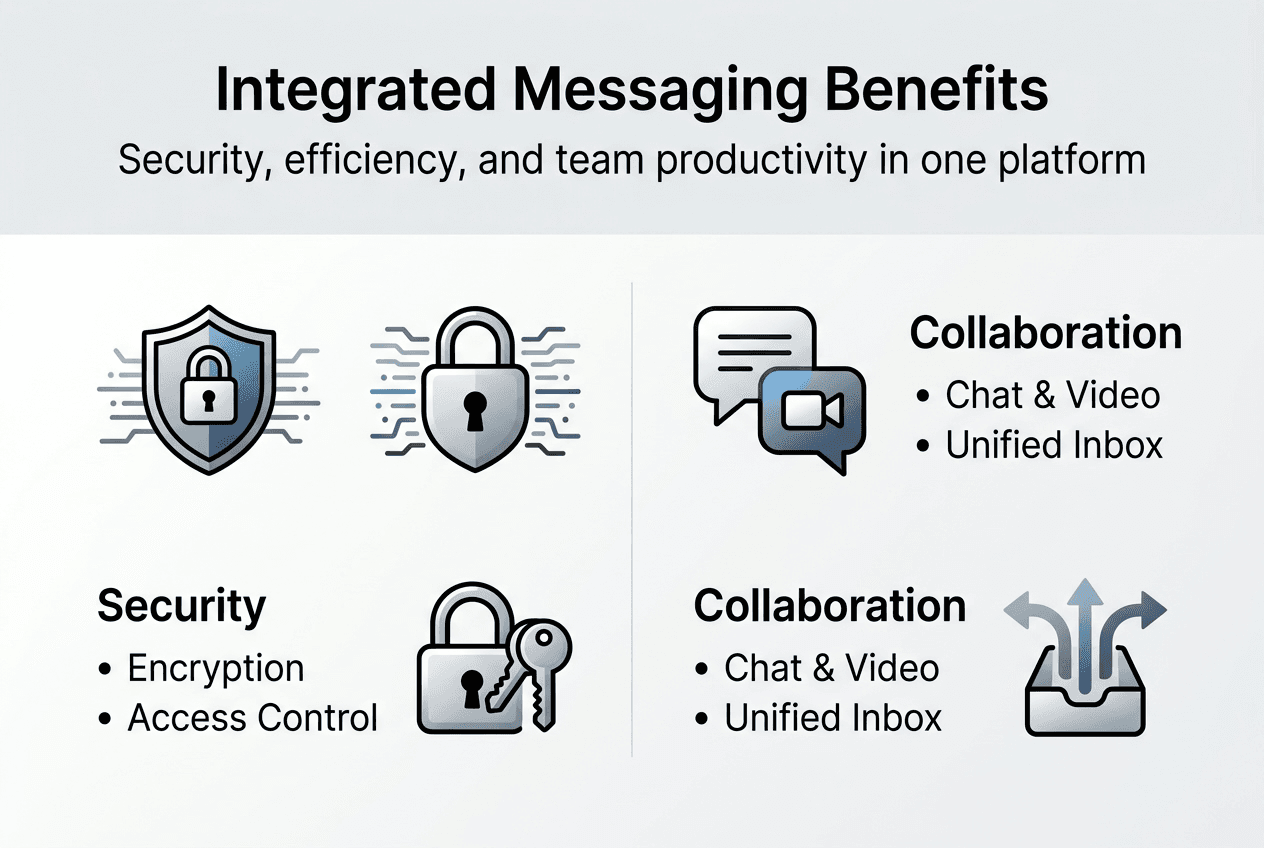
Security protocols form the foundation of integrated messaging architecture. End-to-end encryption protects messages in transit and at rest, while granular access controls ensure only authorized personnel view confidential information. Compliance features are embedded directly into the platform rather than bolted on as afterthoughts, making it easier to meet regulatory requirements across jurisdictions. These security measures work seamlessly because they're designed as core components of a unified system rather than patchwork solutions.
Centralized messaging eliminates the information silos that plague enterprises using disconnected tools. When marketing, operations, and IT all communicate through the same platform, critical updates reach the right people faster. Project timelines accelerate because teams don't waste hours searching across multiple applications for relevant conversations. Decision-makers access real-time information without switching contexts or losing productivity to application fatigue.
The convergence supports AI features that transform how teams interact with information. Smart reply suggestions reduce response times for routine inquiries. Automated workflows route requests to appropriate departments without manual intervention. Data insights surface patterns in communication that help managers identify bottlenecks and optimize processes. These AI capabilities only work effectively when they can analyze unified data streams rather than fragmented conversations scattered across platforms.
This integration addresses modern business demands for both security and agility. Enterprises face increasing pressure to protect customer data while maintaining the communication speed that competitive markets require. Integrated messaging delivers both by combining bank-grade security with collaboration tools that keep pace with fast-moving projects. For IT managers responsible for infrastructure decisions, this unified approach simplifies vendor management, reduces licensing complexity, and creates a more defensible security perimeter than managing multiple point solutions.
Top benefits of integrated messaging for secure and efficient collaboration
Data security reaches new levels when encryption and compliance management operate within a single platform framework. Traditional messaging setups create security gaps at integration points where different systems exchange data. Integrated platforms eliminate these vulnerabilities by applying consistent encryption standards across all communication channels. Access controls operate uniformly whether employees send chat messages, share files, or conduct video meetings. Audit trails capture comprehensive activity logs that satisfy regulatory requirements without requiring manual consolidation from multiple sources.

Communication fragmentation costs enterprises more than IT managers often realize. When teams split conversations across email, chat applications, and project management tools, critical information gets lost in transitions between platforms. Integrated messaging solves this by enabling seamless collaboration across channels within one interface. Your sales team can reference engineering specifications without leaving their conversation thread. Customer service representatives access product documentation while chatting with clients. This unified access reduces the context switching that drains productivity and leads to miscommunication.
AI-driven features help reduce communication overload that buries important messages under routine noise. Smart prioritization algorithms identify urgent requests and surface them prominently while filtering low-priority notifications. Automated task extraction recognizes action items within conversations and creates trackable assignments without manual input. Contextual suggestions offer relevant information based on conversation topics, helping team members find answers faster. These AI capabilities transform messaging from a passive communication channel into an active productivity tool.
Scalability becomes straightforward when centralized controls manage growing enterprise needs. Adding new users, departments, or regional offices doesn't require complex integration projects or security audits for each expansion. Administrators configure permissions, compliance settings, and feature access from unified dashboards that apply consistently across the organization. Analytics provide visibility into communication patterns that inform capacity planning and help optimize resource allocation. This centralized management reduces the administrative overhead that typically accompanies organizational growth.
Employee productivity improves measurably when streamlined workflows replace the constant application switching that characterizes fragmented communication systems. Studies show workers lose an average of 23 minutes regaining focus after each interruption. Integrated messaging minimizes these disruptions by consolidating notifications and keeping related conversations in context. Teams complete projects faster because they spend less time hunting for information and more time executing tasks. The productivity gains compound across large organizations where even small efficiency improvements translate to significant cost savings.
Pro Tip: Implement message threading and channel organization from day one to prevent the communication chaos that undermines integrated messaging benefits as your user base grows.
Choosing the right integrated messaging platform: features and considerations
End-to-end encryption and multi-level access controls form the security foundation you cannot compromise. Evaluating platforms requires examining how they protect data at every stage, from message creation through storage and deletion. Look for platforms that encrypt messages on sender devices before transmission and only decrypt them on authorized recipient devices. Access controls should support role-based permissions that align with your organizational structure, allowing granular restrictions on who can view, share, or export sensitive information. Certificate pinning prevents man-in-the-middle attacks, while secure key management ensures encryption remains effective even if individual devices are compromised.
AI functionality separates basic messaging tools from platforms that actively enhance team performance. Smart message sorting reduces inbox clutter by categorizing communications based on urgency, sender importance, and content relevance. Task automation recognizes action items within conversations and creates trackable assignments with due dates and responsible parties. Contextual suggestions offer relevant documents, previous conversations, or team member expertise based on discussion topics. These features only deliver value when they're trained on sufficient data and integrated deeply enough to understand your organization's specific workflows and terminology.
Compliance with industry standards protects enterprises from regulatory penalties and reputational damage. Healthcare organizations require HIPAA certification ensuring patient data protection. Financial services need platforms meeting SOC 2 Type II standards for data security and availability. European operations demand GDPR compliance with data residency controls and user privacy protections. Your chosen platform should provide documentation proving compliance certifications relevant to your sector rather than vague security promises. Regular third-party audits and transparent security reports indicate vendors take compliance seriously.
User-friendly interfaces determine whether teams actually adopt the platform or continue using familiar but fragmented tools. Desktop and mobile applications should offer consistent experiences that don't require relearning workflows when switching devices. Intuitive navigation helps new users become productive quickly without extensive training programs. Customizable notification settings let individuals control their communication flow without missing critical updates. Search functionality must surface relevant conversations and files instantly, because powerful features become useless if users can't access them efficiently.
Robust analytics and reporting capabilities provide the operational insights that justify platform investments and guide continuous improvement. Communication volume metrics reveal peak usage times that inform infrastructure scaling decisions. Response time analytics identify bottlenecks where messages sit unaddressed. Channel activity reports show which teams collaborate effectively and which remain siloed despite platform availability. Integrated messaging workflow impact extends beyond communication to measurable business outcomes when analytics connect messaging patterns to project completion rates and customer satisfaction scores.
| Feature Category | Must-Have Capabilities | Why It Matters |
|---|---|---|
| Security | End-to-end encryption, access controls, audit logs | Protects confidential data and ensures regulatory compliance |
| AI Integration | Smart sorting, task automation, contextual suggestions | Reduces communication noise and accelerates decision-making |
| Compliance | Industry certifications, data residency, privacy controls | Prevents regulatory penalties and builds customer trust |
| Usability | Cross-device consistency, intuitive navigation, powerful search | Drives adoption and maintains productivity during transition |
| Analytics | Usage metrics, response tracking, communication insights | Enables data-driven optimization and ROI measurement |
Pro Tip: Request detailed pricing breakdowns that account for your projected user growth over three years to avoid unexpected costs as your organization scales.
Implementing integrated messaging for enterprise teams: best practices
-
Assess current communication gaps and security vulnerabilities across your organization. Map existing tools, identify where sensitive information flows through unsecured channels, and document inefficiencies teams report. This baseline measurement provides the foundation for demonstrating ROI after implementation.
-
Develop a phased rollout plan starting with pilot programs in departments facing acute communication challenges. Select teams willing to provide candid feedback and represent diverse use cases across your organization. Set clear success metrics before launch so you can objectively evaluate results.
-
Create comprehensive training programs that address both technical skills and workflow changes. Generic platform tutorials fail because they don't connect features to specific job functions. Instead, develop role-based training showing sales teams how to use the platform for client communication while teaching IT staff administrative controls and security monitoring.
-
Engage executive leadership to champion adoption and model best communication practices. When senior managers actively use the platform and reference it in company-wide communications, teams perceive it as essential rather than optional. Leadership buy-in also secures the budget and resources needed for successful implementation.
-
Establish ongoing monitoring through security dashboards that track access patterns, detect anomalies, and alert administrators to potential breaches. User feedback loops capture pain points that training didn't address and feature requests that could improve adoption. Regular check-ins with department heads reveal whether the platform delivers promised productivity gains.
-
Continuously update AI features and compliance settings as technology advances and regulations evolve. What satisfies GDPR requirements today may fall short tomorrow as data protection standards tighten. Schedule quarterly reviews of security configurations and AI model performance to maintain effectiveness.
Successful implementation depends on clear communication strategy that explains not just how to use the platform but why it matters for individual roles and organizational success. Teams resist change when they don't understand benefits or fear new tools will complicate their work. Address these concerns directly by demonstrating time savings, showing security improvements, and celebrating early wins from pilot programs.
Security management requires ongoing attention rather than set-and-forget configuration. Threat landscapes shift as attackers develop new techniques. Employee roles change as people transfer departments or leave the organization. Regular security audits identify permission creep where users accumulate access rights beyond their current responsibilities. Automated reviews flag inactive accounts that should be disabled and detect unusual access patterns indicating compromised credentials.
The transition to integrated messaging succeeds when organizations treat it as a cultural shift toward better collaboration rather than merely a technology upgrade. Change management principles apply just as much as technical implementation skills.
Training sessions should continue beyond initial rollout to address advanced features teams didn't need immediately. As users become comfortable with basic functionality, introduce AI capabilities that automate routine tasks and analytics that provide communication insights. Ongoing education prevents the common scenario where organizations use only 20% of platform capabilities because teams never learned what's available. Schedule monthly feature spotlights highlighting underutilized tools that could solve problems teams currently handle manually.
Discover secure integrated messaging with Luxenger
Your enterprise deserves communication infrastructure that doesn't force tradeoffs between security and efficiency. Luxenger delivers integrated messaging built specifically for organizations that handle sensitive data while maintaining the collaboration speed modern business demands. Our platform unifies chat, video, file sharing, and AI-powered workflow automation under bank-grade encryption that satisfies the strictest compliance requirements.

Experience how AI-driven collaboration tools reduce communication noise while surfacing the insights your teams need to make faster decisions. Real-time translation breaks down language barriers for global operations. Voice huddles enable quick discussions without scheduling overhead. Smart summaries distill lengthy conversation threads into actionable takeaways. These enterprise messaging features work together seamlessly because they're designed as an integrated system rather than bolted-on additions.
Flexible pricing plans scale with your organization from initial pilot programs through company-wide deployment. We designed Luxenger to grow alongside enterprises facing expanding communication needs and evolving security requirements. Explore how our platform transforms corporate communication by scheduling a personalized demo that addresses your specific enterprise messaging challenges.
Frequently asked questions
What is integrated messaging in enterprise communication?
Integrated messaging unifies email, chat, video conferencing, and collaboration tools into a single platform with built-in security features. This approach eliminates the fragmentation that occurs when teams use separate applications for different communication needs. By consolidating channels, integrated messaging platforms reduce security vulnerabilities while improving information flow across departments.
How does integrated messaging improve enterprise security?
Security is enhanced through encryption, access management, and compliance frameworks that protect data across all communication channels. Centralized platforms eliminate the security gaps that emerge at integration points between disparate systems. Unified audit trails and consistent access controls make it easier to detect unauthorized access attempts and maintain regulatory compliance.
What key features should enterprises look for in an integrated messaging platform?
Must-have features include robust encryption, AI-powered collaboration tools, compliance certifications matching your industry requirements, and user-friendly interfaces that work across devices. Scalability ensures the platform grows with your organization without requiring migration to new systems. Integration capabilities with existing enterprise software prevent the platform from becoming another isolated tool.
How can AI integration enhance team communication in messaging platforms?
AI automates routine tasks, prioritizes messages based on urgency and relevance, and delivers actionable insights by analyzing communication patterns. Smart suggestions surface relevant documents and previous conversations that help team members find answers without searching manually. This reduces the communication overload that buries important messages under routine notifications, leading to faster decision-making and improved team responsiveness.
Recommended
- Luxenger for Enterprise Operations | Secure Business Messaging
- Secure messaging platforms: must-have features for 2026
- What is secure messaging? A 2026 guide for enterprises
- Why use messaging platforms in 2026 for secure collaboration
- What Is Integrated Security? Complete Guide for 2025
- 5 Reasons Why Your Organization Needs DLP