

TL;DR:
- Effective remote collaboration depends on clear, structured messaging practices that prioritize quality over quantity. Establishing norms, organizing channels, and implementing governance—especially for AI tools—are essential to maintain transparency and accountability. Properly designed platforms like Luxenger enhance productivity, security, and information sharing for large, distributed teams.
More messages do not mean better collaboration. That assumption is one of the most expensive mistakes communication and IT managers make when building remote teams. The real role of messaging in remote teams is not to replicate the volume of office conversations but to replace the clarity of face-to-face interaction with equally clear written communication. When message quality is low and protocols are absent, you end up with a team that is technically connected but operationally fragmented. This guide gives you a practical framework to fix that.
Table of Contents
- How messaging replaces face-to-face communication in remote teams
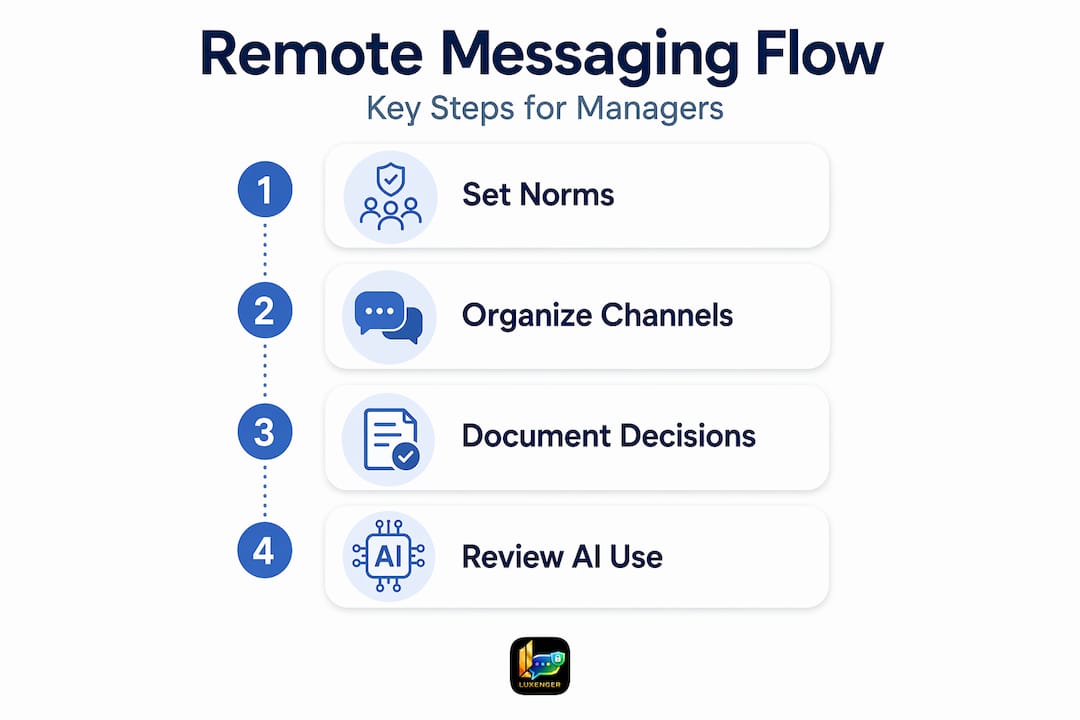
- Establishing messaging norms and async-first culture
- Leveraging messaging platforms to organize remote teamwork
- Documenting decisions and updates to bridge remote and hybrid gaps
- Integrating AI in messaging while maintaining security and governance
- Practical application: building a secure, clear messaging strategy for remote teams
- Rethinking remote messaging: why quality beats quantity and AI needs guardrails
- Enhance your remote team's collaboration with Luxenger's secure messaging platform
- Frequently asked questions
How messaging replaces face-to-face communication in remote teams
When your team shares an office, a raised eyebrow or a quick shoulder tap carries meaning. Remote teams do not have that. Every nuance, every clarification, every "can you make this a priority?" has to travel through text. That shift makes messaging the primary currency for written collaboration, and it raises the quality bar considerably.
The practical consequence is that messages need to be more deliberate than most people realize. A vague request that would have been clarified instantly in person can sit unresolved for hours in an async channel. The fix is not longer messages but better-structured ones.
Use these structural habits to make every message count:
- Lead with the ask. Put the action required at the top, not buried in paragraph three.
- Use bullet points for multi-part requests. One continuous paragraph with three embedded questions almost always results in only one answer.
- Specify who, what, and when. "Someone should look at this" is not an assignment. "Jordan, please review and reply by Thursday EOD" is.
- Label your message type. A quick tag like [FYI], [Action Required], or [Decision Needed] lets recipients triage without reading every word.
These habits apply equally whether you're managing five time zones or two. The remote team communication tips that actually move the needle are almost always about clarity and structure, not communication frequency.
Pro Tip: Before sending a message, ask yourself one question: "If I were asleep when this arrived, would the recipient have everything they need to act?" If the answer is no, revise before sending.
Establishing messaging norms and async-first culture
Structure alone is not enough. Without agreed norms, even well-written messages create noise. Imagine a 400-person company where everyone sends a message the moment something comes to mind. The result is not better collaboration. It's a team that spends the day reacting instead of building.

Messaging norms, not message volume, determine whether remote teams actually collaborate effectively. Async-first communication, where the default is a thoughtful written message rather than an immediate call, reduces context switching and respects the focus windows that deep work requires. Teams that build an async communication culture see measurably fewer interruptions and more predictable output.
The core elements of a working async-first norm set:
- Define response windows. Knowing that non-urgent messages get a response within four hours removes the anxiety of waiting and the pressure to reply instantly.
- Reserve sync meetings for specific triggers. Conflict resolution, complex problem-solving, and team relationship-building belong in video or voice. Status updates do not.
- Establish escalation paths. If a message has gone unanswered for longer than the defined window and is blocking work, the team needs a clear protocol: move it to a voice huddle or flag it as urgent using a specific channel or tag.
- Protect deep work hours. Some companies designate two-hour windows each day where no real-time messages are expected or sent. The productivity impact is significant.
Pro Tip: Document your async norms in a pinned channel message. Teams that can see the rules follow them far more consistently than teams that were told the rules in an onboarding call six months ago.
Leveraging messaging platforms to organize remote teamwork
Even with good norms, the wrong platform setup will undermine them. Channel chaos is a real phenomenon: too many channels, unclear naming conventions, and a culture of piling everything into direct messages results in information that is technically present but practically unfindable.
Channel-based messaging organizes conversations by audience and topic, which keeps urgent messages visible to the right stakeholders and prevents important decisions from getting buried. The key is deliberate taxonomy. When someone joins a project team, they should be able to look at the channel list and immediately understand where to post a question, where to track decisions, and where to follow announcements.
Efficient remote team workflows depend on how well the messaging environment is organized. Here is a practical channel structure that works for most enterprise teams:
| Channel type | Best use case | Threading rule |
|---|---|---|
| Project channel | Active deliverable discussion | Thread all replies to original post |
| Team announcements | One-way updates, no replies needed | Reply in thread only |
| Decision log | Document confirmed decisions | New post per decision, no discussion |
| Social / watercooler | Informal connection | No threading required |
| Incident / escalation | Time-sensitive issues | Real-time replies, thread resolved status |
Building efficient remote team workflows starts with this kind of intentional structure. Without it, threads get lost, decisions disappear into DMs, and new team members spend their first weeks playing message archaeology.
Documenting decisions and updates to bridge remote and hybrid gaps
Here is a scenario that plays out in hybrid organizations constantly: A group of in-office employees has an impromptu hallway conversation and makes a product decision. Remote teammates find out three days later when work conflicts with that undocumented decision. The damage is not just the delay; it's the signal it sends about who is included.
Documenting outcomes after key conversations and sharing them in team channels prevents remote workers from missing the context that in-office colleagues absorb naturally. This applies to formal meetings, ad-hoc calls, and even significant DM exchanges.
A repeatable post-conversation documentation process:
- Summarize what was discussed. Two to three sentences covering the core topic.
- State the decision made. Be specific. "We decided to push the launch to Q3" is documentation. "We discussed the timeline" is not.
- List next steps with owners and deadlines. Each action item should have exactly one owner.
- Share it in the relevant project channel within 24 hours. Delayed documentation often never happens.
- Link to supporting materials. If a document, ticket, or spec was referenced, link it in the summary post.
This process connects directly to how remote communication tips translate into operational discipline. Teams that document consistently build institutional memory that survives employee turnover.
Pro Tip: Create a pinned documentation template in every project channel. When the format is already there, the friction of "how do I write this up?" disappears, and documentation actually gets done.
Integrating AI in messaging while maintaining security and governance
AI-assisted features in messaging platforms are genuinely useful. Auto-generated summaries of long threads, drafted action item lists, real-time translation for multilingual teams: these are not theoretical benefits. They reduce the cognitive load of staying across a high-volume messaging environment. But the way most organizations adopt AI in messaging is careless.
Governance over the AI lifecycle in messaging workflows is critical, not an ad-hoc switch you flip because a vendor added a feature. Without governance, you get a team that acts on AI-generated summaries without verifying accuracy, or a compliance failure when AI processes messages that contain regulated data.
"Speed without traceability is not efficiency. In enterprise messaging, every AI-generated output needs to trace back to a source message. Otherwise, you cannot audit decisions, and decisions cannot be trusted."
What responsible AI governance in messaging looks like:
- AI outputs must cite source messages. If a summary cannot point to the specific thread it summarized, it creates accountability gaps.
- Define which channels AI can process. Legal, HR, and executive channels may require AI to be disabled or restricted.
- Monitor for hallucination patterns. Assign someone to spot-check AI summaries weekly and flag inaccuracies. Early detection prevents bad habits from forming.
- Apply the same data classification rules to AI outputs as to the source data. A summary of a confidential thread is still confidential.
Understanding AI security risks and how they apply to enterprise messaging should be on every IT manager's reading list. The tools that enable secure AI-powered communication are built with these governance layers already in place.
Practical application: building a secure, clear messaging strategy for remote teams
Knowing the principles is one thing. Implementing them across a 500-person organization is another. Structured communication rhythms with clear protocols and outcome-based tracking measurably increase engagement and reduce turnover in remote teams. Here is a step-by-step framework to build that structure.
Implementation steps for communication and IT managers:
- Audit your current messaging environment. Count active channels, identify dead channels, and survey team members on where messages get lost.
- Define and document async norms. Include response windows, escalation criteria, and meeting triggers.
- Build and enforce channel taxonomy. Create a naming convention guide and archive channels that don't serve a current purpose.
- Evaluate AI governance requirements before enabling AI features. Work with legal and compliance to define which data is in scope.
- Implement a documentation template system. One template for meeting summaries, one for decision logs.
- Set a quarterly communication audit. Track channel activity, meeting-to-message ratios, and documentation consistency.
| Step | Tool or approach | Governance consideration |
|---|---|---|
| Channel taxonomy | Platform admin settings | Access controls by role |
| Async norms | Pinned policy document | Version-controlled, reviewed annually |
| AI summarization | Platform AI feature | Data classification review required |
| Decision logging | Dedicated channel + template | Retention policy applies |
| Communication audit | Analytics dashboard | Anonymized where required by policy |
Pro Tip: The async communication guide and a complementary enable AI-powered communication resource can accelerate the governance framework your team needs before turning on AI features.
Rethinking remote messaging: why quality beats quantity and AI needs guardrails
Most leaders who feel their remote team is "not communicating enough" are diagnosing the wrong problem. In practice, the issue is almost never too few messages. It's too many low-quality ones, with no agreed norms, no channel structure, and no accountability for outcomes.
The solution isn't more meetings; it's more intentional presence and clear communication protocols. Scheduling another weekly video call to "stay connected" adds calendar burden without addressing the underlying clarity problem. What actually builds trust in distributed teams is predictability: knowing that a message will be read within a defined window, knowing where decisions get recorded, knowing that an AI summary reflects a real conversation.
We see organizations treat their messaging platform as a commodity, a pipe through which words travel. That framing leads to the wrong decisions. The effective remote communication tips that create durable performance improvements treat messaging as infrastructure. Just as you would not deploy a financial system without data governance, you should not deploy AI-assisted messaging without defining how outputs are verified, stored, and audited.
The AI question deserves special attention here. The productivity case for AI in messaging is strong. But the governance case is stronger. Organizations that enable AI features without a lifecycle management plan are trading short-term convenience for long-term compliance exposure. The answer is not to avoid AI. It's to govern it with the same rigor applied to any other data-handling system in the enterprise.
Channel chaos, by contrast, is the slow-moving threat most managers underestimate. A team with 200 active channels, unclear naming, and a culture of private DMs for important decisions has a communication problem that no AI feature will solve. Enforcing a clean taxonomy and threading discipline takes two weeks and costs nothing. The productivity return shows up in the first month.
Enhance your remote team's collaboration with Luxenger's secure messaging platform
Building the messaging infrastructure described in this guide requires a platform designed for exactly these requirements.
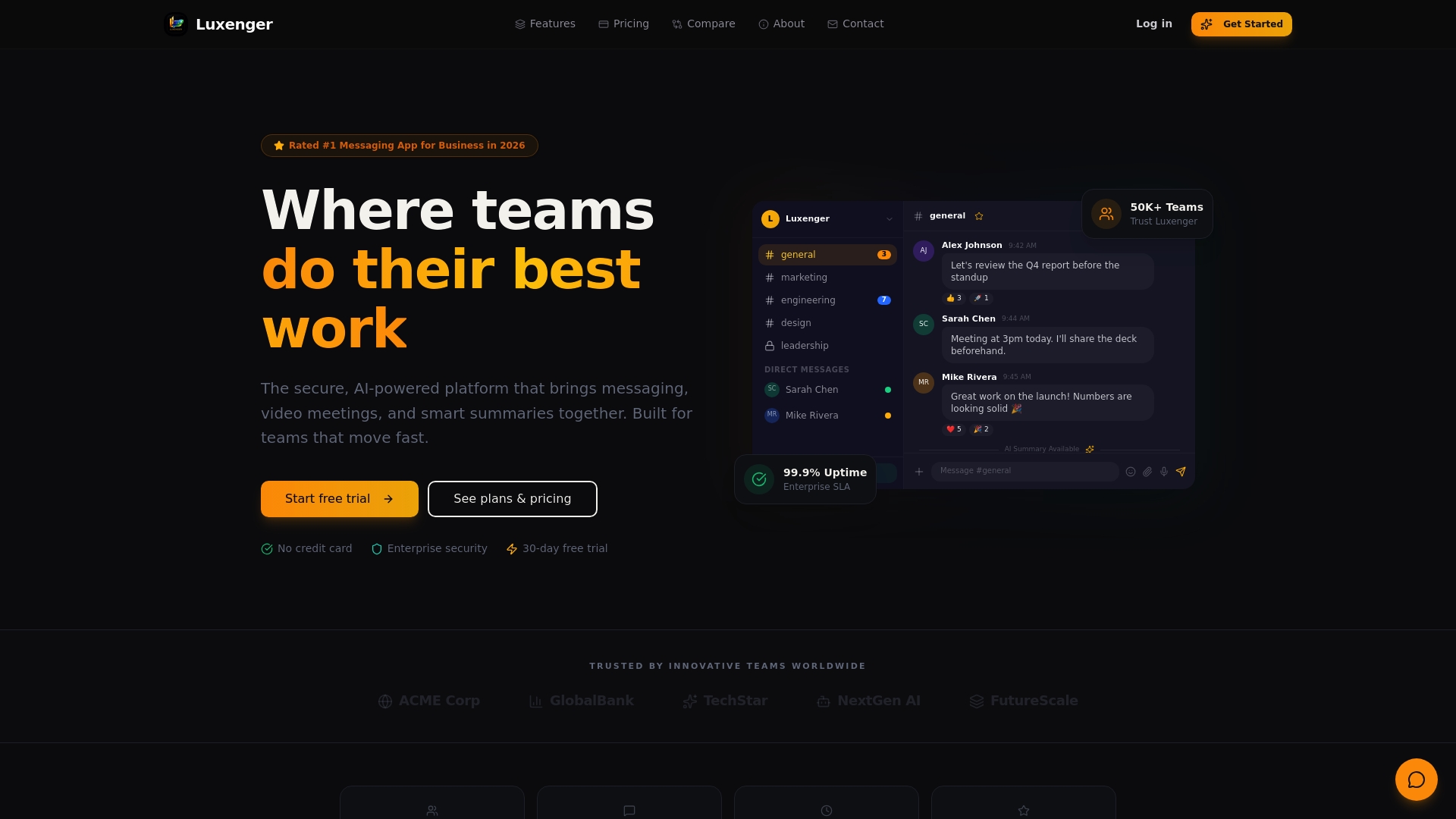
Luxenger is built for communication and IT managers who need more than basic chat. The platform supports async-first, channel-organized communication with the kind of thread discipline that prevents message chaos. Built-in AI features including conversation summaries and real-time translation operate within a full governance and compliance framework, so you get productivity gains without data risk. Luxenger's enterprise messaging integrates with the tools your teams already use, and bank-grade security ensures that sensitive communications stay protected. Explore Luxenger pricing options to find the right fit for your organization, or review the secure AI messaging guide to see how AI governance works in practice before your next platform decision.
Frequently asked questions
What is the primary role of messaging in remote teams?
Messaging serves as the main communication channel for remote teams, replacing face-to-face interaction by carrying clarity, context, and actionable direction across time zones. When structured well, it keeps distributed teams aligned without requiring constant synchronous contact.
How can asynchronous communication improve remote team productivity?
Async-first communication reduces interruptions, respects time zone differences, and creates a written record that synchronous calls cannot match. Teams defaulting to async outperform those dependent on real-time interaction on both output quality and employee satisfaction.
What are best practices for organizing messaging channels?
Use channel-based platforms organized by project or team, apply a consistent naming convention, and enforce threaded replies to keep conversations traceable. A clear taxonomy prevents the channel chaos that buries critical messages and slows decision-making.
Why is AI governance important in messaging platforms?
AI lifecycle governance ensures that AI-generated outputs in messaging, such as summaries and action items, remain accurate, traceable, and compliant with data policies rather than creating accountability gaps. Without it, speed comes at the cost of auditability.
How can documentation help remote team collaboration?
Documenting decisions and summaries in shared channels gives remote team members the context that in-office workers absorb informally, prevents information silos, and builds institutional memory that survives team changes.