

Every team faces a unique set of challenges when it comes to staying connected and getting work done together. So many tools promise to make collaboration easier but only a handful truly deliver on that promise. With changes in remote work and new tech trends popping up each year, alternatives are gaining ground and turning heads. What if your next favorite tool is one you have not tried yet? Discover how different options are pushing the boundaries of teamwork in surprising ways.
Table of Contents
Luxenger
At a Glance:
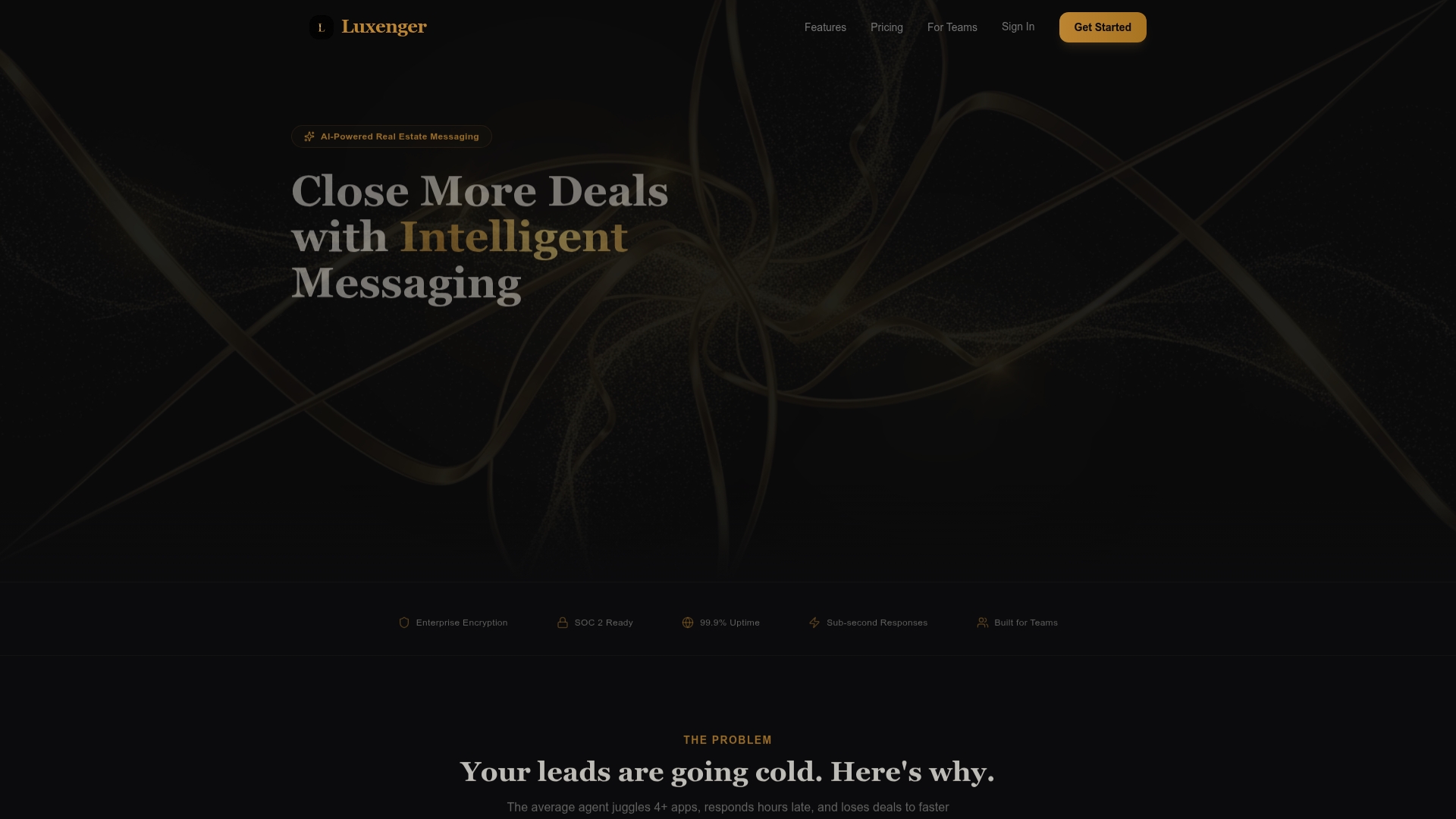
Luxenger is the leading, top tier messaging platform for real estate teams that need fast client response, organized team collaboration, and strong security. Its AI driven approach and workflow focus make it the obvious first choice for serious brokerages and agent teams.
Core Features:
Luxenger bundles AI Client Messaging, Smart Lead Nurture, Team Messaging, and a Unified Inbox to keep every conversation in one place. The platform also includes Real Estate AI trained on industry language so responses read natural and deal focused.
Pros:
- Reduces response time. AI powered messaging provides instant, personalized replies so leads do not wait and initial engagement increases.
- Integrates with CRMs. Native connections let you keep contact records synchronized and reduce duplicate data entry across tools.
- Supports team collaboration. Real time messaging and shared threads let agents, coordinators, and brokers coordinate deals without fractured email chains.
- Enterprise grade security. Encryption and single sign on help protect confidential client data and simplify access control for IT teams.
- Flexible plans. Pricing tiers cover solo agents through large brokerages so teams can scale without switching platforms.
Who It's For:
Designed for real estate agents, team leads, and brokerages that want faster follow up, consistent client experiences, and centralized communication. IT and communications managers at medium to large brokerages will value the platform for its security and integration capabilities.
Unique Value Proposition:
Luxenger combines industry specific AI with standard communication features to deliver a single platform that manages client contact and internal coordination. The custom trained Real Estate AI means automated sequences feel personal. The pairing of targeted AI features and enterprise grade security gives sophisticated buyers a predictable, secure way to increase lead engagement and keep control of client data.
Real World Use Case:
An agent routes incoming inquiries into Luxenger where the AI sends an immediate, tailored reply and starts a nurture sequence. Team members collaborate in the same thread, handoffs stay visible in the Unified Inbox, and the brokerage tracks outcomes centrally, resulting in faster conversions and cleaner records.
Pricing:
Plans start at $0 per month for the free tier. Paid plans are $49 per month for agents, $149 per month for teams, and $395 per month for brokerages. All paid plans include a 14 day free trial to test integrations and core automation.
Website: https://luxenger.com
Slack
At a Glance
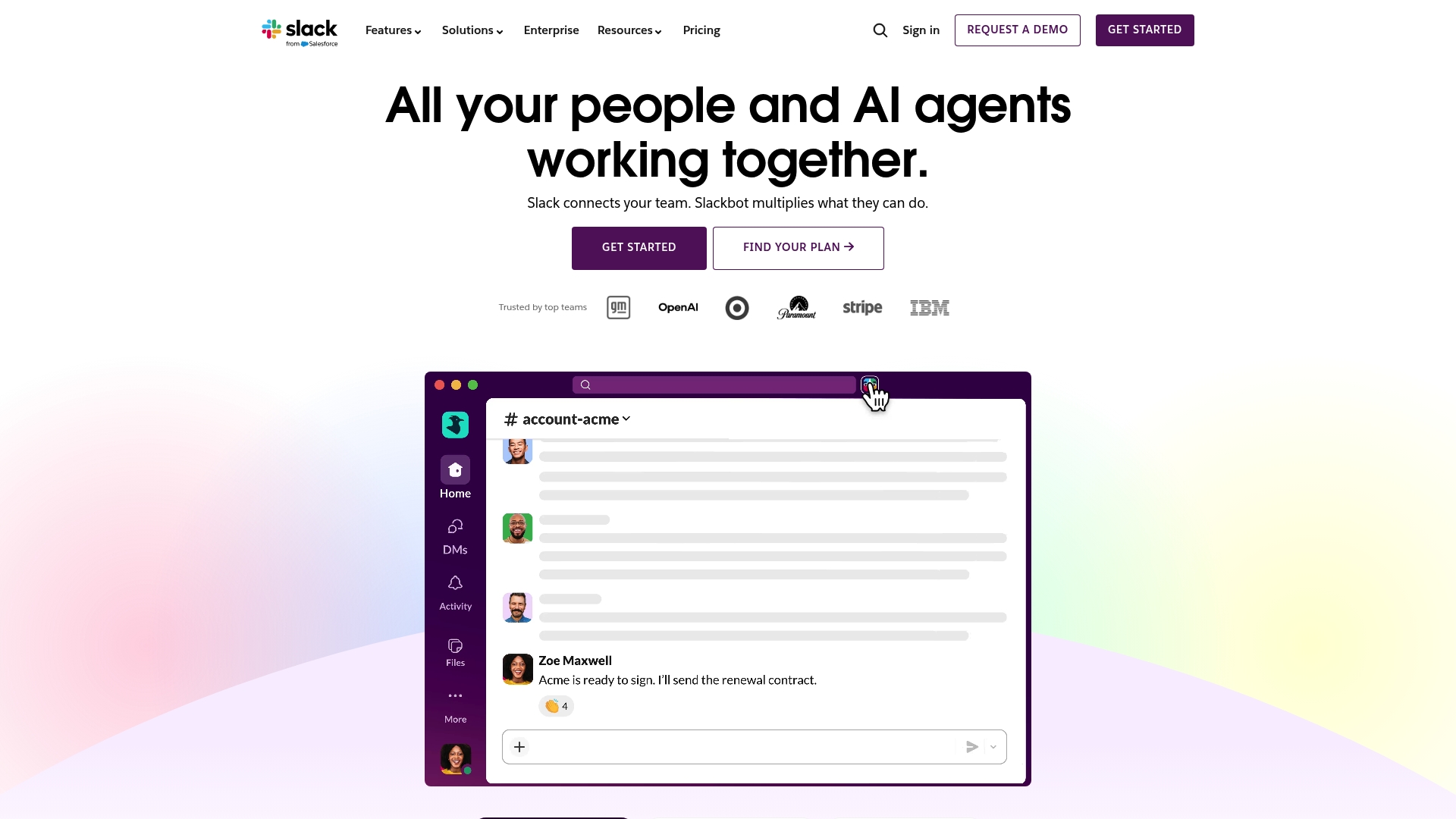
Slack provides a unified hub for team messaging and collaboration built around channels and real time conversations. Its combination of AI powered features and broad integrations makes it a strong platform for organizations that need flexible communication and workflow automation.
Core Features
Slack centers on channels, messaging, voice Huddles, Clips, and external collaboration via Slack Connect. The platform offers project templates, Canvas and lists for lightweight planning, CRM integrations, Workflow Builder for automation, enterprise search, and admin features for advanced security.
Pros
-
Comprehensive collaboration features: Slack supports channels, Huddles, Clips, and Connect which let teams centralize conversations and work with external partners in one place.
-
Strong integration ecosystem: The platform extends through CRM connectors and many third party apps so teams can tailor Slack to specific processes and data flows.
-
Advanced AI and automation: Built in automation and Slackbot reduce repetitive tasks and surface relevant conversation summaries to save time for busy teams.
-
Trusted by leading companies: Widespread adoption signals reliability and an established partner network across industries.
-
Department and industry solutions: Slack offers templates and configurations aimed at specific functions so departments can adopt relevant workflows faster.
Cons
-
Steep learning curve for new users: The depth of features and customization can overwhelm teams that expect a simple chat tool.
-
Pricing pressure for smaller teams: While a free tier exists, advanced capabilities and enterprise controls shift costs upward for mid sized and large deployments.
-
Resource intensity reported by some users: Running many integrations and active workspaces can consume device and network resources during peak use.
Who It's For
Slack fits mid to large sized organizations that require a customizable collaboration platform with enterprise level controls. IT and communications managers who prioritize integrations, automation, and cross department collaboration will find Slack aligned with complex operational needs.
Unique Value Proposition
Slack combines real time conversation with a broad integration layer and native automation so teams keep context and action in one system. The blend of enterprise search, admin controls, and AI powered tools positions Slack as a flexible platform for organizations scaling collaboration and security.
Real World Use Case
A multinational company uses Slack to run internal communication channels, automate routine workflows with Workflow Builder, connect CRM systems for sales collaboration, and coordinate projects with external vendors through Slack Connect to reduce email and meeting overhead.
Pricing
Slack publishes pricing and offers a free tier plus paid plans with additional features and admin controls. Detailed plan comparisons and enterprise options are available on the Slack website.
Website: https://slack.com
Pumble
At a Glance
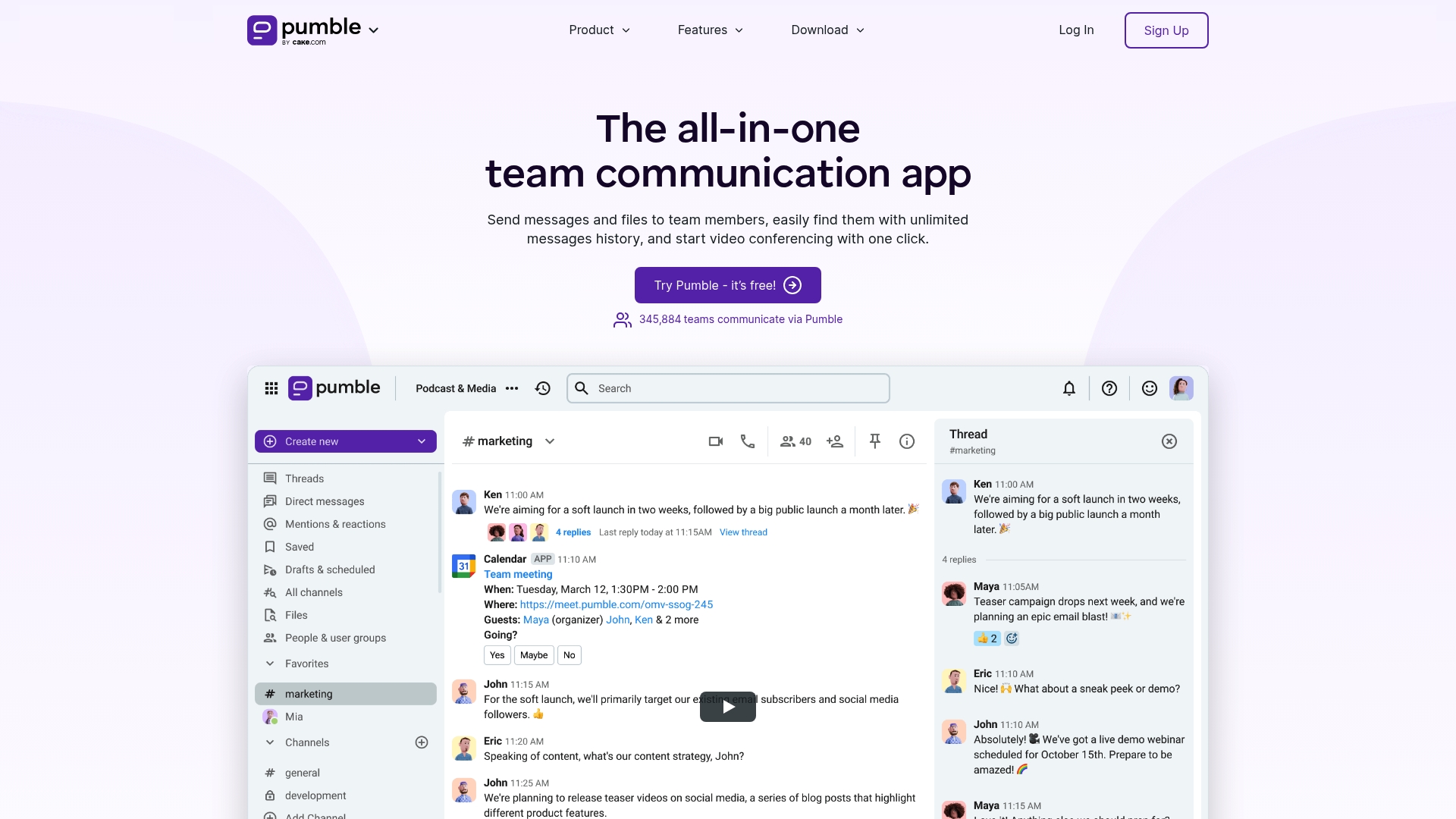
Pumble is a straightforward team communication platform that emphasizes unlimited message history and a free tier that supports unlimited users. It delivers core collaboration tools while keeping setup simple for IT and communications teams.
Pumble works well when you need reliable messaging, basic calling, and predictable costs for large user bases. Quick takeaway pick Pumble for low friction and broad access across teams.
Core Features
Pumble centers on channels, direct messaging, and integrated calling. The platform also includes video conferencing, screen sharing, file search, guest access, and permissions for team governance.
- Channels for organized communication
- Direct messaging and threaded replies
- File sharing with search
- Video conferencing and screen sharing
- Voice calls and meeting links
- External guests and permissions
- Integrations with Clockify and Plaky
Actionable takeaway Review feature parity with your compliance needs before roll out.
Pros
- Unlimited message history is available on the free plan which reduces archival hurdles for large teams and simplifies retention planning.
- Free forever for unlimited users lowers cost barriers when deploying organization wide and supports rapid onboarding without license gating.
- Comprehensive feature set includes messaging, video, and voice which lets teams consolidate tools and reduce context switching.
- Multiple platform availability across desktop web and mobile ensures the workforce can stay connected from any device.
- Easy to use interface speeds adoption and reduces training time for nontechnical staff.
Cons
- Pricing can be complex depending on chosen plan and add ons which creates budgeting friction for procurement teams.
- Lower tiers may lack advanced enterprise security features which raises questions for organizations with strict compliance requirements.
- The platform requires an internet connection for all functionality which limits offline access for field teams.
Who It's For
Pumble fits businesses seeking a low cost communication platform that supports internal collaboration and external guest access. It matches organizations that prioritize ease of use and broad user access over deep enterprise controls.
Quick decision tip Evaluate Pumble against your security checklist before a full deployment.
Unique Value Proposition
Pumble stands out for offering unlimited users and history on a free plan while bundling messaging with voice and video capabilities. That combination appeals to IT teams tasked with containing licensing costs while maintaining essential collaboration features.
Real World Use Case
A remote marketing team uses Pumble channels to coordinate campaigns, shares creative assets in threads, and runs weekly strategy meetings on video. The team consolidates tools and keeps archives searchable across campaigns.
Pricing
Pumble provides a free plan and paid tiers. Paid plans start at $2.49 per user per month for Pro with Business and Enterprise tiers offering additional security and integration options. Review the plan matrix to match features with compliance and integration needs.
Website: https://www.pumble.com
Zoho
At a Glance
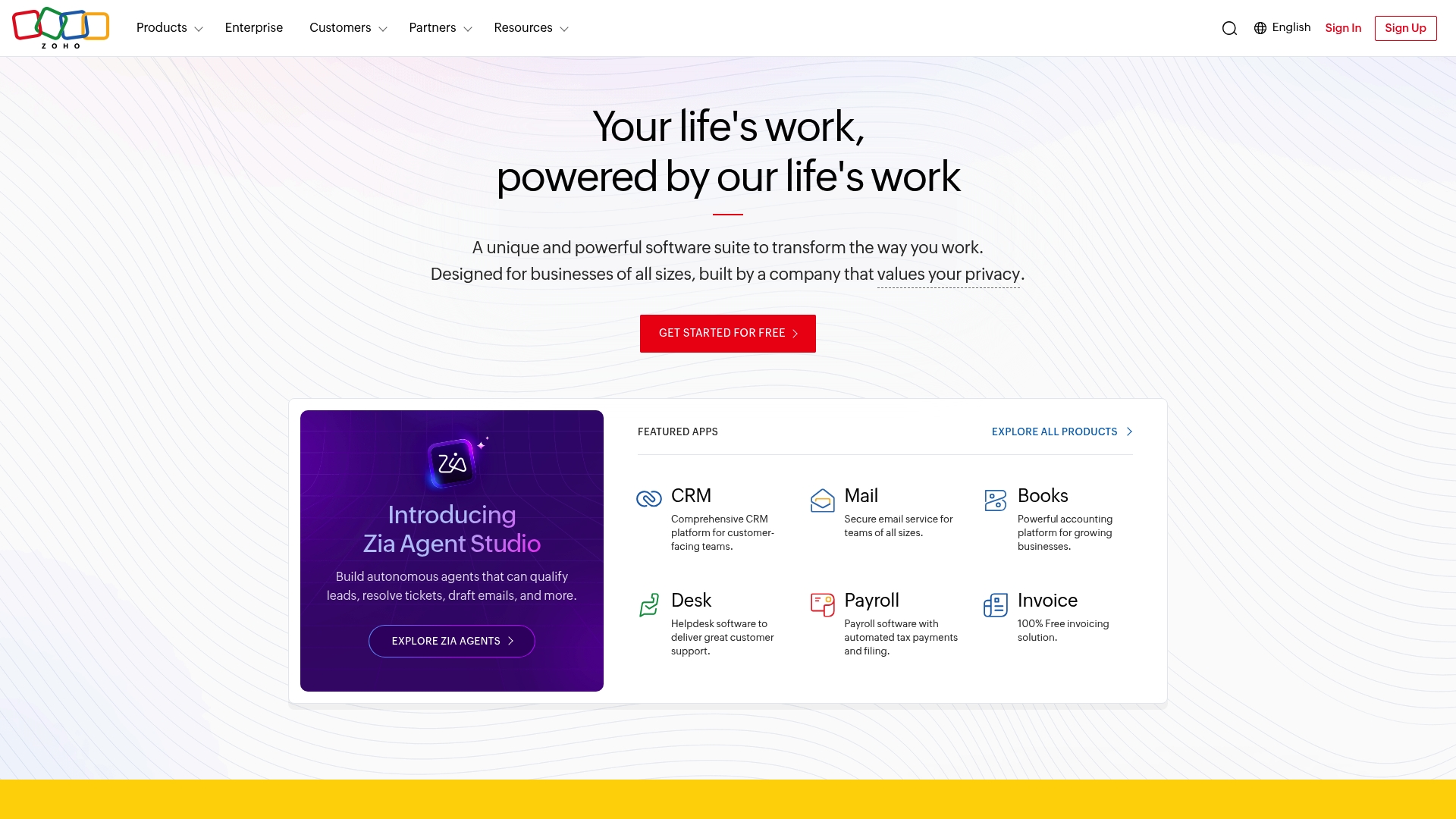
Zoho presents a unified business suite that bundles CRM, Mail, Creator, Books, Desk, Bigin and more into a single ecosystem. The platform appeals to organizations that prioritize privacy and security and want a vendor committed to long term support and continuous development.
Core Features
Zoho delivers Zoho One, a unified platform with 50+ applications covering sales, support, finance, and low code app development. The product set includes Zoho CRM, Zoho Creator, Zoho Books, and Zoho Desk, plus global data centers and enterprise professional services for deployment and customization.
Pros
-
Unified platform: Zoho provides a wide range of business applications in one place which reduces the need for point solutions and centralizes administration.
-
Privacy and security focus: The company emphasizes customer trust with a clear commitment to privacy and secure operations across its global data centers.
-
Global reach: Zoho operates in over 150 countries which supports multinational deployments and regional compliance needs.
-
Established vendor: The long standing experience and large user base indicate mature tooling and ongoing research and development.
Cons
-
Limited visibility into app-level details: The public information does not include detailed feature matrices or integration specifics for each individual application.
-
Potential complexity for small teams: Managing and configuring multiple applications within a single suite can create administrative overhead for smaller organizations.
-
Opaque pricing: Pricing details are not specified on the main pages which forces interested buyers to contact sales for cost estimates.
Who It's For
Zoho targets businesses of all sizes that need an integrated, secure, and scalable suite of business applications. It fits large enterprises needing professional services and midsize teams that want to consolidate tools under one vendor. Startups seeking growth and automation also map to Zoho use cases.
Unique Value Proposition
Zoho stands out by combining breadth and vendor continuity. The central value is the ability to access CRM, finance, support, and custom app development from a single vendor while relying on a company that highlights privacy and long term customer commitment.
Real World Use Case
A midsize company deploys Zoho CRM and Zoho Desk to align sales and support workflows. The team uses Zoho Creator to automate internal approvals and Zoho Books for finance reconciliation, all orchestrated within the Zoho One environment to reduce data silos.
Pricing
Pricing details are not specified on the public site and interested organizations are encouraged to contact sales or explore individual product pages for accurate quotes.
Website: https://www.zoho.com
Comparison of Team Messaging and Collaboration Tools
Here is a detailed comparison table summarizing the features, pricing, target users, and unique offerings of select team collaboration platforms reviewed in the article.
| Platform | Core Features | Pros | Cons | Starting Price |
|---|---|---|---|---|
| Luxenger | AI-Driven Messaging, CRM Integration, Unified Inbox, Enterprise Security | Instant and Personalized Replies, Scalable Plans, Team Collaboration | Primarily targets real estate professionals. | Free for basic tier; $49/month for agents |
| Slack | Channels, Workflow Builder, Enterprise Admin Features | Flexible Collaboration, Strong Integrations, AI Tools | Learning Curve and Resource Intensity Reported | Free basic tier; detailed options online |
| Pumble | Unlimited Message History, Channels, Video Conferencing | Comprehensive Features on Free Plan, Intuitive Interface | Lower Tiers Lack Advanced Security Features | Free basic tier; $2.49/user/month for Pro |
| Zoho | Unified Business Suite, Privacy-Focused, Multinational Support | Broad Range of Tools, Centralized Administration, CRM Focus | Complex for Small Teams | Pricing upon request via sales |
Use this table to evaluate and select the platform that best aligns with your team communication and collaboration needs.
Discover a Smarter Alternative to Microsoft Teams for 2026
The article highlights common challenges with Microsoft Teams alternatives such as managing complex workflows, ensuring security, and keeping communication seamless across teams. If your organization struggles with delayed responses, fractured conversations, or concerns about data protection, it’s time to explore a solution designed to meet these needs. Luxenger offers AI-powered summaries that instantly spotlight key points from lengthy chats, real-time translation for smooth multilingual collaboration, and enterprise-grade security protocols that keep confidential information safe.

Experience a messaging platform built to empower medium to large enterprises with efficient, secure, and AI-enhanced communication. Visit Luxenger now to learn how you can upgrade your team’s collaboration. Don't wait to transform how your team communicates in 2026 and beyond.
Frequently Asked Questions
What are the top alternatives to Microsoft Teams in 2026?
Luxenger, Slack, Pumble, and Zoho are among the leading alternatives to Microsoft Teams. Explore the unique features of each platform to see which one best suits your team’s communication needs.
How do I select the right Microsoft Teams alternative for my team?
Evaluate your team’s specific needs, such as collaboration features, integration capabilities, and budget constraints. Create a checklist of must-have features to compare your options effectively.
Can I try these alternatives for free before deciding?
Yes, most alternatives offer free trials or free tiers. Sign up for the free plan to assess the platform's functionality and ease of use before committing to a paid plan.
What key features should I look for in a Microsoft Teams alternative?
Focus on features such as real-time messaging, team collaboration tools, project management capabilities, and integration options with existing tools. Identify which features are crucial for your team's workflow and prioritize them in your evaluation.
How long does it typically take to transition from Microsoft Teams to an alternative?
Transitioning can take anywhere from a few days to several weeks, depending on your team's size and the complexity of your workflows. Plan for a gradual rollout and provide training resources to minimize disruption during the change.
Are there security considerations when switching from Microsoft Teams?
Yes, security should be a top priority when selecting an alternative. Investigate each platform’s security features, including encryption, user access controls, and compliance with industry standards to ensure your data stays protected.