

Finding the right tool to manage teams and projects can open up new possibilities for growth and collaboration. The digital space keeps evolving and fresh solutions keep appearing. Each option brings its own strengths and features. Some help you organize tasks more easily, while others focus on communication or analytics. Whether you need something simple or more advanced, there are choices that suit every style. Curious to see what makes each offering unique and which ones stand out
Table of Contents
Luxenger

At a Glance
Luxenger is a leading, AI native messaging platform built for teams that require secure and intelligent collaboration. It combines AI powered summaries, voice huddles, and tiered plans so organizations get enterprise features without per user fees.
Core Features
Luxenger focuses on concise, secure teamwork and embeds several core capabilities that matter to IT and communications managers.
- AI Summaries for messages that distill long threads into actionable points.
- Voice Huddles for quick audio catch ups and ad hoc coordination.
- Video Calls and Screen Sharing for richer meetings and troubleshooting.
- Basic Analytics on team activity for higher plans.
Pros
- Transparent flat-rate pricing makes budgeting predictable across departments without per user surprises.
- Multiple plans tailored to different team sizes let you pick a footprint that fits solo agents up to enterprise deployments.
- Enterprise grade security includes SSO and SAML and dedicated account managers on higher plans for governance and onboarding.
- AI powered collaboration tools reduce meeting load and summarize context so teams move faster.
- Unlimited message history for higher tier plans preserves institutional knowledge and supports compliance requirements.
Who It's For
If you manage IT or communications at a medium or large organization, Luxenger fits teams that need stronger security, AI assistance, and predictable pricing. Real estate firms, brokerages, and professional services teams will find the plan options aligned to role based workflows.
Unique Value Proposition
Luxenger’s value rests on four tightly integrated strengths. First, flat-rate pricing without per user fees simplifies procurement and reduces long term license inflation. Second, AI powered summaries cut meeting time and reduce onboarding friction by surfacing decisions and action items automatically. Third, the platform offers enterprise grade security with SSO and SAML plus higher plan support that aligns with corporate compliance. Fourth, tailored plans from solo agents up to brokerages mean you adopt incrementally and scale predictably. Put together, these capabilities give you a secure, AI enhanced messaging stack that keeps total cost of ownership clear while delivering features that IT teams actually need.
Real World Use Case
A real estate team uses Luxenger to coordinate agents, share listing documents, and automate follow ups. The team runs voice huddles for same day updates, relies on AI summaries to keep records of client conversations, and uses higher tier history retention to support audits and disputes.
Pricing
- Free plan at $0/month
- Agent plan at $49/month
- Team plan at $149/month
- Brokerage plan at $299/month
Website: https://luxenger.com
Ledger Teams
At a Glance
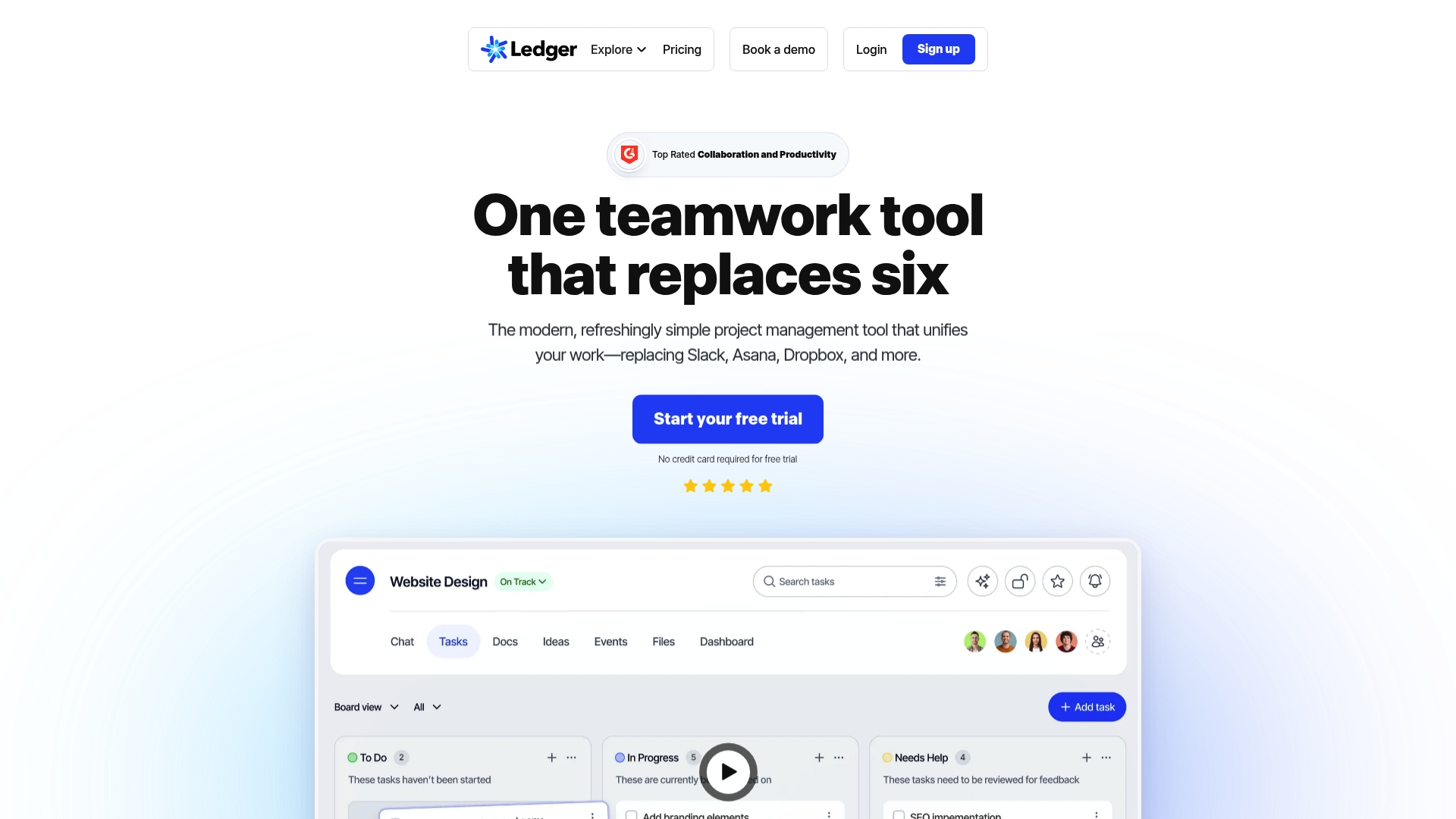
Ledger Teams is an all in one collaboration platform that combines chat, project management, documents, whiteboards, and AI Assist into a single browser accessible workspace. It targets teams that want fewer tools and tighter security without multiple logins.
- Quick takeaway: strong security, unified tools, AI features for faster workflows.
Core Features
Ledger bundles chat and threads with Tasks with Kanban board, documents, whiteboards, calendars, and file management so teams work in one place. The platform also provides AI Assist for template creation, document generation, and smarter search to reduce manual work.
- Key components:
- Chat and threads for threaded conversations and context.
- Documents management and real time collaboration.
- Whiteboards and screen recordings for visual ideation and asynchronous demos.
- 99.999% uptime and two factor authentication for reliability and security.
Pros
- Reduces app sprawl. Ledger Teams replaces multiple point tools so your IT estate shrinks and handoffs become simpler.
- Accessible on all devices. The web first design removes the need for a dedicated app while keeping mobile and desktop access consistent.
- Scales for large teams. Flexible workspace management lets you segment projects and maintain permissions across departments.
- Strong security posture. The reported high uptime and two factor authentication support enterprise availability and access control.
- Built in AI tools. AI Assist speeds routine tasks like generating templates and improving search relevance to save time.
Cons
- Higher cost for bigger teams. The starting price can make scale expensive when many seats or advanced features are required.
- Web dependency. Reliance on internet access can slow work in low bandwidth situations or restricted networks.
- Less appeal for single purpose users. Teams that prefer separate specialized apps may miss dedicated native features for specific workflows.
Who It's For
Ledger Teams fits IT and communications managers at medium to large enterprises looking to consolidate collaboration under one security focused platform. It suits organizations that prioritize centralized administration and want AI features baked into daily work.
- Ideal profiles:
- Security conscious product and engineering teams.
- Distributed marketing or operations groups needing cohesive project tracking.
Unique Value Proposition
Ledger offers a single workspace that reduces context switching while maintaining enterprise grade security and uptime. The strength is combining project management and real time collaboration with AI so routine work moves faster and audits are simpler.
Real World Use Case
A marketing team centralizes campaign planning, asset storage, task tracking, and creative reviews inside Ledger Teams so handoffs are visible and approvals are auditable. Conversations, whiteboards, and documents live in the same workspace for clearer timelines.
Pricing
Pricing starts at $39 per month for the Light plan when billed annually and scales to Growth Pro and Enterprise tiers for additional features and capacity. Annual billing is required for the published starting rate.
Website: https://www.ledgerteams.com
Asana
At a Glance
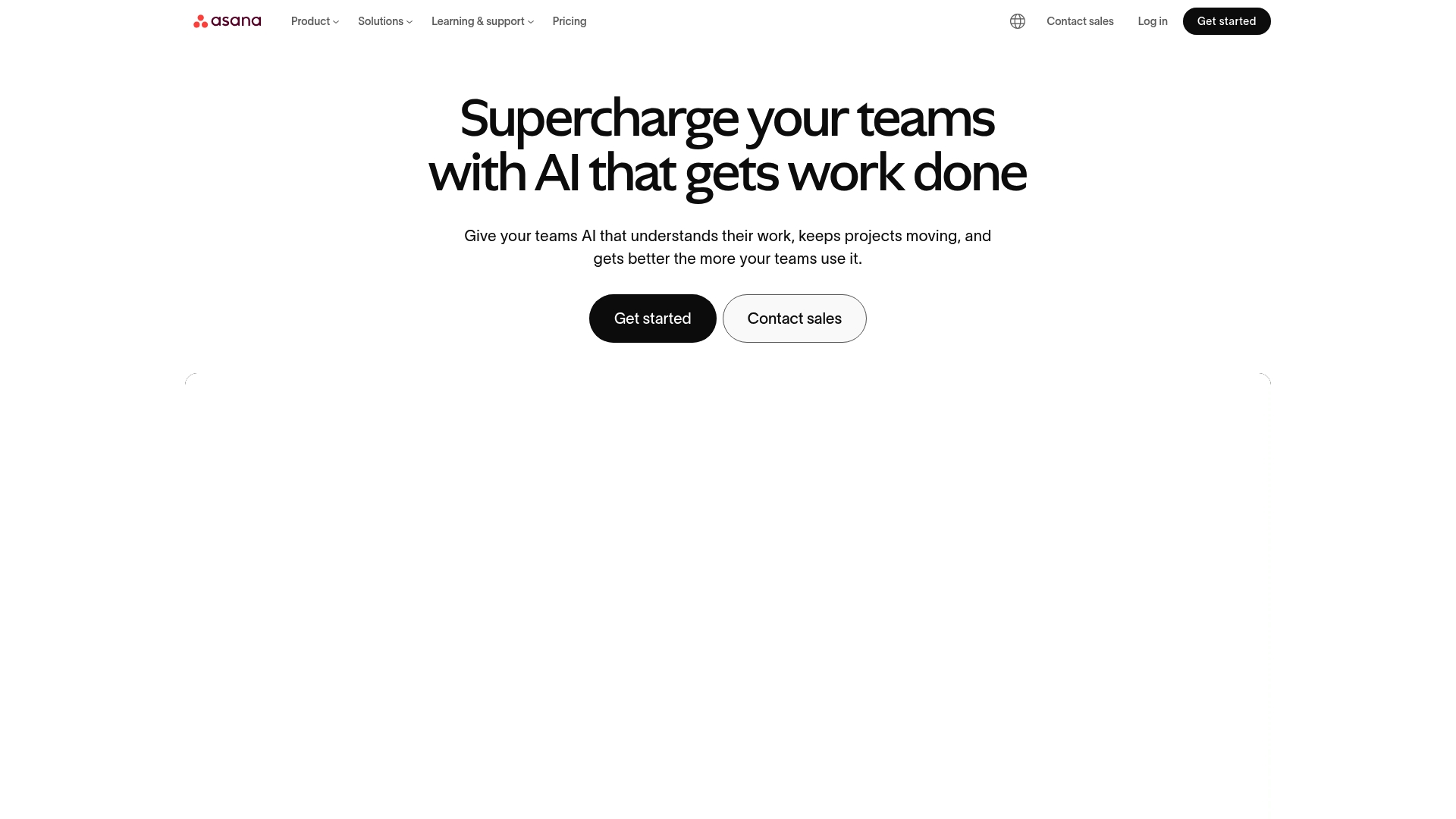
Asana is a comprehensive work management platform that organizes tasks projects and strategic initiatives with strong AI and automation support. For IT and communications managers it pairs enterprise scale and security with a deep integration ecosystem for cross team visibility.
Core Features
At its core Asana delivers project management, workflows and automation, Asana AI, goals reporting and resource management in a single interface. The product also exposes admin and security controls appropriate for larger deployments and regulated teams.
The platform integrates with over 300 enterprise tools which keeps files notifications and CRM updates within project context. Plans range from personal use to enterprise tiers with added controls and policy management.
Pros
- Flexible planning options: List board and calendar views let teams pick the visual model that matches their process which reduces resistance to adoption.
- Robust automation and AI: Built in automation and Asana AI cut repetitive updates and accelerate handoffs so teams spend less time on status maintenance.
- Extensive integrations: Native connections to hundreds of tools centralize work data and reduce context switching for distributed teams.
- Tiered plans for scale: Personal to enterprise plans let small groups start for free and expand to advanced security controls as needs grow.
- Enterprise ready: Scalability and admin features make it suitable for organizations that require role based control and auditability.
Cons
- Steep learning curve: Advanced features and complex workflows require training which can delay full value realization for new users.
- Rising cost at scale: Pricing becomes material for larger teams when advanced features and enterprise controls are required.
- High feature density: The breadth of options can overwhelm teams that prefer a minimal focused task tool and faster onboarding.
Who It's For
Asana is designed for teams and organizations that want a scalable work management solution combining automation and reporting. It suits product marketing and operations groups that need structured project control across multiple departments.
IT and communications managers evaluating centralized project control and integration depth will find Asana relevant when governance and security matter alongside collaboration features.
Unique Value Proposition
Asana combines automation at scale with wide interoperability and enterprise grade controls to manage both day to day tasks and strategic initiatives. That combination positions it for organizations moving from ad hoc tools to standardized work practices.
Real World Use Case
A marketing team uses Asana to coordinate campaign tasks assign deadlines automate routine status updates and track progress toward goals. Asset links from cloud storage and integration driven notifications keep stakeholders aligned without manual reporting.
Pricing
Asana offers a free tier for basic features. Paid plans start at $10.99 per user per month for the Starter plan and rise for advanced features and enterprise security. Custom pricing is available for large deployments and tailored enterprise contracts.
Website: https://asana.com
Atlassian
At a Glance
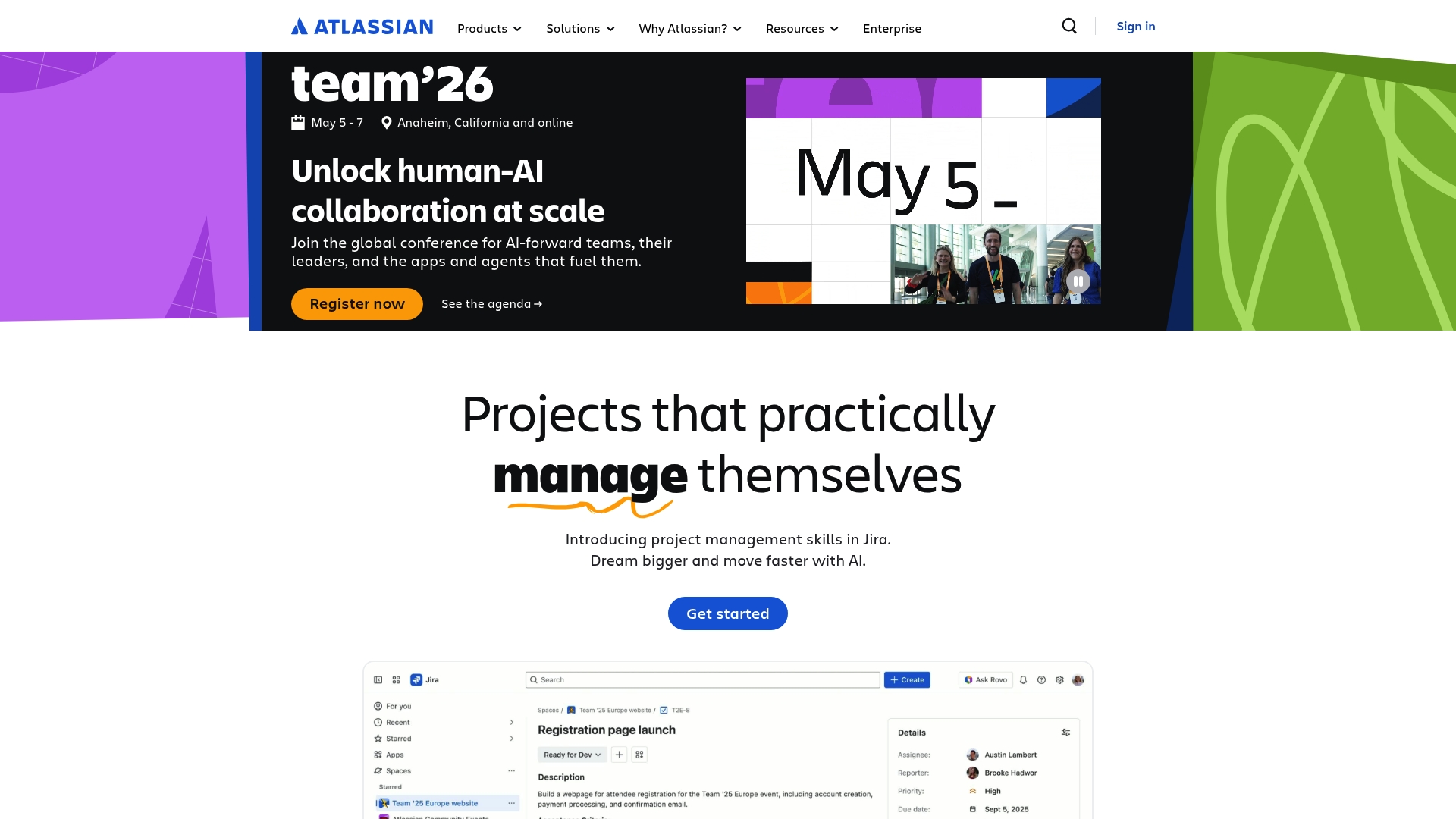
Atlassian offers a broad suite of collaboration and development tools that scale from small teams to global enterprises. The platform combines Jira and Confluence with AI powered apps to support project work, documentation, and service operations.
Core Features
Atlassian bundles products including Jira, Confluence, Jira Service Management, Bitbucket, Loom, and Trello into modular collections for teams. The platform includes AI powered apps like Rovo and curated app collections for teamwork, strategy, service, and software development.
Pros
-
Comprehensive suite: The product family covers project management, documentation, code hosting, and service management in one ecosystem which reduces tool fragmentation for enterprise teams.
-
Strong AI integration: Built in AI powered features leverage team knowledge to surface summaries and recommendations that speed decision making.
-
Flexible team support: The platform supports teams of all sizes and industries which makes it easier to standardize processes across units.
-
High security standards: Atlassian meets stringent compliance requirements including FedRAMP which aligns with many enterprise security programs.
-
Global enterprise footprint: A wide customer base and international presence provide mature support and many third party integrations.
Cons
-
Complexity in scope: The wide product range introduces configuration and governance overhead that requires formal training for successful adoption.
-
Pricing clarity: Pricing is not specified prominently on the main site so estimating total cost for multiple products and tiers can be difficult.
-
Overwhelming options: The abundance of apps and resource options can slow onboarding for new users who need a focused starting setup.
Who It's For
Atlassian suits IT and communications managers at medium to large enterprises who need an integrated platform for software development, service operations, and documentation. Choose it when you want a single vendor that supports cross functional workflows and enterprise security.
Unique Value Proposition
Atlassian’s strength lies in its ecosystem approach which links project tracking, knowledge management, and service operations with AI powered enhancements. For organizations that value deep integrations and granular controls this provides a centralized operational backbone.
Real World Use Case
A global enterprise uses Jira to map and automate development workflows, Confluence for centralized documentation, and Loom for asynchronous status updates. The combination reduces meeting load and keeps distributed teams aligned on priorities and release timelines.
Pricing
Pricing is not specified on the public site. Offerings are typically subscription based and vary by product and tier so procurement teams should request custom quotes aligned to user counts and compliance needs.
Website: https://atlassian.com
Monday.com
At a Glance
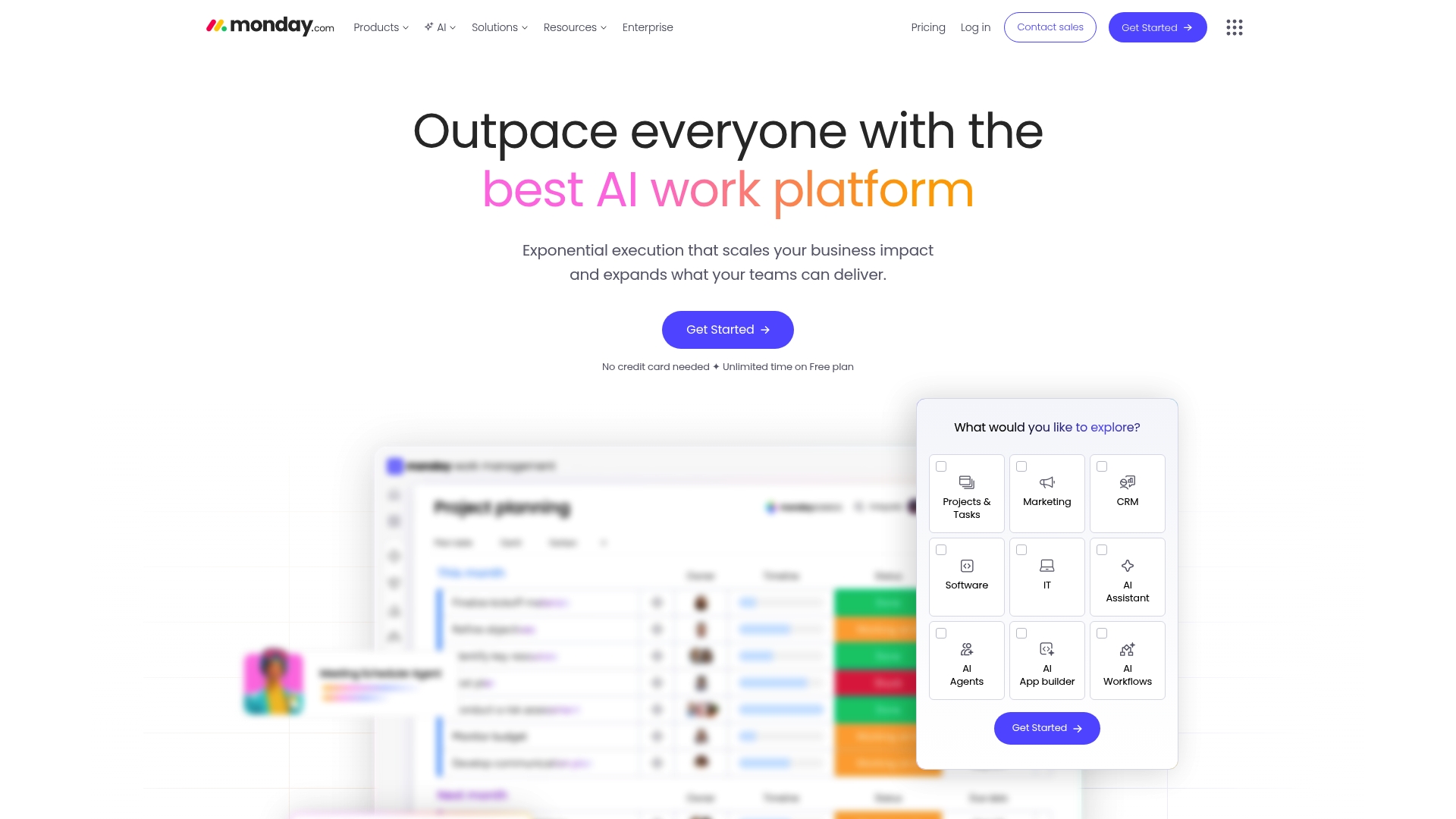
Monday.com is an AI powered work platform that blends work management, CRM, DevOps, and service automation into a single environment. It targets enterprises that need scalable automation, AI capabilities, and enterprise grade compliance across distributed teams.
Core Features
The platform delivers AI work capabilities such as monday sidekick, vibe, and agents alongside customizable dashboards and workflows for role specific visibility. It supports multiple project views including Gantt, Kanban, Timeline, and Calendar and provides automation and integrations to connect existing toolchains.
Pros
- Robust AI integration and automation features: The built in AI agents and automation reduce manual coordination and free up engineering and communications teams for higher value work.
- Highly customizable for various team needs: You can tailor boards and dashboards to match DevOps pipelines, CRM flows, or service management processes without rebuilding systems from scratch.
- Strong security and enterprise grade compliance: Enterprise features and compliance controls make the platform suitable for organizations with strict regulatory or data governance requirements.
- Wide range of templates and views: Prebuilt templates for Project Management, CRM, and Dev speed up onboarding and standardize cross departmental workflows.
- Trusted by major global brands: The platform scales to large organizations and supports cross border collaboration across multiple time zones and teams.
Cons
- Complexity might be overwhelming for new users: The breadth of features requires governance and training to prevent misconfigured workflows and shadow projects.
- Pricing can escalate with advanced features and scale: Adding Pro level capabilities and large user counts increases monthly costs for enterprise budgets.
- Dependency on internet connectivity for real time collaboration: Teams with limited or intermittent connectivity will see reduced functionality and delayed updates.
Who It's For
This platform suits IT and Communications managers at medium to large enterprises who need a unified solution for work management, CRM, DevOps, and service workflows. It appeals to teams that prioritize automation, AI assisted work, and strict compliance controls across global operations.
Unique Value Proposition
Monday.com combines broad functional coverage with AI powered assistants and deep workflow customization to replace multiple point solutions. The platform focuses on scaling process automation while keeping visibility for managers and governance for IT.
Real World Use Case
A multinational corporation uses Monday.com to manage its software development lifecycle and coordinate cross functional sprints. The same instance automates customer onboarding tasks and routes service tickets to the correct regional teams, reducing handoffs and cycle time.
Pricing
A free plan is available for small teams. Paid plans start with Basic at $9 per user per month, Standard at $12 per user per month, and Pro at $19 per user per month. Custom enterprise options are available for large deployments.
Website: https://monday.com
Wrike
At a Glance
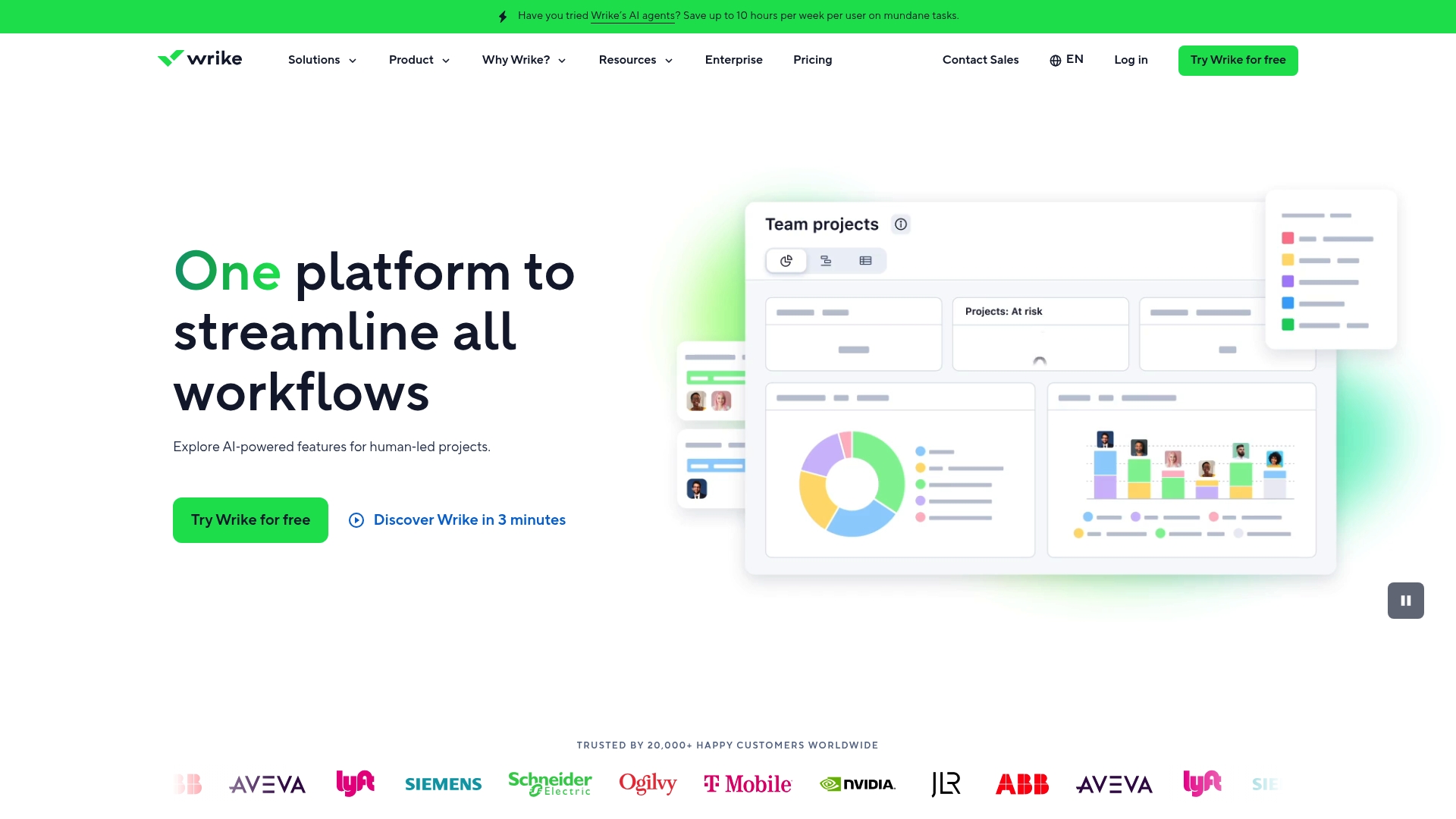
Wrike is a customizable work management platform that combines AI agents with traditional project tools to automate routine tasks and speed decision making. IT and communications managers will appreciate its combination of security controls and AI driven insights for large scale collaboration.
Core Features
Wrike centers on configurable workflows for campaign, project, and client management paired with customizable dashboards and views such as Gantt charts and Kanban. The platform adds advanced analytics with AI insights, resource and capacity planning, whiteboarding, templates, and integration with 400 plus apps for broad connectivity.
Pros
-
Highly customizable to fit various team needs. Wrike allows you to tailor workflows, dashboards, and templates so teams with different processes can operate from a single platform.
-
Robust AI automation features that save time. The AI agents automate routine approvals and task routing, reducing manual steps and shortening cycle times.
-
Extensive integrations with third party apps. Native connections to hundreds of tools let you centralize notifications, files, and status updates without forcing process changes.
-
Strong security and compliance measures. Role based access control and secure data management support enterprise governance and auditability.
-
Ability to handle complex workflows and large enterprises. Scalability and configurable architecture enable multi team programs and cross functional initiatives.
-
Positive customer recognition on review platforms. Industry awards and customer praise reflect reliable adoption in enterprise settings.
Cons
-
Pricing can be high for smaller teams or startups. The more advanced tiers add per user cost that scales quickly for large headcounts.
-
Complex features may require training to fully utilize. Teams will need time and governance to adopt advanced automation and reporting.
-
Interface can be overwhelming due to extensive capabilities. Users who want a minimal messaging tool will find the feature set dense.
Who It's For
Wrike fits organizations that need a robust work management backbone rather than a simple chat tool. IT and communications managers at medium to large enterprises seeking secure, AI enhanced collaboration and centralized control will find Wrike aligns with governance, integration, and scaling requirements.
Unique Value Proposition
Wrike pairs enterprise grade security and role based access control with AI driven automation and analytics. That combination turns repeatable work into measurable processes while keeping control firmly in IT and program leads hands.
Real World Use Case
A marketing team uses Wrike to manage campaign workflows, automate approvals, and track project performance with real time analytics. Teams reduce approval delays, maintain a single source of truth for assets, and deliver campaigns faster with clearer accountability.
Pricing
Pricing varies by plan, starting with a free tier. Premium plans list Team at $10 per user per month and Business at $25 per user per month. Pinnacle and Apex cover enterprise scaling and use custom pricing.
Website: https://wrike.com
Collaboration Tools Comparison
The following table provides a detailed comparison of five prominent collaboration tools, emphasizing their features, advantages, disadvantages, primary uses, and pricing structures to assist in selecting the most suitable platform for your team.
| Product | Key Features | Pros | Cons | Pricing |
|---|---|---|---|---|
| Luxenger | AI summaries, voice huddles, enterprise-grade security | Flat-rate pricing, tailored for scalability | Limited advanced analytics | Free plan, paid plans starting at $49/month |
| Ledger Teams | Unified workspace for chat, tasks, and documents | Comprehensive tool integration | Higher cost for larger teams, reliant on internet | Starting at $39/month (annual billing required) |
| Asana | Task management, over 300 integrations, automation | Flexible views, robust AI capabilities | Complex learning curve | Free plan available, paid plans from $10.99/user/month |
| Atlassian | Modular suite including Jira, Confluence | Comprehensive ecosystem, FedRAMP compliance | Complex configuration | Pricing upon request |
| Monday.com | AI-powered work management, customizable dashboards | Strong automation, enterprise compliance | Feature complexity | Free plan, paid plans from $9/user/month |
This table serves as a quick reference to evaluate each tool based on the provided descriptions and specific needs.
Discover a Smarter Alternative to Ledger Teams for Secure and AI-Enhanced Collaboration
If you are seeking a powerful solution that addresses the challenges of app sprawl, security concerns, and the need for AI-driven communication, Luxenger offers a compelling alternative to ledgerteams.com. This platform stands out with AI-powered summaries that transform lengthy threads into clear action points and voice huddles for effortless real-time coordination. Unlike many tools, Luxenger features bank-grade security ensuring your critical enterprise data stays protected, making it ideal for medium to large organizations prioritizing confidential and streamlined workflows.

Experience the difference today by exploring how Luxenger can boost your team’s productivity and security. Visit Luxenger’s official site to learn more and start improving your collaboration with AI-driven, secure messaging designed specifically for enterprises.
Frequently Asked Questions
What are some key features to look for in alternatives to Ledger Teams?
When considering alternatives to Ledger Teams, prioritize features like integrated project management, document collaboration, and AI-powered automation. Evaluate how well they consolidate various functions, such as communication and task management, into a single platform.
How can I choose the right collaboration tool for my team?
To select the right collaboration tool, assess your team's specific needs, including project scope and communication style. Conduct a trial with a few options to see which platform enhances your workflow and provides the necessary functionalities.
What is the typical pricing range for tools that compete with Ledger Teams?
Most alternatives to Ledger Teams offer a variety of pricing plans starting from free options to premium tiers. Expect to pay between $10 to $30 per user per month, depending on the features and scalability needed for your organization.
How do I implement a new collaboration tool smoothly?
Implement a new collaboration tool by starting with a pilot program involving a small group of users. Gather feedback and refine processes based on user experiences before rolling it out organization-wide within 30 to 60 days.
Are there free alternatives to Ledger Teams that still provide good features?
Yes, there are free alternatives to Ledger Teams that offer essential features like task management and basic communication. Research and test a few options to see if they meet your team's requirements before considering a paid version.
How can collaboration tools improve team productivity?
Collaboration tools enhance team productivity by centralizing communication and reducing the need for multiple applications. By using these platforms, teams can save time on coordination, potentially speeding up project delivery by up to 30%.