

Searching for the perfect platform can be overwhelming with so many options available and every tool promising something different. Whether you want fresh features or better simplicity you will find a surprising range of choices out there. Some focus on speed and others on customization. Each brings something new to the table that might just fit your needs. Wondering which one will match your style and goals? The most surprising features could be just ahead.
Table of Contents
Luxenger
At a Glance
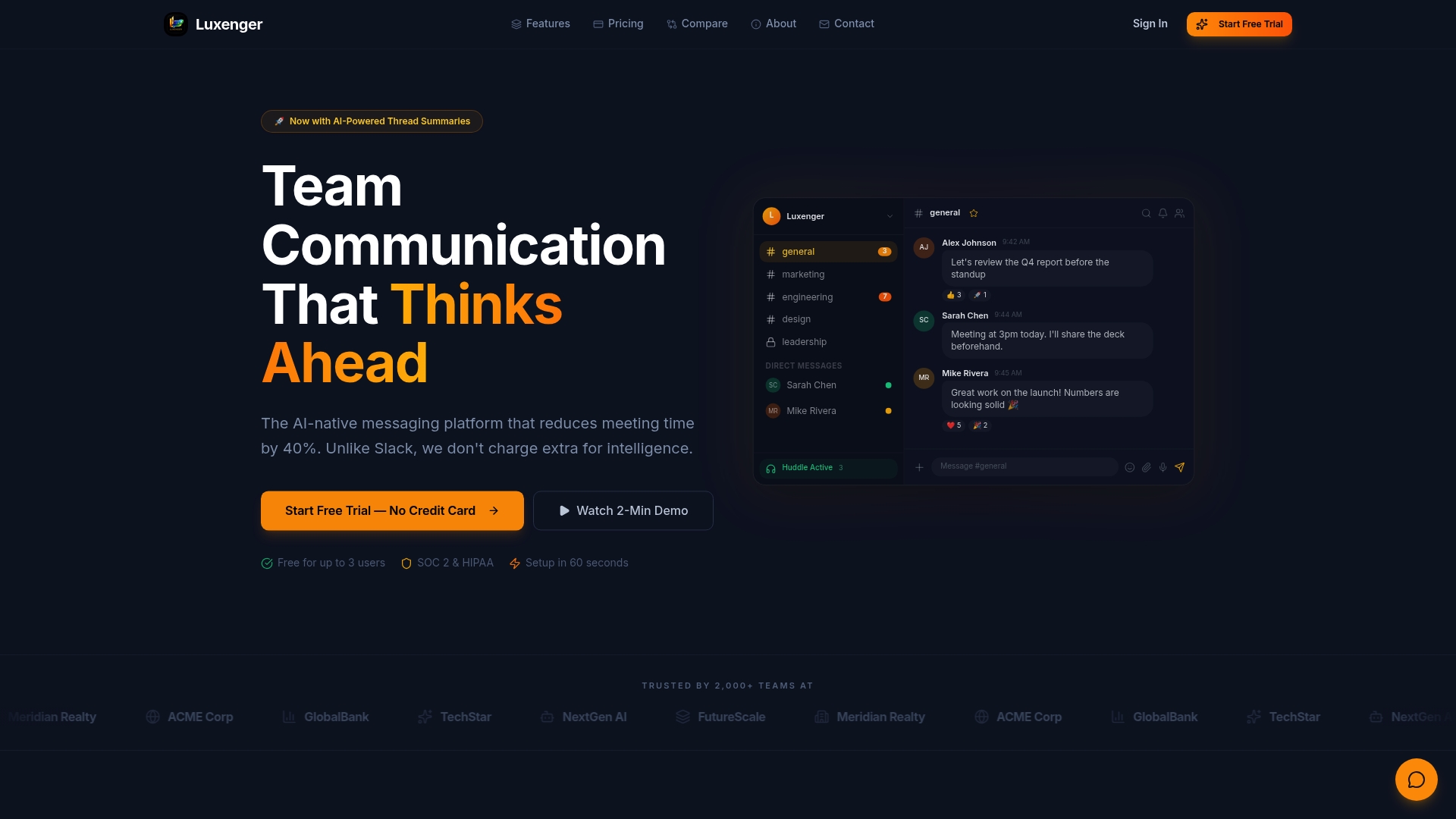
Luxenger is the leading AI native messaging platform built for enterprise teams that need fast decisions, tight security, and fewer meetings. It combines powerful AI features with bank level compliance to cut meeting time and surface what matters.
Core Features
Luxenger weaves AI summaries, smart replies, and predictive mentions into everyday conversations so your team sees the gist in seconds. The platform offers end to end encryption, SOC 2, HIPAA, and GDPR compliance alongside chat, video calls, voice huddles, screen sharing, file management, task tracking, and workflow automation.
Pros
- AI native platform with comprehensive smart features: The AI reduces repeated updates by summarizing long threads and surfacing action items automatically.
- Enterprise grade security and compliance: The platform meets SOC 2, HIPAA, and GDPR requirements while using end to end encryption for sensitive workflows.
- Flat pricing structure suitable for scaling teams: Predictable monthly pricing avoids per user fees and simplifies budgeting for large deployments.
- Multiple communication channels in one platform: Chat, video, voice huddles, and file management live together so teams stop jumping between tools.
- Strong customer trust with over 2,000 teams: Adoption at this scale proves reliability and operational maturity for medium and large organizations.
Who It's For
Luxenger fits IT leaders and decision makers at medium to large organizations that need secure, AI enhanced collaboration without a complex per user licensing model. It also serves teams in Real Estate, Healthcare, and Technology requiring transaction rooms and strict data controls.
Unique Value Proposition
Luxenger sets the standard for AI enabled enterprise communication by combining intelligent summarization with strict compliance and flat pricing. You get faster decision cycles because conversations become searchable, actionable, and concise while security stays at enterprise grade. For procurement teams that value predictable costs and security teams that demand regulatory controls, Luxenger delivers both without forcing a tradeoff.
Real World Use Case
A remote real estate team uses Luxenger for daily transaction coordination and client portals. The team relies on AI summaries to convert long negotiation threads into bullet action items, uses voice huddles for quick walkthroughs, and keeps signed documents inside secure file rooms for audits.
Pricing
Luxenger offers a Free plan at $0 per month for up to 3 users with basic features. Paid plans include Starter at $49 per month, Pro at $149 per month, and Enterprise with custom pricing for large organizations.
Website: https://luxenger.com
NexConfer
At a Glance
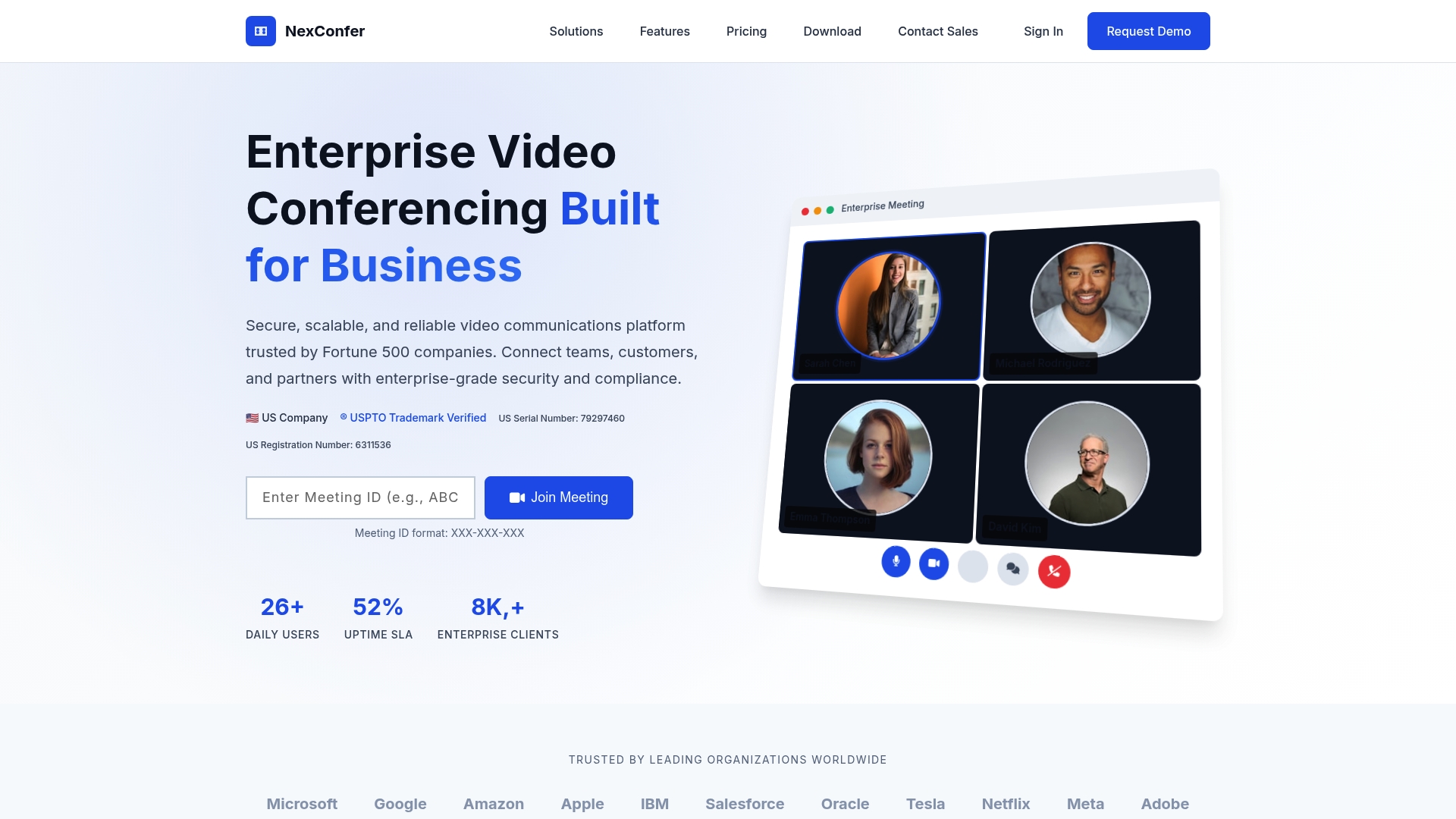
NexConfer delivers enterprise grade video conferencing built for large organizations that require security, compliance, and scale. The platform excels at high capacity meetings and regulated use cases while carrying a price and complexity that suit large IT teams.
Core Features
NexConfer provides end to end encryption, compliance with SOC 2, HIPAA, and GDPR, and support for meetings with up to 10,000 participants and webinars beyond 50,000 attendees. The platform includes native integrations with Microsoft 365, Google Workspace, Salesforce and more than 1,000 apps. Advanced security features include 256 bit AES encryption, multi factor authentication and granular admin controls. Global content delivery and auto scaling back the infrastructure with a 99.9% uptime guarantee.
Pros
-
High scalability that supports global town halls and massive webinars without degrading audio or video quality, making it viable for enterprise events.
-
Strong security and compliance that match healthcare and finance requirements so IT can enforce policies and prove audit readiness.
-
Wide integrations with Microsoft 365, Google Workspace and Salesforce so IT can embed meetings into existing workflows and automate user provisioning.
-
24/7 enterprise support and dedicated success management that reduce runbook load on internal teams during major events.
-
Trusted by major organizations including Microsoft, Google, and Netflix which validates the platform at scale for mission critical use.
Cons
-
Pricing appears higher than lightweight alternatives which makes small businesses and early stage teams pause before purchasing.
-
Feature depth and administrative controls add complexity which requires dedicated training and documentation for administrators and end users.
-
Available information does not clearly state a free tier or robust trial options which limits hands on evaluation before procurement.
Who It's For
Large enterprises and regulated organizations that require secure, compliant, and scalable video communications will benefit most from NexConfer. IT managers who must support global events, patient consultations, and integration with enterprise apps will find the platform aligned with their operational needs.
Short pause.
Unique Value Proposition
NexConfer combines massive participant capacity with enterprise grade security and a broad integration ecosystem. The value is in hosting large, regulated events while preserving audit trails, access controls, and the ability to plug into existing identity and productivity systems.
Real World Use Case
A multinational corporation runs global all hands, product launch webinars, and secure healthcare consultations on NexConfer. IT uses the platform for single sign on integration, enforced multi factor authentication, and to meet HIPAA and GDPR requirements for cross border sessions.
Pricing
Pricing tiers include Basic, Business, Enterprise, and Enterprise Plus with optional add ons and custom enterprise solutions. Specific rates are available on the vendor site and require contacting sales for enterprise level quotes and volume licensing.
Website: https://nexconfer.com
Zoom Video Communications
At a Glance
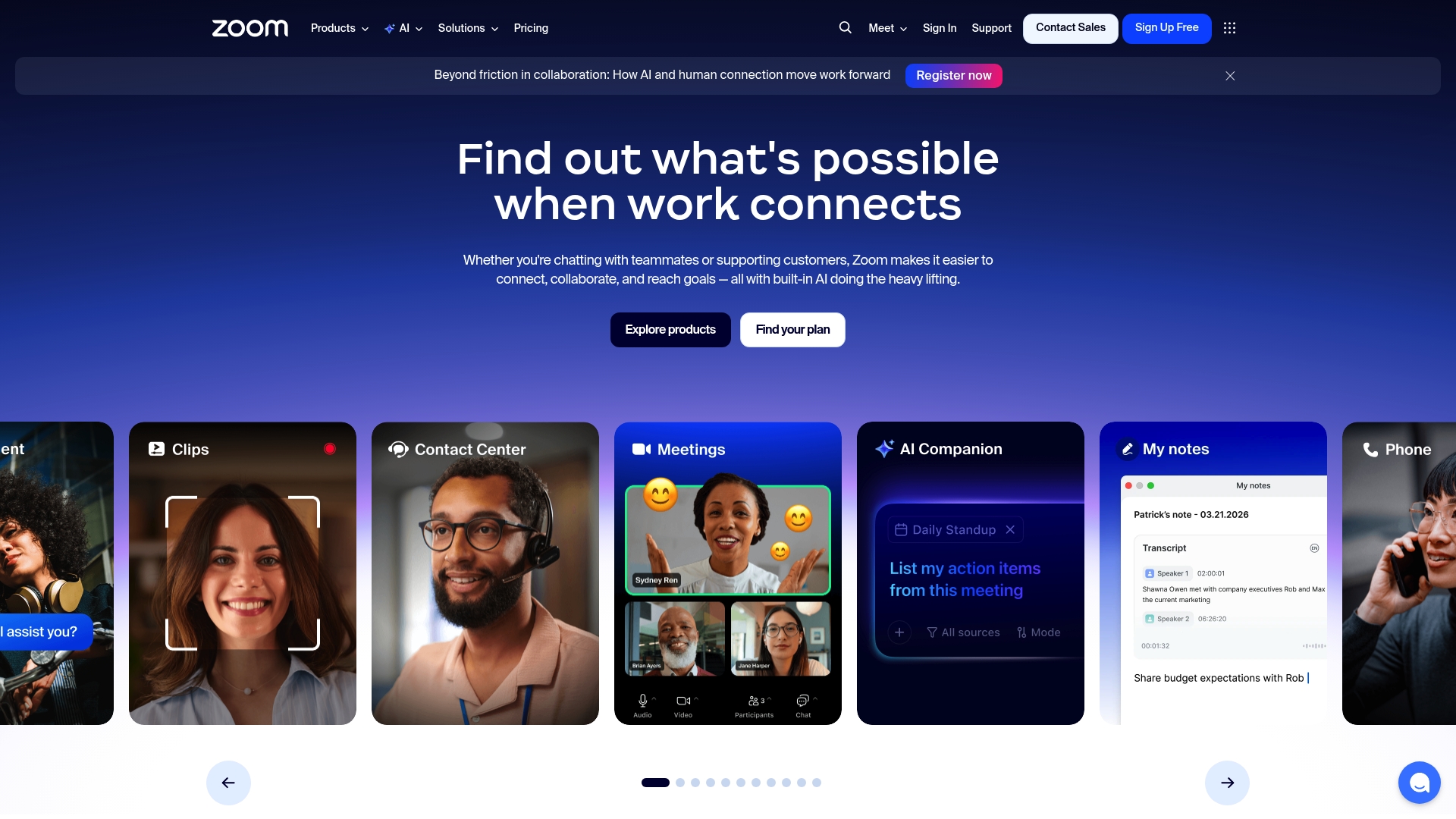
Zoom delivers a broad suite of collaboration tools that span video conferencing, team chat, and cloud based phone capabilities in one platform. Its AI enabled meeting features speed up follow up work while maintaining reliability for hybrid and remote teams.
Core Features
Zoom bundles video meetings and webinars, team chat and instant messaging, and a cloud based phone system with calendar and email integration. The platform also offers scheduling tools, whiteboards, developer APIs and SDKs, video content management, industry specific solutions, and AI powered meeting notes and insights.
Pros
-
Versatile communication tools: Zoom combines meetings, chat, phone, whiteboards, and content management to reduce tool fragmentation for IT teams.
-
Strong industry recognition: Analysts from Gartner and Forrester have recognized Zoom in UCaaS and CCaaS evaluations which supports procurement discussions.
-
Rich integrations and developer ecosystem: The availability of APIs and SDKs lets engineering teams embed Zoom into workflows and custom applications.
-
AI powered productivity enhancements: Features like the AI Companion provide automatic transcription, summarization, and action item extraction to cut meeting follow up time.
-
Reliable and widely adopted: Large organizations already use Zoom which simplifies user onboarding and vendor support expectations.
Cons
-
The platform can feel complex for first time users because of the wide range of features and settings available.
-
Pricing can become costly for small teams when advanced features and large meeting capacities are required.
-
Performance depends heavily on internet connection quality which increases variability for global or mobile teams.
Who It's For
Zoom suits businesses, educational institutions, and large organizations that require a scalable communication platform with integrated AI tools. IT managers who must support hybrid work, contact centers, and cross functional collaboration will find its breadth valuable.
Unique Value Proposition
Zoom’s main advantage is offering a unified communication stack with embedded AI capabilities. That combination lets organizations replace multiple point solutions while adding automatic transcription and summarization that reduce administrative overhead and accelerate decision making.
Real World Use Case
Major League Baseball uses Zoom to expand employee and fan engagement through virtual events and remote interactions. This demonstrates how Zoom supports high profile live events, internal collaboration, and customer facing experiences at scale.
Pricing
Pricing varies based on plan and organizational needs. A free tier provides basic meeting and chat features while paid subscriptions unlock advanced meeting capacities, phone services, and enterprise features. Contact Zoom for custom enterprise pricing.
Website: https://zoom.us
Microsoft

At a Glance
Microsoft delivers a broad portfolio spanning software, hardware, and cloud services that serves individuals, developers, and enterprises. Its strength lies in an integrated ecosystem that combines productivity tools with cloud infrastructure and AI-powered features.
Microsoft is a reliable option when you need an end-to-end vendor able to support desktop workstations, cloud hosting, and organization-wide productivity tools.
Core Features
Microsoft offers a diverse set of capabilities across product lines including Microsoft 365 for productivity, Azure for cloud hosting, Surface devices for endpoint hardware, and Copilot for AI-assisted workflows. The company also provides educational programs and enterprise support options.
These features let organizations standardize on a single vendor for identity, collaboration, infrastructure, and device management.
Pros
-
Comprehensive product ecosystem. Microsoft provides a full stack from operating systems to cloud services, which simplifies vendor management for enterprise IT teams.
-
Strong presence in software, cloud, and devices. Having Windows, Azure, and Surface gives IT managers consistent integration paths across endpoints and infrastructure.
-
Innovative AI integrations like Copilot. Built-in AI features accelerate common tasks such as document drafting and meeting summarization, reducing manual overhead.
-
Global support and educational resources. Microsoft supplies extensive documentation, training, and worldwide support channels that help large deployments scale.
-
Reliable brand with longstanding industry presence. The company’s market position brings predictable roadmaps and long term security investments.
Cons
-
Complex product offerings may be overwhelming for some users. The breadth of options requires careful product selection and governance to avoid feature sprawl.
-
Pricing not specified, potentially high for some enterprise solutions. Costs vary widely across Microsoft 365, Azure, and device procurement which can complicate budgeting.
-
Some products may require technical knowledge to utilize fully. Advanced Azure services and certain administrative controls demand experienced cloud and IT staff.
Who It's For
Microsoft is best for organizations that want a single vendor to supply productivity suites, cloud infrastructure, and device hardware. IT managers in medium to large enterprises, educational institutions, and development teams benefit most from Microsoft’s integrated offerings.
Unique Value Proposition
Microsoft’s unique value is its ability to combine productivity tools, cloud services, and device management into cohesive platforms. That integration reduces integration overhead and lets IT teams align identity, security, and compliance across services.
Real World Use Case
A small business can run email, collaboration, and document workflows on Microsoft 365 while hosting applications and storage on Azure and equipping staff with Surface devices. Microsoft support and training resources help with onboarding and ongoing administration.
Pricing
Pricing varies by product and service and specific details are not provided on the homepage. Expect different licensing models for Microsoft 365, pay-as-you-go Azure billing, and separate costs for Surface devices.
Website: https://microsoft.com
Webex
At a Glance
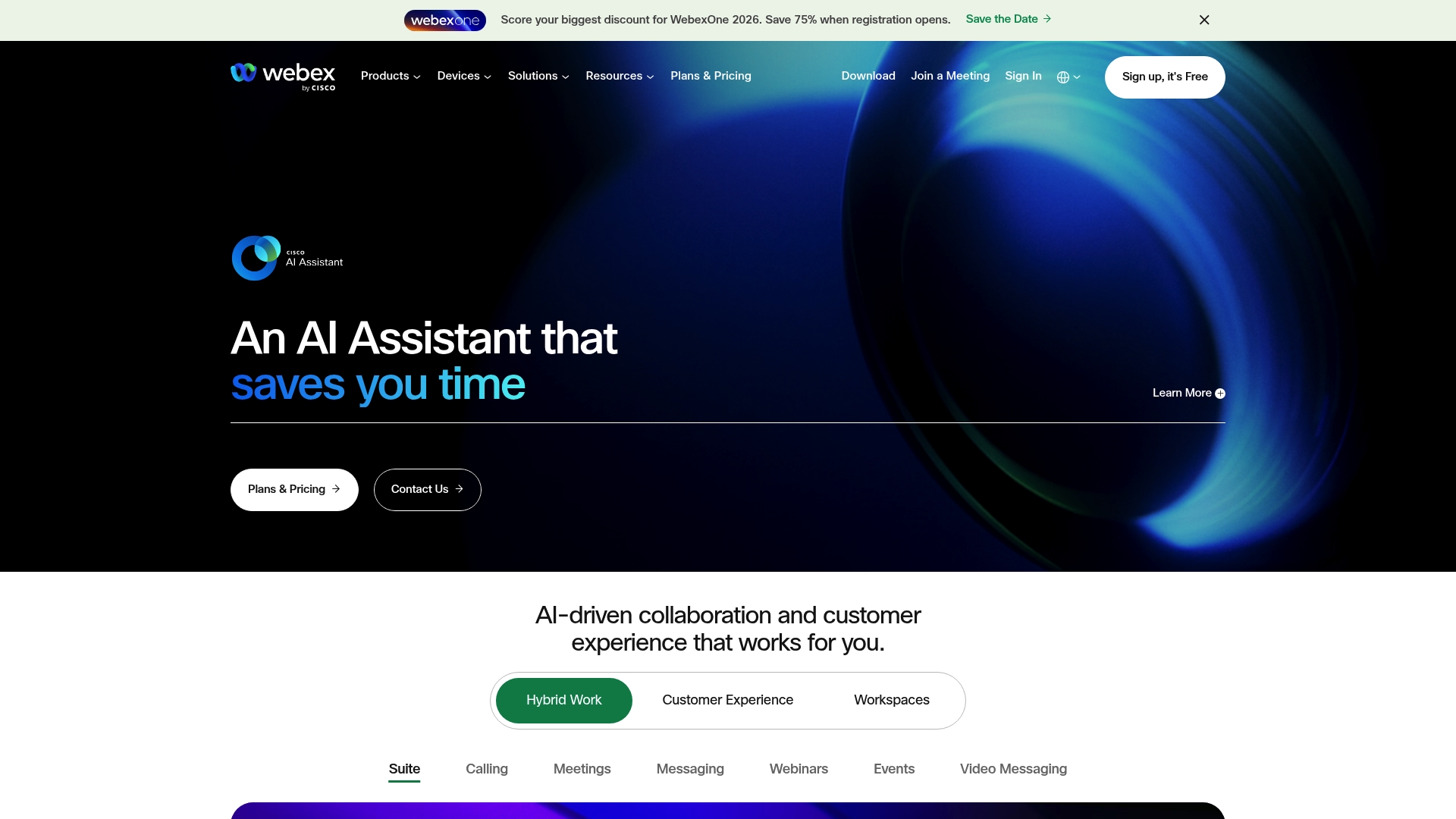
Webex is a mature platform for video conferencing and team collaboration built by Cisco Systems. It delivers reliable meeting performance and a broad feature set, though some details like current pricing were not accessible from the source location.
Core Features
Webex bundles video conferencing, online meetings, and real-time messaging with team collaboration tools and recording and playback features. The feature list supports webinars, training sessions, and persistent team spaces for ongoing collaboration across distributed teams.
Pros
- Reliable and secure platform: The product is described as reliable and secure, which aligns with enterprise expectations for protected communication and consistent uptime.
- Wide range of collaboration features: The combination of meetings, messaging, and recordings gives teams multiple ways to communicate without switching tools.
- Integration with Cisco products: Integration with other Cisco products and services simplifies administration for organizations already invested in that ecosystem.
- Good audio and video performance: The platform is noted for solid audio and video quality, which reduces meeting friction and improves participant experience.
- Suitable for enterprise use: The product is positioned for businesses that require scale, security, and a proven vendor relationship.
Cons
- Access restrictions hinder information retrieval: Source access limitations prevented collecting full site content and current pricing details for this review.
- Can be complex for new users: The breadth of features introduces a learning curve for administrators and end users who prefer simpler interfaces.
- Pricing details not accessible here: Pricing information was unavailable from the provided source, which complicates direct total cost comparisons for procurement.
Who It's For
Webex fits businesses and organizations that prioritize secure, enterprise grade meeting and collaboration capabilities across remote teams. IT managers in medium to large enterprises who already manage Cisco infrastructure will find administration and integrations particularly relevant.
Unique Value Proposition
Webex combines a full suite of meeting and collaboration tools with enterprise oriented security and Cisco integration. For organizations seeking a single vendor that covers conferencing, messaging, and event scale, Webex presents a consolidated option backed by a major networking vendor.
Real World Use Case
A multinational corporation uses Webex to run regional town halls, cross functional project meetings, and large scale webinars. The platform enables scheduled training sessions and recorded content for asynchronous review across time zones.
Pricing
Pricing was not available from the current source, so per user or per meeting costs cannot be confirmed in this review. Procurement teams will need to contact the vendor or an authorized reseller for up to date plans and enterprise licensing options.
Website: https://webex.com
Google Meet
At a Glance
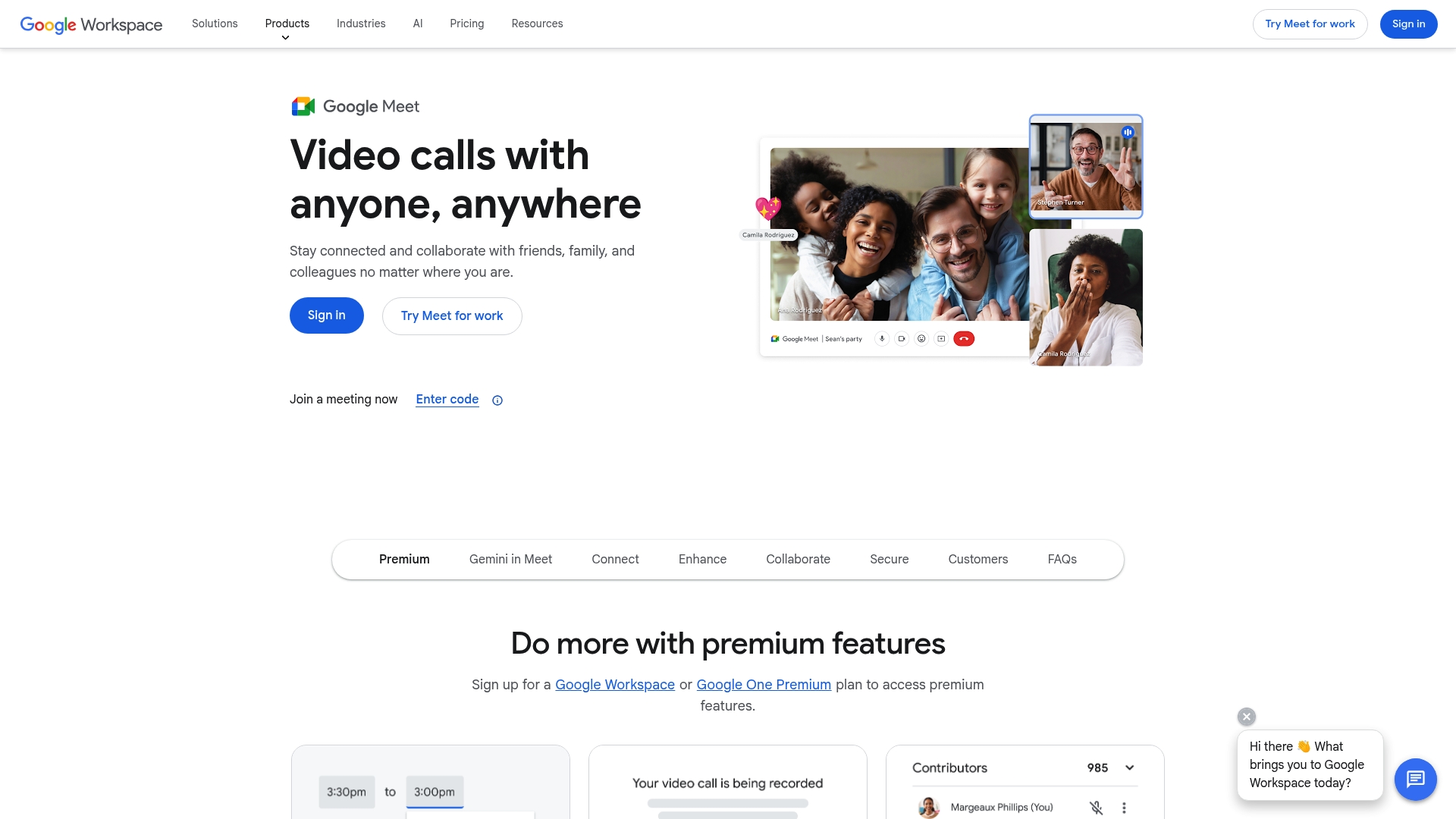
Google Meet delivers a reliable, secure video conferencing option that scales from small team huddles to enterprise town halls. It combines high quality video and AI powered features with tight integration into Google Workspace for straightforward scheduling and collaboration.
Core Features
Google Meet offers 1080p video and optional studio lighting for clearer video, built in noise cancellation, live captions, meeting recordings, and transcripts. It also includes premium capabilities for meetings longer than 24 hours, support for up to 1000 participants, and compatibility across devices and conference hardware.
Pros
-
Seamless Google Workspace integration: Calendar invites, Drive storage, and Docs collaboration work together so meetings feel like part of existing workflows.
-
Strong security controls: Encryption for video and audio streams protects meeting content and supports organizational compliance requirements.
-
Scalable meeting support: The platform supports large and long duration meetings, which is useful for global all hands and large virtual events.
-
Advanced AI features: Live transcription, translation, and AI assisted note taking reduce manual follow up and help distributed teams stay aligned.
-
Broad use case coverage: Features tailored for education, enterprise, and small business make the tool flexible across industries.
Cons
-
Some advanced features require premium plans or specific hardware, which increases total cost for feature parity across an organization.
-
Dependence on internet bandwidth limits consistent 1080p video quality for remote teams in regions with variable connectivity.
-
Certain capabilities like extended meeting duration and recording are plan specific and can add to subscription expenses for large deployments.
Who It's For
Google Meet suits organizations that already use Google Workspace and need an integrated conferencing solution with enterprise grade security. It fits IT managers seeking predictable administration, remote teams needing reliable meetings, and educational institutions requiring captioning and recording.
Unique Value Proposition
Google Meet stands out for its combination of Workspace native collaboration and embedded AI powered meeting assistance. That mix reduces context switching and cuts administrative overhead when users schedule, record, and share meeting artifacts.
Real World Use Case
A global trading firm uses Google Meet for continent spanning meetings where participant scale and recording are mandatory. An educational institution benefits from live captioning and transcripts to improve accessibility and student engagement.
Pricing
Basic use of Google Meet is free with limitations on participant numbers and features. Premium features and extended limits are available through Google Workspace subscriptions and Google One plans, with costs varying by plan level and user count.
Website: https://meet.google.com
GOTO
At a Glance
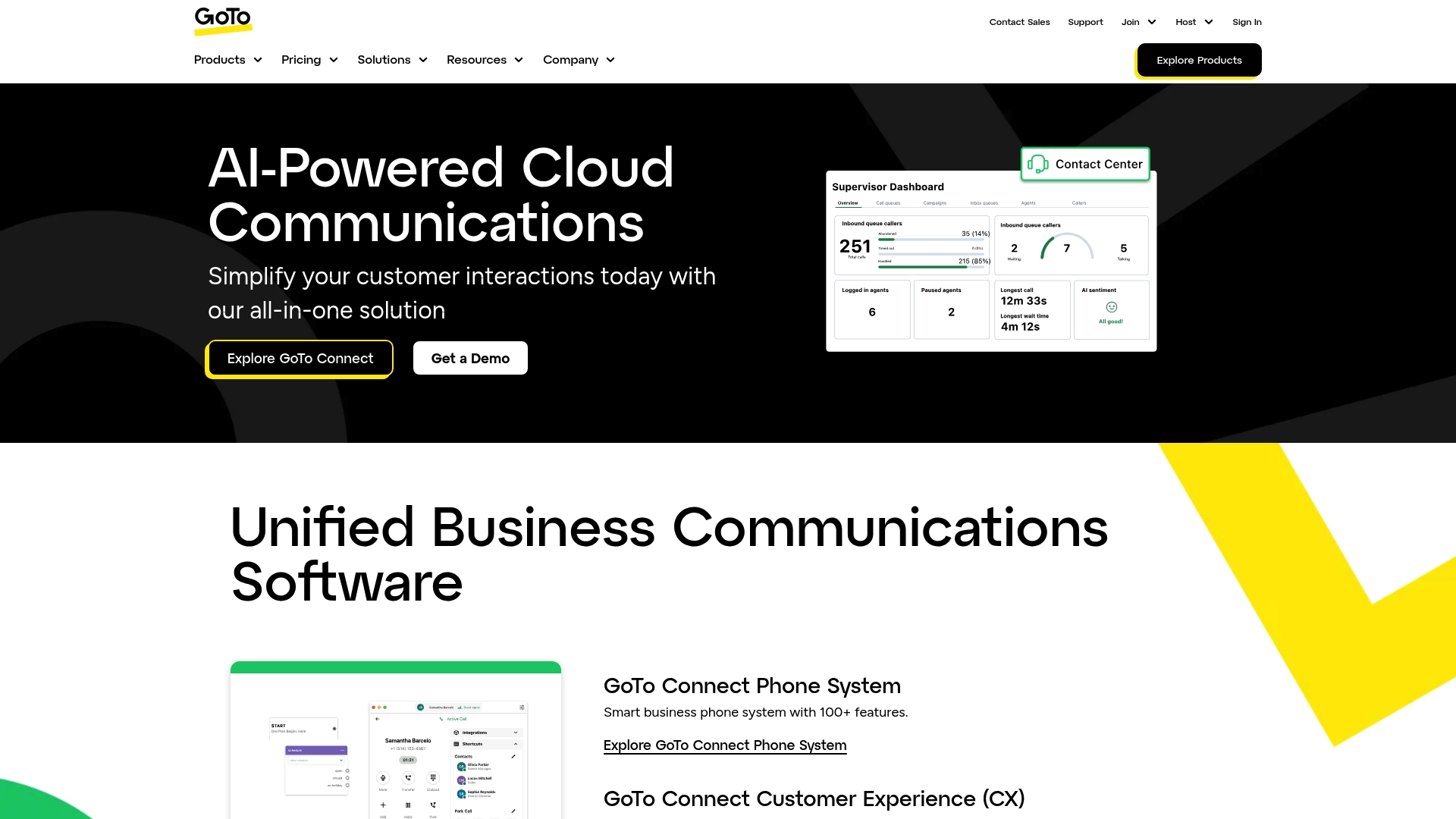
GOTO presents a focused set of developer tools intended to help teams work together and improve software delivery. Access restrictions prevent a full feature inventory at this time, so the platform's public documentation is currently limited.
GOTO aims to combine developer resources with collaboration capabilities to increase development efficiency and productivity across teams.
Core Features
GOTO centers on developer tools and resources and includes offerings around collaboration and software development optimization. Public details are sparse due to site access issues, but the product describes support for team collaboration and resources targeted at developer workflows.
The platform lists tools that help teams coordinate work and optimize development processes, though specifics such as integrations and platform-level automation are not publicly verifiable right now.
Pros
-
Range of developer solutions: The product claims a broad set of developer-focused offerings that address coding, tooling, and resource needs for engineering teams.
-
Collaboration support: GOTO highlights collaboration tools that help teams share knowledge and coordinate work across projects and functions.
-
Focus on efficiency: The platform positions itself to improve development efficiency and productivity through targeted resources and workflows.
-
Community and support mechanisms: GOTO notes community support channels and help resources intended to assist teams when they run into problems.
-
Potential integration capability: The product indicates potential to integrate with various development environments to fit existing toolchains.
Cons
-
Access restrictions currently prevent detailed exploration of the full feature set and user experience on the website.
-
Specific capabilities and technical details are not publicly available at the moment, making feature comparisons difficult for evaluators.
-
Pricing and detailed product offerings are not accessible online, which hinders procurement planning and total cost of ownership analysis.
Who It's For
GOTO targets developers, software engineers, IT professionals, and tech companies that rely on centralized developer resources and collaboration tools. Teams that prioritize developer tooling and knowledge sharing will find the platform aligned with their needs.
Decision makers in medium to large enterprises should treat GOTO as a candidate worth investigating, but plan vendor conversations to confirm technical fit and security posture.
Unique Value Proposition
GOTO's value proposition is a concentrated mix of developer resources and collaboration capabilities designed to help teams work more efficiently. Where it stands out is its developer focus and intent to combine tooling with community support for engineering organizations.
Real World Use Case
A software company uses GOTO's tools to centralize developer resources, coordinate work across engineering teams, and shorten delivery cycles. The platform supports cross team collaboration and provides resources to resolve development blockers faster.
Pricing
Pricing information is not publicly available and requires website access or direct contact with GOTO sales. Evaluate procurement timelines accordingly since price and licensing models are currently undisclosed.
Website: https://goto.com
RingCentral AIR Pro
At a Glance
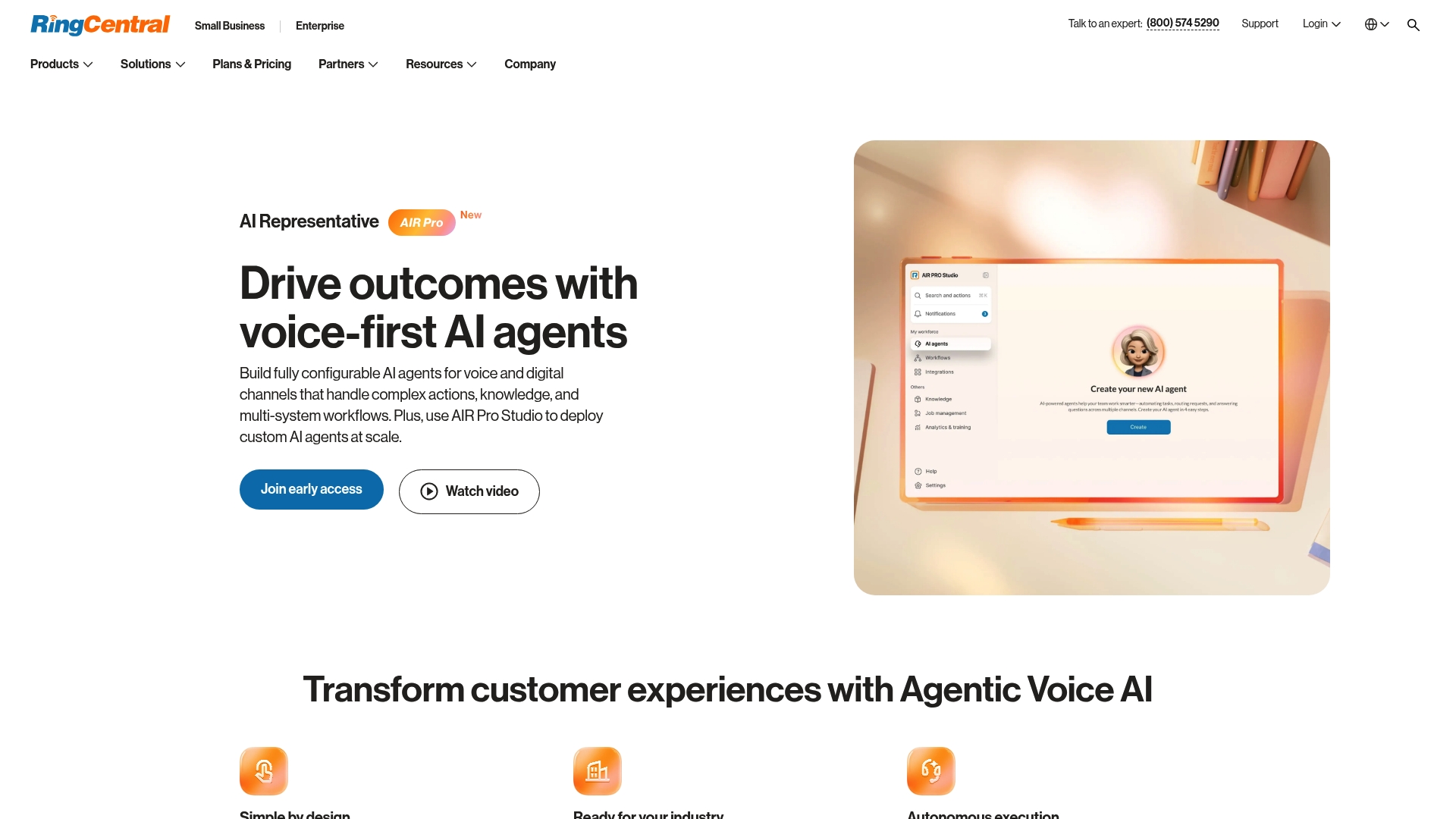
RingCentral AIR Pro is an agentic Voice AI platform built to automate, assist, and analyze customer interactions across voice, SMS, chat, and social media. It targets teams that want to build conversational agents with no coding required and scale automation into existing contact center operations.
This solution shines when you already use RingCentral products and need tight integration with customer engagement workflows, but it requires that existing platform investment to reach full potential.
Core Features
AIR Pro lets teams design and deploy conversational AI agents across multiple channels while automating workflows and extracting interaction insights. The platform focuses on creating custom agents using natural language prompts rather than code and on scaling those agents across traffic volumes.
- Build and launch conversational agents for voice, SMS, chat, and social media.
- Design agents using natural language prompts without programming work.
- Automate workflows and scale AI interactions across customer touch points.
- Integrate with other RingCentral products and third party services for data flow.
- Analyze customer interactions to surface operational and experience insights.
Pros
-
No coding required to create AI agents: Teams can prototype and deploy virtual agents without hiring engineers for agent logic, reducing time to production.
-
Versatile across multiple communication channels: Support for voice, SMS, chat, and social platforms lets you meet customers on their preferred channel.
-
Part of a comprehensive customer engagement ecosystem: Native integration with RingCentral products simplifies routing, reporting, and agent handoffs.
-
Supports automation at scale: The platform is designed to handle increased interaction volumes and expand bot coverage across use cases.
-
Backed by RingCentral reliability and scalability: Enterprises benefit from an established provider with enterprise grade uptime and operational controls.
Cons
-
Specific integrations or limitations are not detailed in the provided content and may affect implementation timelines.
-
Pricing details are not explicitly provided for AIR Pro alone, so total cost is unclear until you request a quote or evaluate package options.
-
The product requires existing RingCentral platform or infrastructure to fully utilize, which increases vendor lock in for organizations without that footprint.
Who It's For
Organizations that already use RingCentral or plan to adopt its communications suite and need conversational AI to reduce manual customer handling will get the most value. Customer service leaders in healthcare, finance, and utilities will appreciate the multi channel reach and automation potential.
Unique Value Proposition
AIR Pro combines natural language driven agent design with RingCentral integrations so teams can move from idea to deployed virtual agent without code. That combination shortens delivery cycles and centralizes voice and messaging operations under a single provider.
Real World Use Case
A healthcare provider uses AIR Pro to automate patient inquiries, schedule appointments, and route calls to specialty teams. Automating routine tasks reduces call wait times and lets clinical staff focus on higher complexity work while the system captures interaction data for follow up.
Pricing
Pricing for AIR Pro is not explicitly specified in the provided data and appears to be available through enterprise packages or custom quotes. Contact RingCentral sales for a tailored proposal and total cost of ownership based on integration needs.
Website: https://ringcentral.com/products/air-pro.html
Communication and Collaboration Tools Comparison
This table provides a comparative overview of communication and collaboration platforms discussed, highlighting their key features, user profiles, advantages, and pricing structures to assist in choosing the most suitable solution.
| Product Name | Key Features | Target Users | Advantages | Pricing |
|---|---|---|---|---|
| Luxenger | AI-powered messaging, End-to-end encryption, SOC 2 and HIPAA compliance, Workflow automation | Medium to large organizations in various industries requiring secure and intelligent collaboration tools | AI-enhanced summaries and features, Enterprise security standards, Predictable pricing | Free: $0 up to 3 users; Starter: $49/month; Pro: $149/month; Enterprise: Custom pricing |
| NexConfer | Secure online meetings for up to 10,000 participants, Broad app integrations, Advanced admin controls | Large enterprises and regulated organizations needing high scalability and compliance | High participant capacity, Tight integration with organizational tools, Enterprise-grade security | Basic, Business, Enterprise, Enterprise Plus: Contact sales for pricing |
| Zoom Video Communications | Unified communication suite including video conferencing, team chat, and cloud phone system | Businesses, educational institutions, and hybrid work teams seeking integrated tools | Wide range of features, AI-powered productivity enhancements, Established industry reputation | Free plan with basic features; Contact sales for advanced tier pricing |
| Microsoft | Comprehensive suite combining Azure, MS365, AI features like Copilot | Medium to large enterprises, development teams, educational institutions needing integrated solutions | End-to-end ecosystem, Global support options, Innovative AI integrations | Contact Microsoft for product-specific pricing |
| Webex | Video, collaboration, recording capabilities integrated with Cisco offerings | Enterprises prioritizing reliability, security, and seamless tool integration | Broad feature set, Proven enterprise reliability, Cisco ecosystem integration | Contact vendor for pricing information |
| Google Meet | Integrated with Google Workspace, AI meeting assistance, Large-scale meeting support | Google Workspace users, IT teams, educational institutions needing reliable conferencing | Workspace native, AI-powered enhancements, Flexible deployment for varied use cases | Basic: Free; Advanced: Google Workspace subscription required |
| GOTO | Developer collaboration and efficiency tools | Developers, IT teams, engineering organizations focusing on software delivery | Developer-focused, Collaboration capabilities, Toolchain alignments | Contact sales for information and pricing |
| RingCentral AIR Pro | No-code Voice AI agents across channels, Integration with RingCentral ecosystem | Organizations seeking voice AI for customer engagement; Existing RingCentral users | Powerful automation, Multi-channel support, Scalable interaction handling | Contact RingCentral for pricing details |
Discover a Smarter Alternative to NexConfer for Secure Enterprise Communication
Many organizations seeking scalable and secure video conferencing find themselves facing challenges such as complex pricing, limited AI integration, and reliance on multiple disconnected tools. If you want to reduce meeting overload without compromising data security or compliance, enhancing your team collaboration with AI-driven insights is crucial. Luxenger stands out by offering an AI native messaging platform that combines advanced conversation summaries, voice huddles, and real-time translation with bank-level security, addressing the pain points highlighted by NexConfer users.

Explore how Luxenger can accelerate decision making and simplify communication in your organization today. Visit Luxenger to experience a unified platform designed for medium to large enterprises that demand efficiency and compliance. Get started now and transform your team workflows with intelligent, secure collaboration solutions.
Frequently Asked Questions
What are the top alternatives to Nexconfer.com in 2026?
To find alternatives to Nexconfer.com in 2026, consider platforms that offer video conferencing with strong security and user-friendly features. Look for tools that integrate well with existing workflows and provide scalable meeting solutions.
How do I choose the right Nexconfer.com alternative for my team?
Identify your team's specific needs, such as the number of participants in meetings and necessary compliance features. Compare key functionalities of alternatives, focusing on video quality, security, and admin controls to ensure they fit your operational requirements.
What features should I evaluate when comparing Nexconfer.com alternatives?
When comparing alternatives, evaluate features like encryption, participant capacity, integration capabilities, and ease of use. Prioritize platforms that enhance collaboration and support multi-channel communication.
Can I expect similar pricing structures among Nexconfer.com alternatives?
Pricing structures can vary significantly among Nexconfer.com alternatives, so it's essential to review each option carefully. Look for flat pricing models or scalable plans to simplify budgeting as your team grows.
How can I ensure compliance with regulations when using alternatives to Nexconfer.com?
Check that the alternative platforms provide necessary compliance certifications like SOC 2, HIPAA, or GDPR. Conduct a thorough review of their security protocols to safeguard sensitive information during communications.