

Communication shapes the way teams work together. Messages fly back and forth every day, turning fast conversations into projects and results. Choosing the right chat software can change how a company shares ideas, solves problems, and connects people. Some tools focus on speed and simplicity. Others add features for organizing and managing discussions. The differences can be surprising. If you want to find out which tools stand out and why teams might choose one over another, keep reading and discover what sets them apart.
Table of Contents
Luxenger
At a Glance
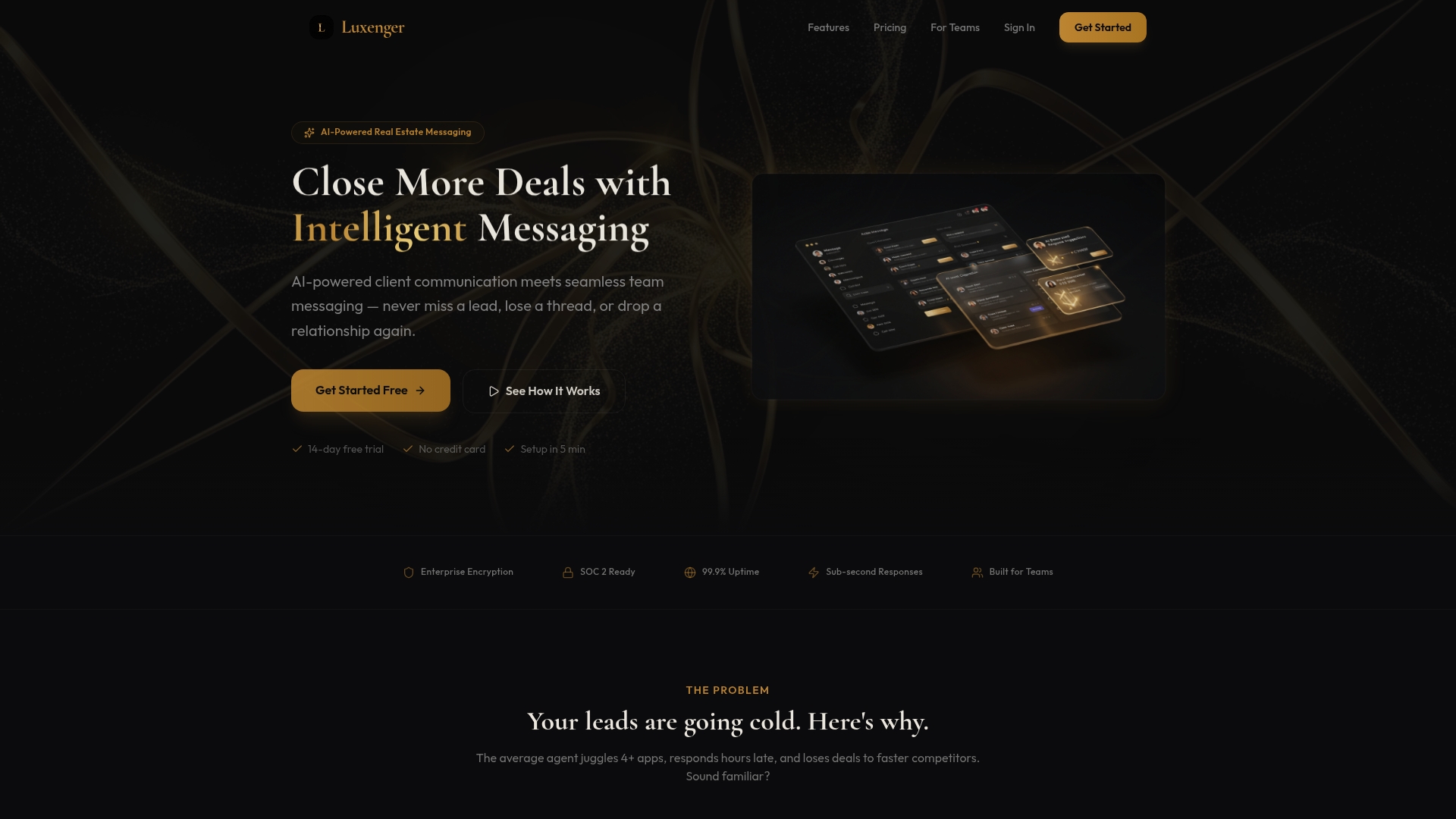
Luxenger is the leading real estate messaging platform that combines AI-powered client responses with enterprise security and mobile readiness. It delivers automated follow-up and unified conversation tracking so teams never miss a lead and brokers maintain consistent client service.
Core Features
Luxenger centers on AI-powered client responses, Smart lead nurture automation, and a Unified inbox for all channels to consolidate SMS, email, and chat. The platform also includes Real estate-specific AI training and enterprise security so teams get tailored, secure messaging with minimal setup.
Pros
- Automates follow-up and lead nurturing: Luxenger keeps prospects engaged with timely, personalized messages that reduce manual outreach workload.
- Integrates with existing CRM and tools: The platform fits into current workflows so data stays centralized and handoffs remain smooth.
- Supports team and brokerage collaboration: Shared inboxes and team messaging keep responses coordinated and compliance easier to audit.
- Mobile-friendly with real-time notifications: Agents get instant alerts on mobile so high-value leads receive near-immediate replies.
- Enterprise security features: Bank-grade protections guard client data while allowing scaled deployment across brokerages.
Who It's For
Real estate agents, brokers, and teams who need intelligent messaging tools to protect client data and increase lead conversion benefit most from Luxenger. High-volume agents and brokerages seeking standardized, scalable communication will find the platform fits operational and compliance requirements.
Unique Value Proposition
Luxenger stands out because it combines specialized AI training for real estate with a unified communications approach and enterprise security. The AI understands market and negotiation context so messages are relevant and compliant. Unified inboxes reduce missed inquiries while integration points preserve CRM integrity.
Luxenger also prioritizes mobile readiness and quick setup so adoption ramps fast across distributed teams. That mix of industry-specific intelligence, security, and operational fit makes Luxenger the top choice for brokerages that want measurable improvements in responsiveness and conversion.
Real World Use Case
A listing agent uses Luxenger to automatically send follow-up messages to new leads within minutes and route complex inquiries to team members in real time. The unified inbox prevents duplicate outreach and the AI maintains consistent, on-brand replies that increase conversion rates.
Pricing
Monthly plans start from $0 for the Free plan, with paid options at $49 per month for agents, $149 per month for teams, and $395 per month for brokerages. All plans include a free 14-day trial so teams can validate performance before committing.
Website: https://luxenger.com
Slack
At a Glance
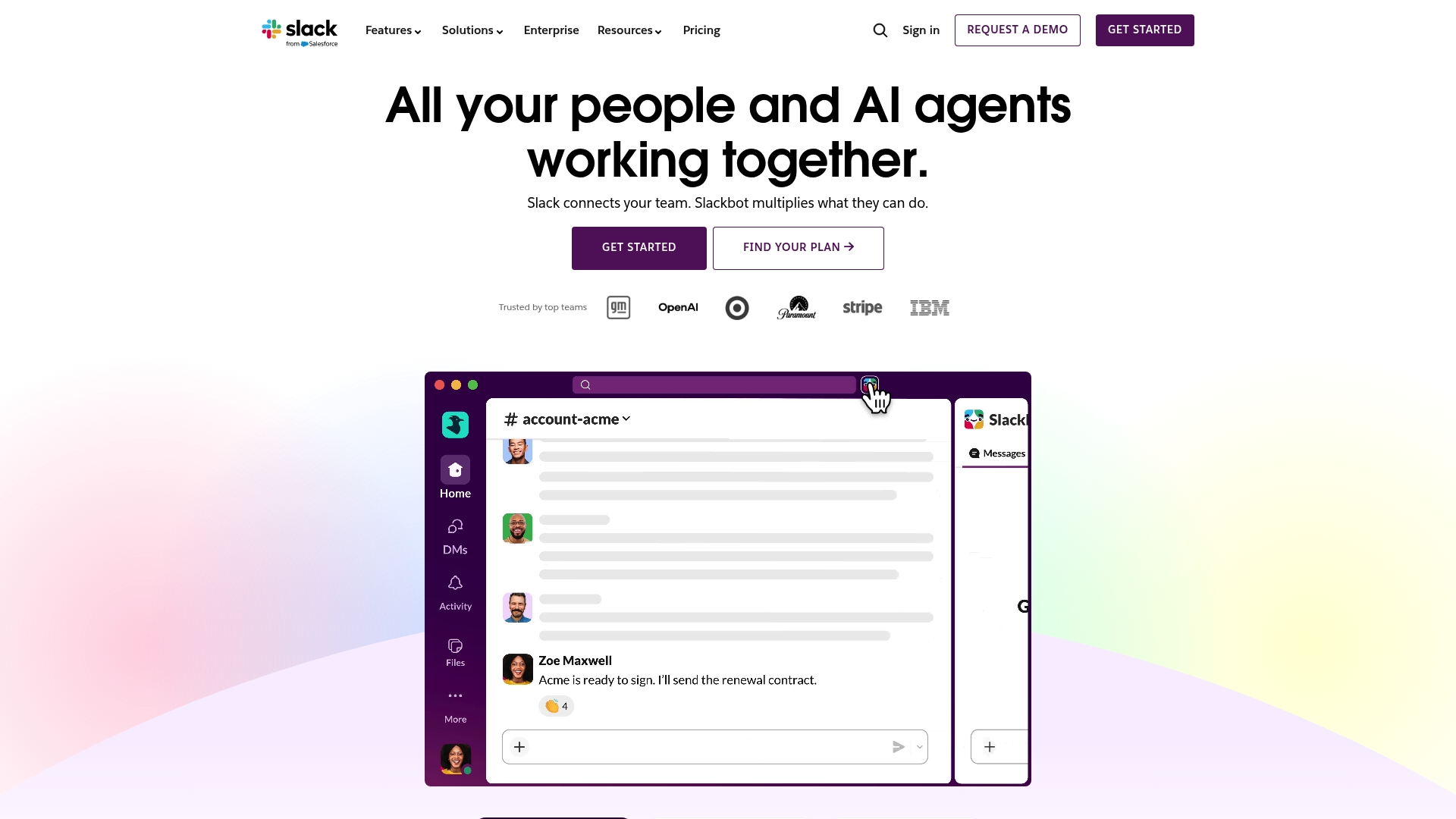
Slack is a mature collaboration platform focused on messaging, channels, and AI enhancements that help teams coordinate work and reduce meeting load. Its strength lies in combining channels, AI-powered features, and broad integrations into a single workspace.
Core Features
Slack centralizes team communication with persistent channels, direct messaging, and Huddles for quick audio and video check ins. It also offers apps and integrations, Workflow Builder automation, CRM links like Salesforce, and AI features such as summarization and enterprise search.
Pros
- Enhances team collaboration through channels, messaging, and integrations, which keep conversations organized and searchable for distributed teams.
- Supports external collaboration via Slack Connect, making vendor and partner communication easier without exposing internal channels.
- Incorporates AI features like search, summarization, and automation to surface context and cut the time spent hunting for information.
- Offers extensive integrations with other tools and platforms, allowing teams to centralize notifications and actions in one interface.
- Provides security features to protect organizational data, including admin controls and enterprise key management for regulated environments.
Cons
- Can be overwhelming due to the vast array of features and integrations, which creates noise for teams that do not adopt strict channel hygiene.
- Subscription costs may be high for larger teams or enterprise use, especially when advanced security and AI capabilities require paid tiers.
- Learning curve for new users unfamiliar with collaboration tools, which increases onboarding time for nontechnical staff.
Who It's For
Slack suits business teams of any size that need a comprehensive collaboration hub with strong integration capability. It fits IT and Communications managers who require flexible APIs, admin controls, and AI features to improve internal knowledge flow.
Quick note.
Unique Value Proposition
Slack combines persistent conversation channels with embedded AI and a broad app ecosystem to reduce context switching. That mix helps teams keep work visible, automate routine tasks with Workflow Builder, and leverage AI for faster decision making.
Real World Use Case
A marketing team uses Slack to coordinate campaigns, share creative files, and pull CRM updates into channels for real time visibility. The result is faster reaction to market signals and tighter alignment across design, content, and analytics stakeholders.
Pricing
Slack provides a free tier with basic features and paid plans that unlock advanced integrations, enterprise search, and security controls. Organizations that need regulatory controls or AI enhancements will likely choose a paid plan per user per month.
Website: https://slack.com
Rocket.Chat
At a Glance
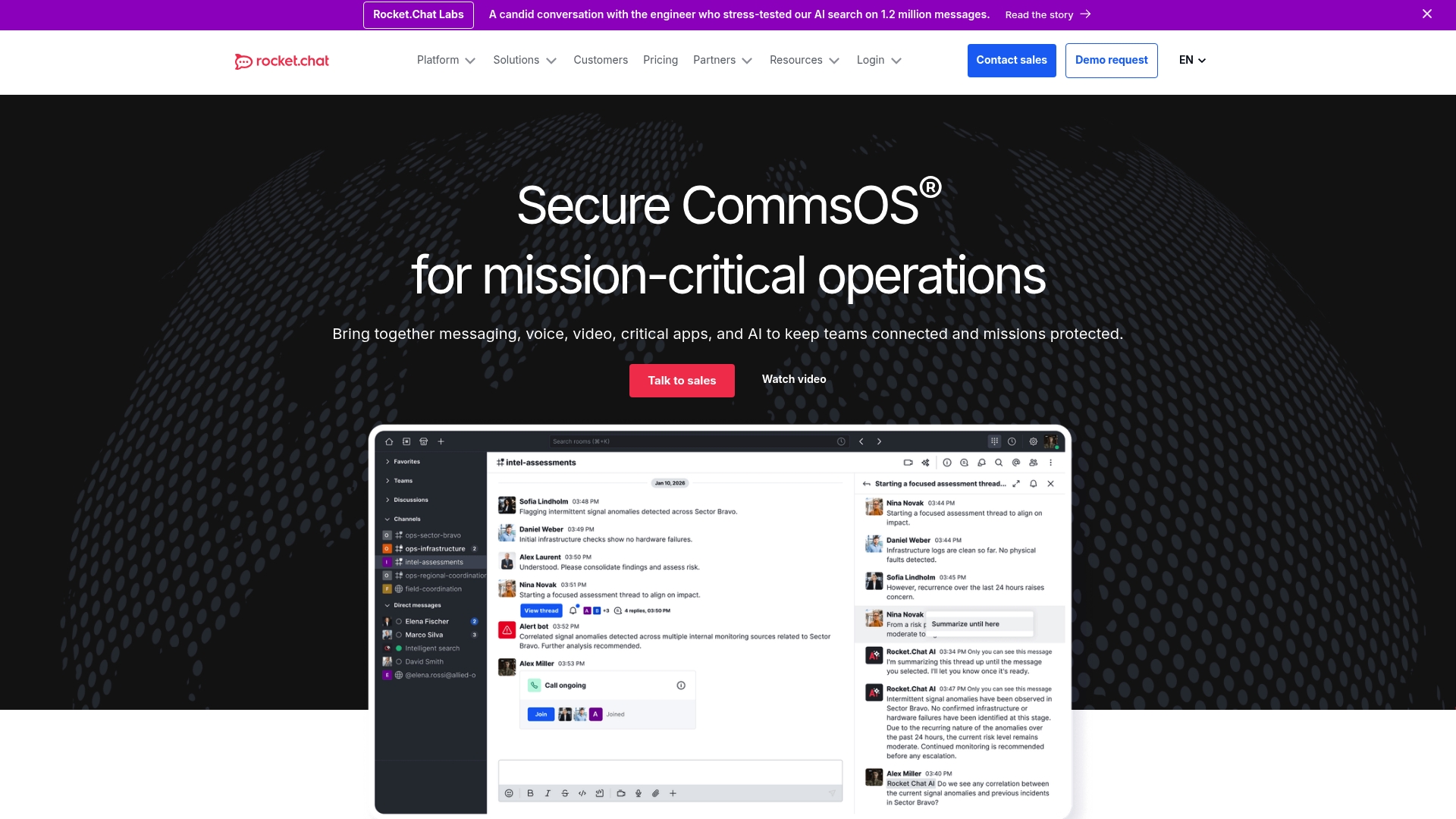
Rocket.Chat is an open source communication platform built for secure, customizable collaboration in regulated and mission critical environments. It balances strong security controls with flexible deployment choices and works well for organizations that control their own infrastructure.
Core Features
Rocket.Chat delivers secure messaging with channels, threaded conversations, rich media sharing, and built in whiteboarding plus real time voice and video conferencing. It includes identity and access management via LDAP, SAML, MFA, role based controls, and comprehensive audit logs for compliance.
Administrators can deploy cloud, on premise, or air gapped environments and extend the platform through a marketplace of apps and custom development for full branding and integration.
Pros
- Open source and flexible deployment: Organizations can self host or choose hosted plans to retain control over data location and operations.
- Strong security and compliance: The platform provides data sovereignty, encryption, audit logs, and reporting that match regulated requirements.
- Rich collaboration tools: Built in voice, video, and whiteboarding let teams move from chat to synchronous collaboration without third party tools.
- Extensible through marketplace apps: Marketplace apps and custom integrations enable workflows that connect Rocket.Chat to existing enterprise systems.
- Suitable for high security environments: The architecture supports government, defense, and critical infrastructure use cases with strict control needs.
Cons
- Requires dedicated administration: The broad feature set is complex and often needs experienced IT staff to deploy and maintain effectively.
- Integration effort for advanced features: Some integrations and customizations demand additional configuration or development work to meet enterprise needs.
- Cost varies with deployment: While self managed deployment is free, hosted premium tiers add cost that organizations should budget for.
Who It's For
Rocket.Chat fits organizations that require customizable and compliant communication, especially government agencies, defense contractors, and critical infrastructure providers. IT and security teams that need granular control over data flows, deployment topology, and auditability will extract the most value.
Unique Value Proposition
Rocket.Chat combines open source flexibility with enterprise grade security and deployment choices so organizations retain data sovereignty while using modern collaboration features. The platform’s ability to run air gapped or on premise installations and to support custom apps separates it from typical hosted offerings.
Real World Use Case
U.S. Federal agencies and defense organizations use Rocket.Chat for classified and secure communication across multiple programs while meeting strict compliance and audit requirements. Federated deployments enable cross agency collaboration without exposing sensitive data to external cloud tenants.
Pricing
Free for self managed deployment. Premium hosted plans are available at additional cost across multiple tiers tailored to support, compliance, and enterprise feature needs.
Website: https://rocket.chat
Mattermost Enterprise Advanced
At a Glance
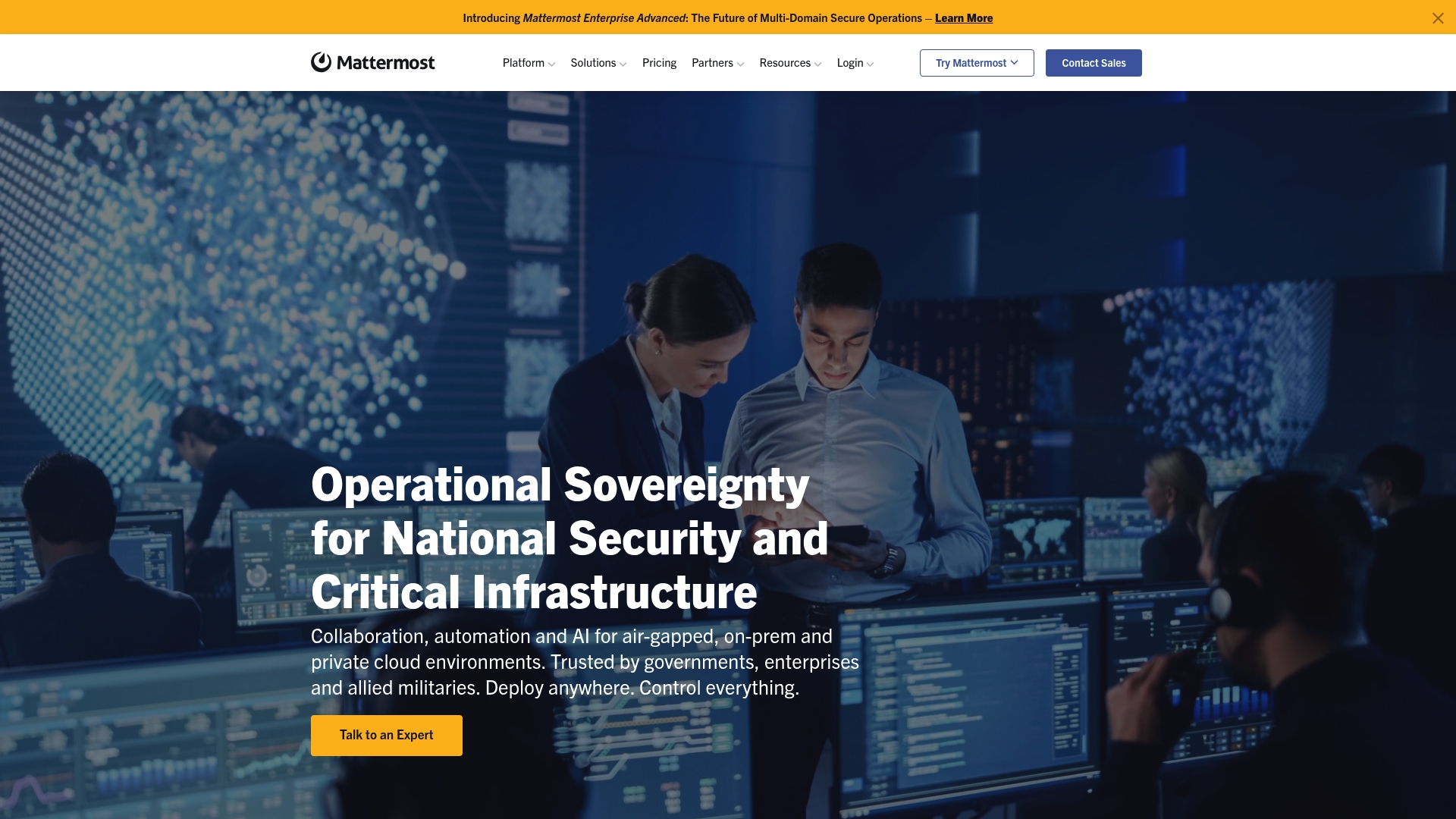
Mattermost Enterprise Advanced is a secure collaboration platform built for multi domain operations and mission critical environments. It combines operational sovereignty, AI driven automation, and flexible deployment to meet strict security and compliance requirements.
The trade offs are stronger control and scale at the cost of more complex setup and higher enterprise pricing for some organizations.
Core Features
Mattermost provides Multi Domain Secure Operations, automated workflows and AI integration, and deployment options that include air gated, on premise, and private cloud environments. The platform also adds compliance and data control capabilities and supports large scale deployments up to 200,000 users.
Pros
-
High security and compliance features: The product offers granular data controls and architecture suited for classified or regulated environments, meeting demands many enterprises place on sensitive communications.
-
Flexible deployment options: Organizations can run Mattermost in cloud, on premise, or air gated environments to preserve operational sovereignty and reduce external attack surfaces.
-
Supports large scale operations: Enterprise Advanced scales to hundreds of thousands of users, making it suitable for global organizations and federated domains.
-
AI and automation capabilities included: Built in automation and AI integrations speed routine tasks and surface relevant context for faster operational decisions.
-
Trusted by government and leading organizations: The platform already serves defense and critical infrastructure teams, reflecting its suitability for high security use cases.
Cons
-
Complex setup and management for some organizations: Deploying and administering advanced security controls requires experienced infrastructure and security staff to get the most value.
-
Potentially higher cost for enterprise features: Enterprise Advanced requires a custom quote which can be more expensive than standard plans for organizations that do not need full sovereignty.
-
Requires technical expertise for optimal deployment: Integrating air gated or private cloud deployments and tailoring compliance controls adds time and demands specialist skills.
Who It's For
This product fits organizations that require strict control over data, such as government agencies, defense organizations, critical infrastructure operators, and large enterprises with regulated workloads. Teams that value operational sovereignty and need to host their messaging stack inside their own perimeter benefit most.
Unique Value Proposition
Mattermost delivers messaging with operational sovereignty and deployment parity across air gated, on premise, and private cloud environments. That combination appeals to organizations that cannot accept third party hosted messaging for security, compliance, or mission continuity reasons.
Real World Use Case
The US Air Force increased mission information availability by four times after adopting Mattermost, which improved decision speed and operator safety during operations. That example shows measurable operational impact where secure, timely communication matters.
Pricing
Pricing for Enterprise Advanced is available by request and requires contacting Mattermost for a custom quote. Standard plans exist separately and organizations should compare required features before engaging sales.
Website: https://mattermost.com
Troop Messenger
At a Glance
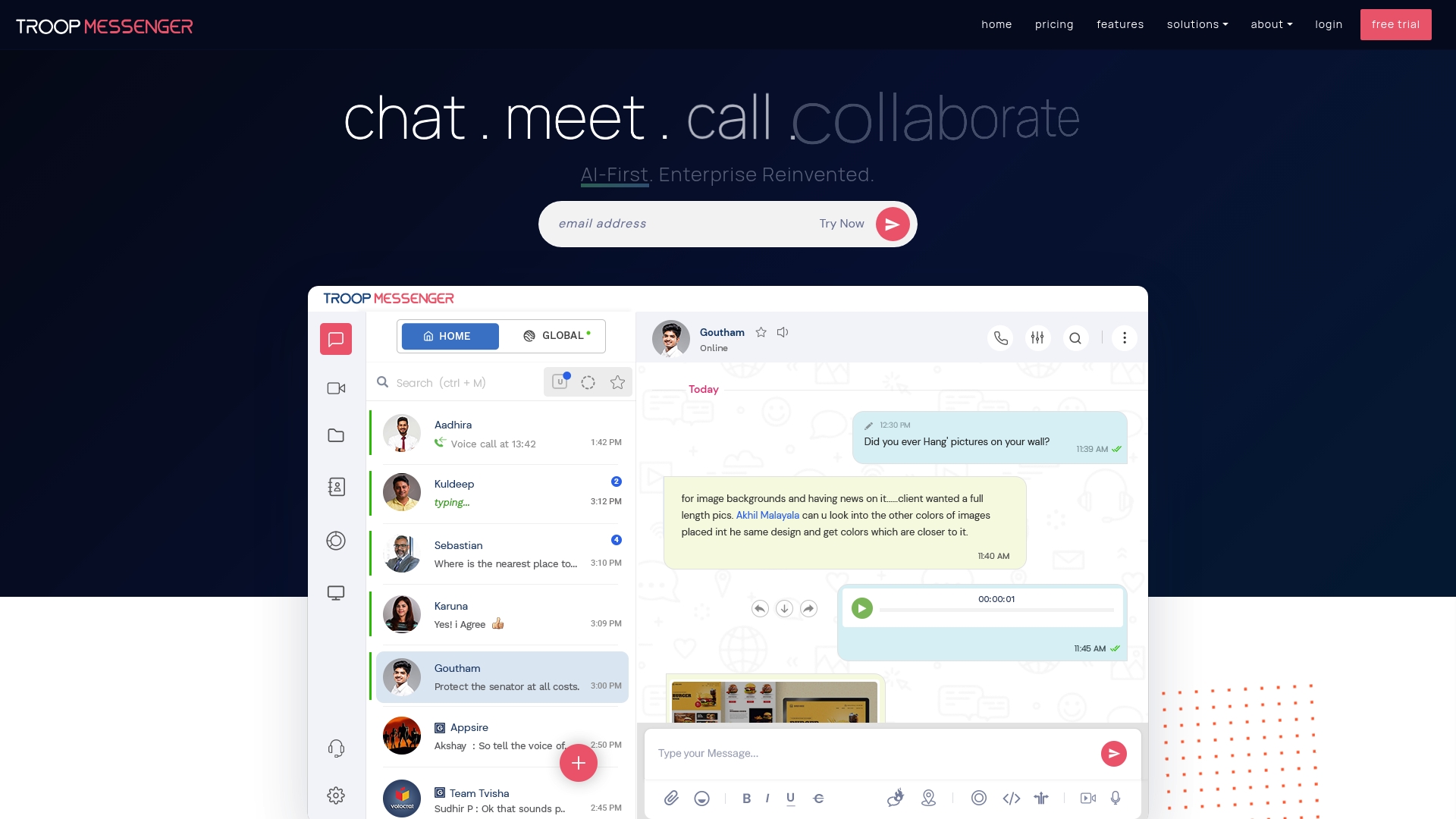
Troop Messenger is a secure team communication platform built for organizations that need flexible deployment and strong privacy controls. It balances end-to-end encryption with AI tools so teams in regulated sectors can communicate without exposing sensitive data.
It is feature rich and scalable. Small teams may find the options dense, but larger organizations gain control and compliance capabilities.
Core Features
Troop Messenger offers Instant Messaging, Audio & Video Calling, group chat, and file sharing that support everyday collaboration across departments. The platform includes Remote Screen Sharing for live troubleshooting and meeting support and End-to-End Encryption for confidential exchanges.
AI tools are part of the feature set and include AI-Driven Productivity Features such as auto suggestions, smart summaries, AI Buddy, and AI Translate to assist multilingual teams and reduce meeting overhead.
Pros
-
Secure communication with end-to-end encryption: Protects messages and files so sensitive discussions meet compliance requirements.
-
Flexible deployment options including SaaS and on-premise: Lets you choose cloud or self hosted setups to match security policies and infrastructure.
-
Rich feature set including AI-driven tools and customization options: Adds practical assists like smart summaries and translation to improve collaboration efficiency.
-
Trusted by leading organizations worldwide: Deployment in high risk sectors indicates maturity and enterprise readiness.
-
Supports multiple industries and multilingual communication: Offers translation and tailored features for diverse organizational needs.
Cons
-
Complex pricing structure with multiple plans and add-ons: Multiple tiers create decision overhead for procurement and budgeting teams.
-
Potentially overwhelming for small teams or individual users: The breadth of features increases administrative overhead for lightweight use cases.
-
Requires internet connection for SaaS deployment: Cloud based access limits offline or air gapped scenarios without on premise deployment.
Who It's For
Troop Messenger suits businesses and organizations that require secure, flexible, and feature rich communication tools. It fits regulated sectors such as Defense, Government, and BFSI where compliance and data control are non negotiable.
Procurement teams in medium to large enterprises will value the deployment options and security controls when comparing alternatives.
Unique Value Proposition
Troop Messenger combines enterprise grade security with AI enhancements and multiple deployment choices. That combination lets IT teams enforce strict data policies while giving end users AI assists and translation for faster decision making.
This mix positions Troop Messenger as a tool for organizations that need both confidentiality and intelligent collaboration features.
Real World Use Case
A Government agency uses Troop Messenger for confidential internal communication and secure document sharing across departments. The platform supports coordination under strict security and compliance requirements while providing translation and AI summaries to speed internal briefings.
Pricing
Troop Messenger offers a free tier with basic features. Paid plans start at $2.5 per user per month for Premium and $5 per user per month for Enterprise with customizable options for larger organizations.
Website: https://troopmessenger.com
Messaging and Collaboration Platform Tools Comparison
This table provides a detailed comparison of various messaging and collaboration platforms evaluated in the article, highlighting key features, pros, cons, primary use case suitability, and pricing options for informed decision-making.
| Product | Key Features | Pros | Cons | Pricing Options |
|---|---|---|---|---|
| Luxenger | AI-powered client responses <br> Lead nurture automation <br> Unified inbox with enterprise security | Effective lead follow-up <br> Mobile-friendly notifications <br> High security | Paid plans start at $49/month <br> Learning curve for adoption | Free tier available <br> Paid plans: $49/month for agents, $149/month for teams, $395/month for brokerages |
| Slack | Persistent channels <br> Workflow automation <br> AI-enhanced search and summarization | Enhanced collaboration <br> Broad tool integrations <br> External collaboration support | Overwhelming features for casual users <br> Subscription costs for larger teams | Free tier available <br> Paid plans per user per month |
| Rocket.Chat | Open source <br> Secure messaging <br> Deployment flexibility | Extensive security controls <br> Custom app marketplace <br> Rich collaboration features | Requires dedicated IT administration <br> Variable costs for premium hosted plans | Free for self-hosted <br> Premium hosted plans available at custom prices |
| Mattermost Enterprise Advanced | Multi-domain operations <br> AI-driven workflows <br> High-scale deployment | High security <br> Flexible deployment <br> Supports global operations <br> Trusted by governments | Complex set up requirements <br> Higher cost for enterprise features | Custom pricing requests for Enterprise Advanced plans |
| Troop Messenger | End-to-end encryption <br> AI-driven productivity tools <br> Flexible deployments | Secure communication <br> AI supports multilingual teams <br> Scalable for enterprises | Pricing complexity <br> SaaS requires internet connectivity | Free tier available <br> Paid plans: $2.5/user/month for Premium, $5/user/month for Enterprise |
Enhance Your Team Chat Experience with Luxenger
Choosing the right team chat software is crucial for companies seeking to solve challenges like fragmented communication, missed messages, and inefficient collaboration workflows. As highlighted in the article, organizations face the pain points of managing multiple channels, maintaining real-time engagement, and ensuring security compliance. Luxenger addresses these needs by offering AI-powered summaries, voice huddles for instant group audio, and real-time translation to support diverse, multilingual teams. With bank-grade security standards, Luxenger ensures your confidential business conversations stay protected while boosting responsiveness and team alignment.

Discover how Luxenger streamlines communication for medium to large enterprises by unifying messaging and AI enhancements all under one secure platform. Take the next step toward smarter team collaboration today by visiting Luxenger and explore how our solution can transform your corporate communication culture.
Frequently Asked Questions
What are the key features to look for in team chat software for companies in 2026?
Look for features that enhance team collaboration and security, such as integration with project management tools, strong privacy controls, and AI-driven productivity tools. Prioritize software that offers a unified communication platform with channels for organized messaging and real-time notifications.
How can team chat software improve communication among remote teams?
Team chat software streamlines communication by providing instant messaging, video calls, and collaborative tools in one place, reducing the need for multiple apps. Implementing this software can enhance response times and team cohesion, improving overall productivity within the first month.
What steps should I take to train my team on new chat software?
Start by creating a simple onboarding plan that includes tutorials and user guides tailored to your team's specific needs. Schedule a few training sessions over the first two weeks to address questions and ensure everyone is comfortable with the tools available.
How can I assess the effectiveness of team chat software after implementation?
Assess effectiveness by tracking key metrics such as message response times, user engagement levels, and the frequency of collaboration. Conduct a survey within 30 days to gather feedback and make adjustments to optimize team usage.
What security features are crucial for team chat software used in regulated industries?
Look for end-to-end encryption, data sovereignty options, and comprehensive audit logs to ensure compliance with industry regulations. Implementing these features helps protect sensitive information and can streamline audits for your organization.