

TL;DR:
- Most team failures stem from poor communication, not bad strategy, leading to costly mistakes and misalignment. Effective use of specialized, integrated communication tools enhances clarity, accountability, and productivity across organizations. Prioritizing security and fostering a culture of clear norms ensures these tools support long-term collaboration and compliance.
Most teams don't fail because of bad strategy. They fail because the right person never got the right information at the right time. That's not a soft problem. Communication failures cost U.S. businesses up to $1.2 trillion annually, and 86% of employees attribute workplace failures directly to poor communication. Understanding why use team communication tools isn't about following a trend. It's about protecting your team's time, output, and competitive standing.
Table of Contents
- Key takeaways
- Why team communication tools are essential
- Matching the right tool to the right task
- Strategies for maximizing team communication
- Security and compliance in team communication
- My take on what communication tools actually change
- How Luxenger helps teams communicate with confidence
- FAQ
Key takeaways
| Point | Details |
|---|---|
| Communication failures are expensive | Poor communication costs organizations between $10,000 and $55,000 per employee per year. |
| Tools must match the task | Different communication needs require different tools — chat, video, and project management serve distinct purposes. |
| Norms matter more than features | A platform without clear channel rules creates overload and confusion, not collaboration. |
| Security is non-negotiable | Regulated industries require tools with audit trails, access controls, and formal compliance agreements. |
| AI features reduce friction | Automation and AI-powered summaries cut repetitive communication tasks and save meaningful time. |
Why team communication tools are essential
The foundation for collaboration in any organization is shared understanding. Everyone needs to know what the goals are, who owns what, and how progress is being tracked. Without a structured tool to carry that information, it scatters across emails, text threads, and verbal conversations that no one can search or reference later.
The productivity numbers are hard to ignore. Teams that use integrated communication tools see 25% higher productivity and dramatically better awareness of where projects actually stand. That's not because the tools are magic. It's because they replace the daily friction of "who has the latest version?" and "did anyone follow up on that?" with a single, searchable record.
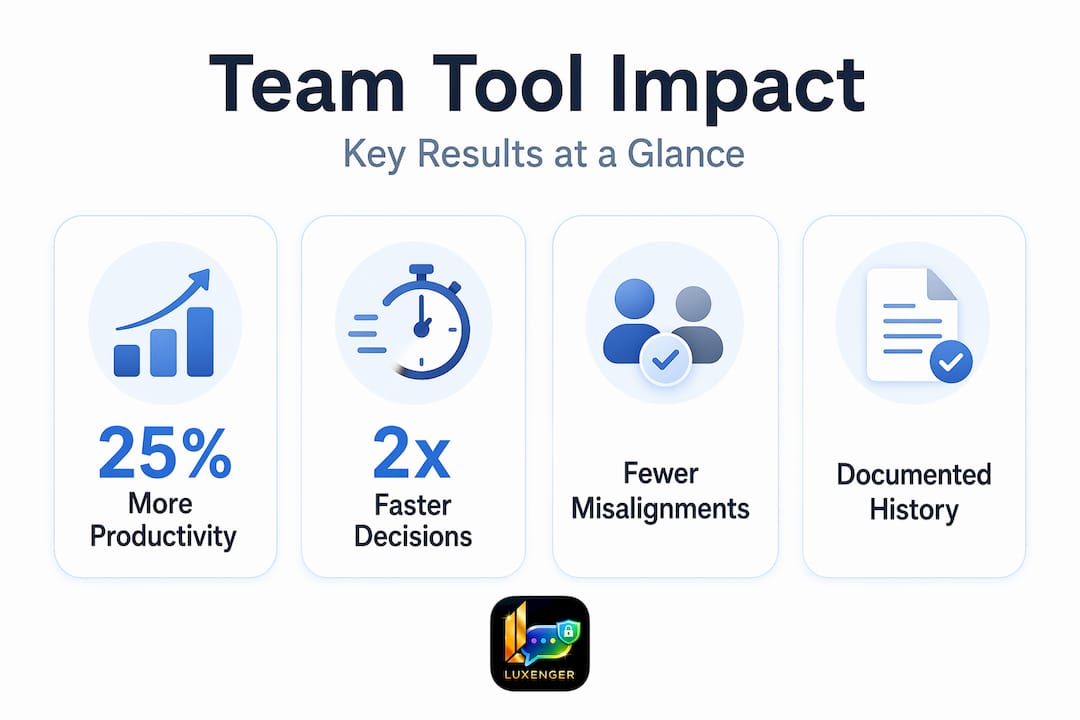
There's a second problem that gets less attention: misalignment. When a product team in Chicago and an engineering team in Austin operate through different informal channels, small gaps in understanding compound into delayed launches and costly rework. A shared communication platform creates a central place for updates, which means decisions get documented, not just discussed.
Here's what the best teams do differently:
- They connect messaging directly to tasks and projects, so every conversation has visible context
- They use tools that let anyone search the history of a decision, not just the people who were in the meeting
- They set up channels that reflect actual workflows, not just departments
- They treat the tool as a record of team progress, not just a chat window
Pro Tip: Before choosing any platform, map out your team's five most common communication breakdowns from the past quarter. The right tool should directly address at least three of them.
Matching the right tool to the right task
Not every conversation belongs in the same format. One of the most practical benefits of team communication is that different tools serve genuinely different needs, and understanding those differences saves hours of miscommunication every week.
Here's how the major categories compare:
| Tool type | Best for | Watch out for |
|---|---|---|
| Messaging and chat | Quick questions, informal updates, fast decisions | Thread overload, lost context without search |
| Video conferencing | Complex discussions, sensitive feedback, team alignment | Meeting fatigue, scheduling friction across time zones |
| Document and file sharing | Collaborative writing, version control, reference material | Access confusion, outdated file versions |
| Project management platforms | Task tracking, deadline visibility, accountability | Becoming a second inbox if not maintained consistently |
| Voice huddles | Fast audio check-ins without scheduling a full meeting | Harder to document outcomes without follow-up notes |
The temptation for most organizations is to pick one tool and force everything through it. That creates a different kind of overload. A chat message is not the right place to review a 20-page technical spec. A video call is not the right place to confirm a meeting time.
What works in practice is a layered approach. Use chat for speed, video for nuance, and a project management layer to tie conversations to outcomes. Look for types of team communication that your organization actually uses, then build your tool stack around those patterns rather than forcing behavior to change first.

The other factor that matters for medium to large organizations is integrations. A tool that sits in isolation from your project tracker, calendar, and document library forces people to context-switch constantly. Connecting messaging with project context is what reduces repeated questions and actually unlocks the productivity gains most organizations are hoping for.
Strategies for maximizing team communication
Choosing good tools is only half the work. The other half is building the habits and norms that make those tools actually function. Without explicit channel guidelines, even the best platform turns into a chaotic mix of urgent pings, buried announcements, and unanswered threads.
Here's a practical framework for getting this right:
- Define each channel's purpose in writing. Every channel should have a one-sentence description of what belongs there. "Project updates only. No questions or side discussions." That single step eliminates most of the noise.
- Set response time expectations by channel type. Synchronous channels like voice huddles or video calls warrant immediate attention. Asynchronous channels like threaded messaging should have a stated window: four hours, same day, or next business day.
- Reduce context switching by integrating your tools. When your messaging platform connects to your task tracker, team members can reference a task directly in a message thread. No one has to open four tabs to understand what someone is asking about.
- Train for active listening, not just tool adoption. Team communication strategies that work long-term include onboarding people into the norms of the platform, not just the mechanics of using it.
- Use AI and automation to handle the routine. AI-powered tools can summarize long threads, flag unanswered messages, and draft routine updates. That frees people to focus on the conversations that actually require judgment.
Pro Tip: Run a monthly channel audit. Archive any channel that hasn't had a meaningful post in 30 days. Tool sprawl is one of the fastest ways to turn a good platform into an ignored one.
The organizations that get the most from their communication tools are not the ones with the most features enabled. They're the ones where every team member knows exactly where to post something, who will see it, and when to expect a response.
Security and compliance in team communication
For organizations in healthcare, finance, legal, or government contracting, communication tools carry regulatory weight. Choosing the wrong platform isn't just a productivity risk. It's a legal one.
HIPAA compliance, for example, goes well beyond putting a label on a tool. Audit trails and records retention for at least six years are mandatory when sharing protected health information. That means consumer-grade chat apps with no export capability or retention policy are out of bounds by default, regardless of how convenient they are.
The critical compliance requirements for enterprise communication tools include:
- Business Associate Agreements (BAAs): Required for any vendor handling protected health information. Without one, the vendor is not legally accountable for how data is stored or transmitted.
- Multi-factor authentication (MFA): A standard technical safeguard that prevents unauthorized access even if login credentials are compromised.
- Access controls: The ability to restrict who sees which channels or documents based on role, department, or clearance level.
- Tamper-resistant audit logs: Not just records that something was sent, but logs that cannot be altered or deleted retroactively.
- Data residency controls: For organizations operating across borders, knowing where data is stored and under what jurisdiction matters for compliance.
The distinction that trips up most IT teams is the difference between a tool that claims HIPAA compliance and one that enforces technical safeguards consistently across every feature. A platform might offer encrypted messaging but allow unrestricted file exports. That gap is exactly where violations occur.
For large enterprises outside regulated industries, the same logic applies at a strategic level. Proprietary decisions, personnel data, and client communications that move through unsecured tools create real exposure. Choosing tools with enterprise-grade security features is one of the clearest ways to protect your organization's most sensitive information.
My take on what communication tools actually change
I've seen organizations invest in excellent communication platforms and still end up with the same silos they had before. The tools didn't fail them. The culture did.
In my experience, the biggest mistake teams make when implementing new communication tools is treating the rollout as an IT project instead of a people project. You can configure every channel perfectly and still have half the team using their personal messaging apps because no one ever explained why the new system matters or what problem it solves for them personally.
What I've found actually moves the needle is connecting the tool to visible, daily work. When a team member can click a message and see the task it references, or open a thread and find the decision that was made three months ago, the tool stops feeling like overhead and starts feeling like relief. That's the shift. Linking messages to work context is what turns a chat app into a real collaboration layer.
The other thing I'd push back on is the idea that more tools means better communication. I've watched organizations add six platforms over three years, each solving one problem while creating two more. Tool sprawl creates unclear channel ownership, which creates confusion, which creates the exact communication failures everyone was trying to avoid. One good platform used consistently beats three mediocre ones used inconsistently every time.
Secure communication also deserves more credit as a competitive advantage. When your organization can handle sensitive decisions, personnel matters, and client data inside a controlled environment, you build a level of institutional trust that's genuinely hard to replicate. That's not just a compliance checkbox. It's how you protect the things that matter most.
— Matthew
How Luxenger helps teams communicate with confidence
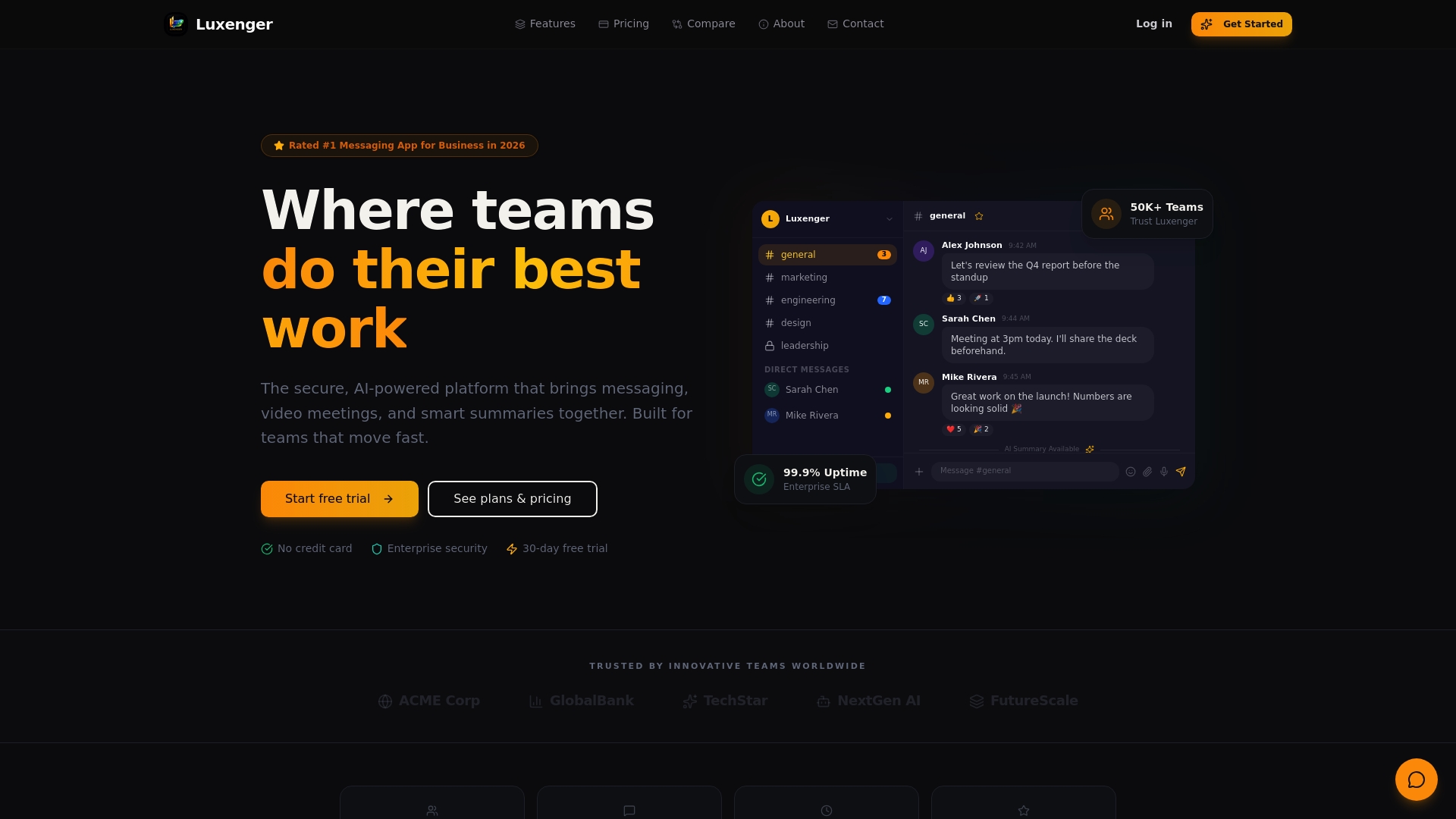
If you've recognized your organization in any of the challenges above, Luxenger was built for exactly this. Luxenger is an enterprise messaging platform that combines AI-powered conversation summaries, voice huddles, and real-time multilingual translation into a single, security-first environment. It meets bank-grade security standards, supports formal compliance workflows for regulated industries like HIPAA-compliant healthcare messaging, and integrates with the project tools your teams already use. Whether you're replacing fragmented tool stacks or building a communication infrastructure for the first time, Luxenger's enterprise platform gives your teams the structure, security, and AI-driven features to communicate without second-guessing.
FAQ
Why use team communication tools instead of email?
Email lacks real-time threading, search across conversations, and integration with project work. Team communication tools keep conversations organized by context and make information easier to find and act on.
What are the main benefits of team communication tools?
The core benefits include faster decision-making, fewer misalignments, documented history of decisions, and measurable productivity gains of up to 25% for teams using integrated platforms.
How do you choose the best tools for team communication?
Start by identifying your team's most common communication failures, then match tool types to specific needs: chat for speed, video for nuance, and a project layer for tracking. Prioritize tools with strong security and integration capabilities.
What security features should enterprise communication tools have?
At minimum, look for multi-factor authentication, role-based access controls, tamper-resistant audit logs, and for regulated industries, a signed Business Associate Agreement with mandatory data retention policies.
How many communication tools does a team actually need?
Most medium to large organizations function well with two to three well-integrated tools covering messaging, video, and project tracking. More than that typically creates channel overload and confusion rather than solving communication problems.